4 AI branding tools all designers should know
From color palettes to consistent imagery, streamline your brand creation with these AI-powered tools.
Published 2025-01-09

If you’re not a seasoned graphic designer or you don’t have access to one, creating a consistent and engaging brand identity can be a challenge. Luckily, AI can help you streamline everything from color palettes to branded merch, saving time and effort while ensuring consistency.
In this post, we’ll walk you through five key techniques (using 4 different AI tools) to help you build your brand from the ground up, using the power of AI.
1. Generate branded color palettes with Khroma AI
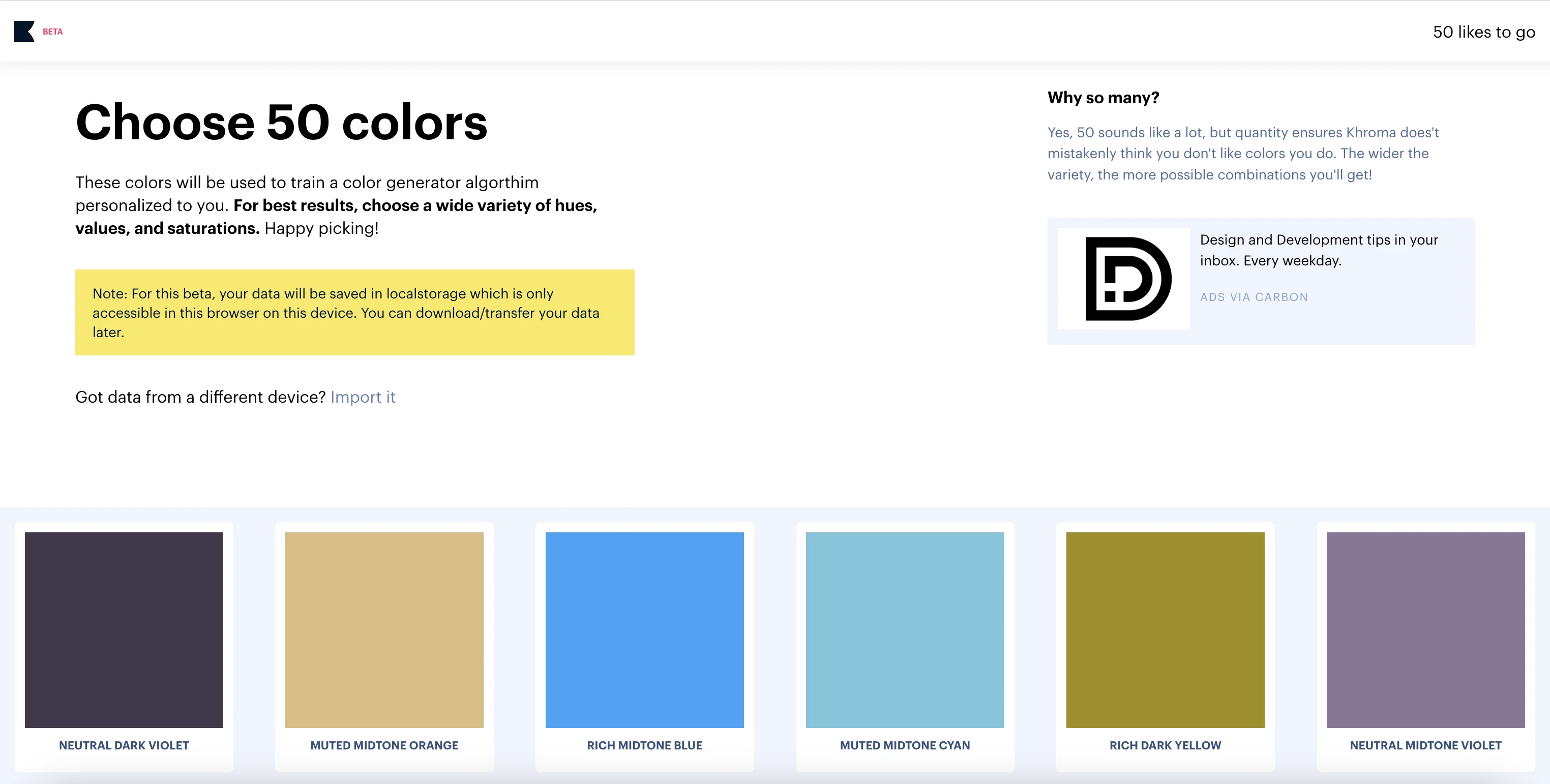
Your brand’s color palette is the foundation of its visual identity. Colors evoke emotions, communicate your brand's personality, and set the tone for all other design elements. With AI tools like Khroma, you can easily generate a customized color palette that perfectly matches your brand's vibe.
Khroma’s AI lets you choose 50 colors that resonate with your brand, and it will automatically generate a cohesive palette from your selections. You can see the colors in various formats and make adjustments as needed.
2. Design logos with ChatGPT
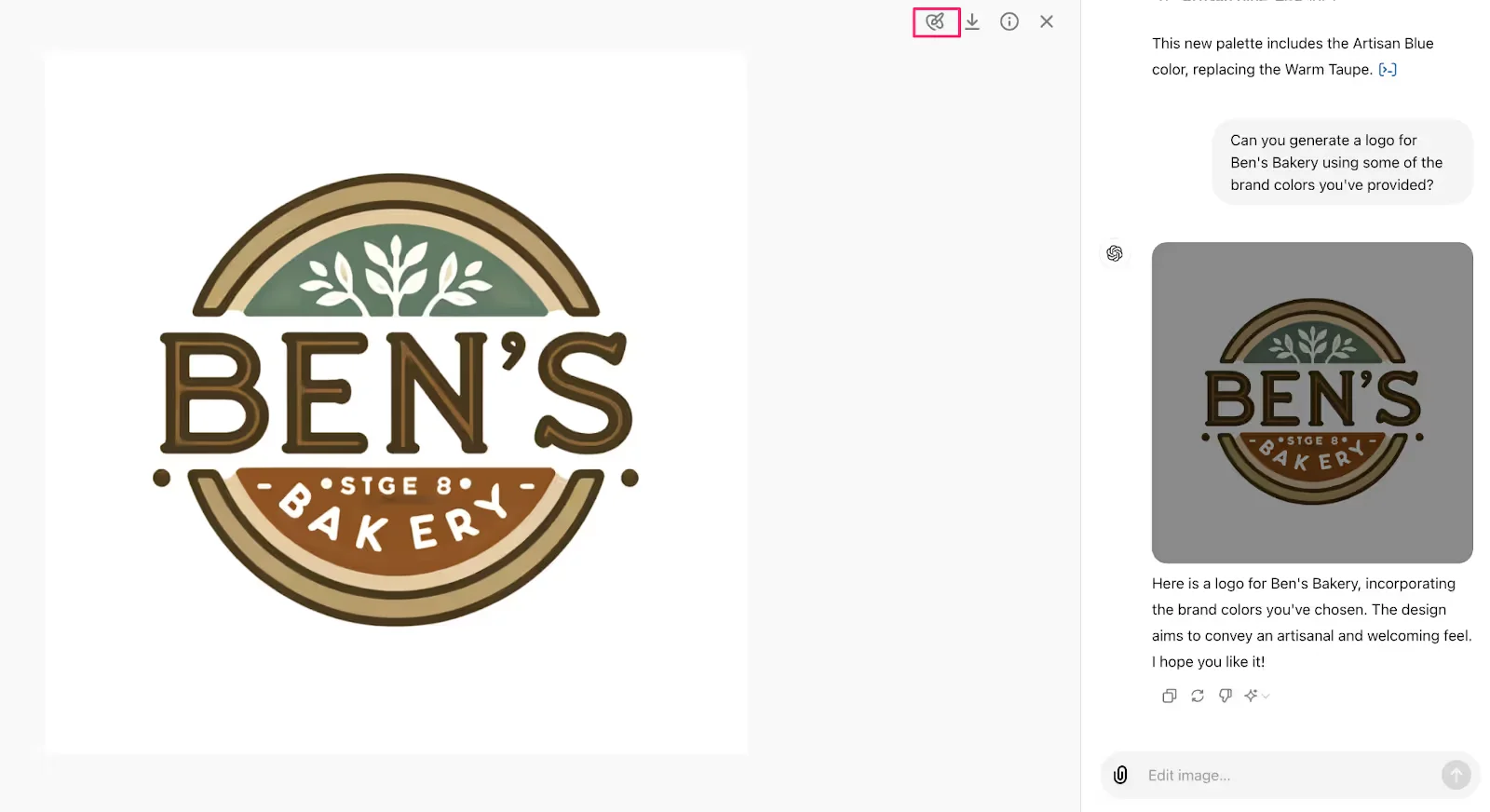
Once you have a color palette, it’s time to design your logo—the most recognizable part of your brand identity. ChatGPT is known for being a language AI tool, but did you know it can help with logo design too? You can go from idea to a complete logo with branded colors and even slogan options in minutes.
After generating a few logo options, you can easily refine and tweak the designs. And if the text or fonts aren't exactly what you need, ChatGPT will help you ideate new options or even edit the image to remove unwanted elements.
Here’s a step-by-step overview of how you could use ChatGPT to help with logo design:
- Upload your brand colors you generated using Khroma to ChatGPT.
- Ask ChatGPT to create a logo that incorporates your brand color palette.
- Use the drawing mode in ChatGPT to highlight any specific areas of the logo you want to refine or remove.
- Ideate matching slogans and/or font options with ChatGPT based on the generated logo and your business details.
3. Create consistent illustrations for your brand with Ilus AI
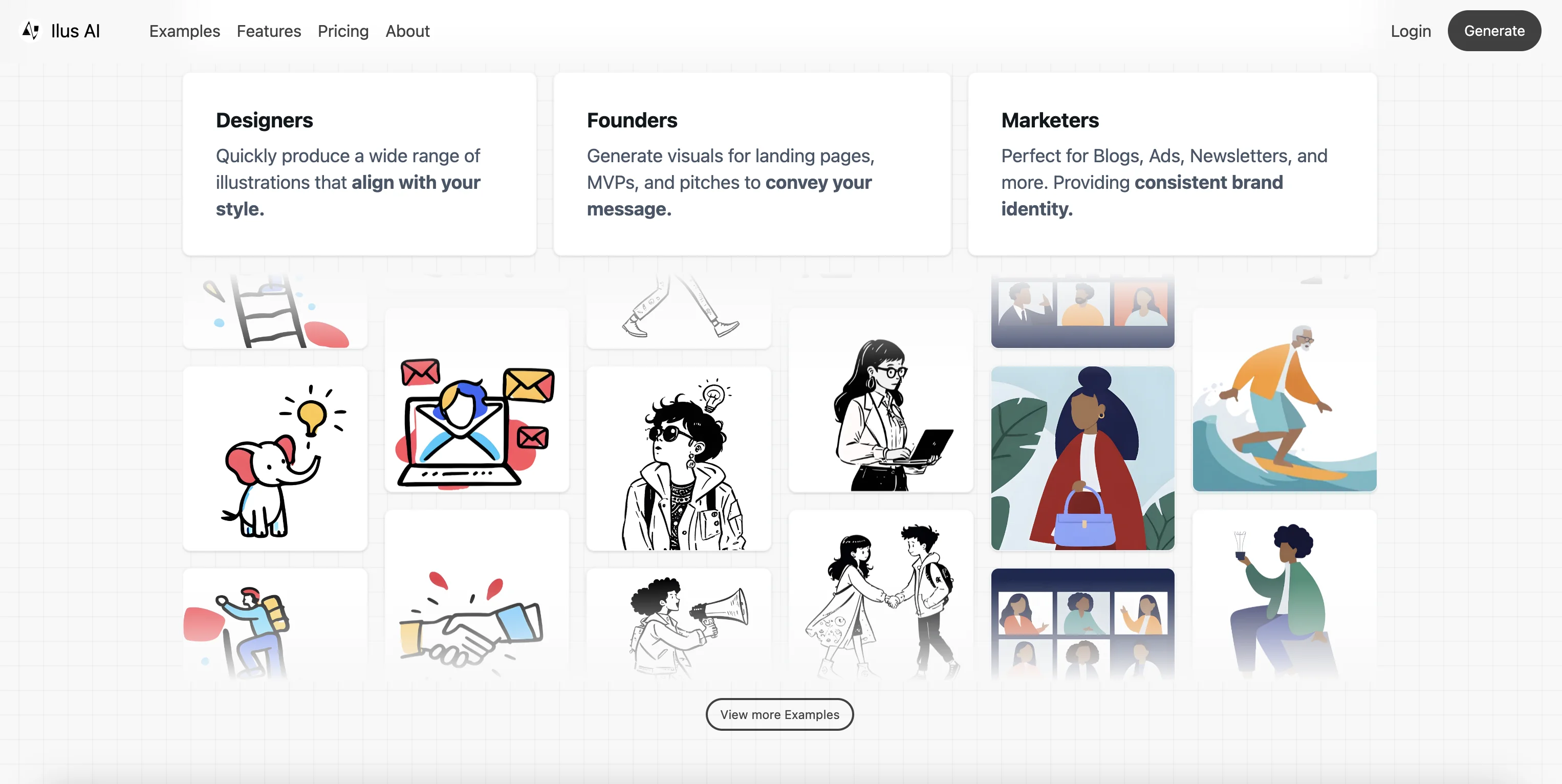
Consistent illustrations help give your brand a unique style, whether for your website, social media posts, or marketing campaigns. With Ilus AI, you can generate on-brand illustrations that fit seamlessly with your overall design. From character illustrations to detailed icons, Ilus AI allows you to maintain a cohesive look throughout all your materials.
You can even fine-tune your own illustration model by uploading examples of your desired style. This way, all your illustrations will share the same aesthetic, keeping your brand's visual identity consistent. You simply need to prompt the tool with your specific request, and it will generate images that maintain your brand’s look and feel.
If you’re unsure where to start with Ilus AI, we have a detailed tutorial that will guide you through:
- Setting up your Ilus AI account
- Exploring and using pre-made illustration styles
- Develop and train your custom illustration model, by uploading past imagery
- Generating and refining on-brand illustrations
4. Design custom graphics for websites and presentations with Recraft AI
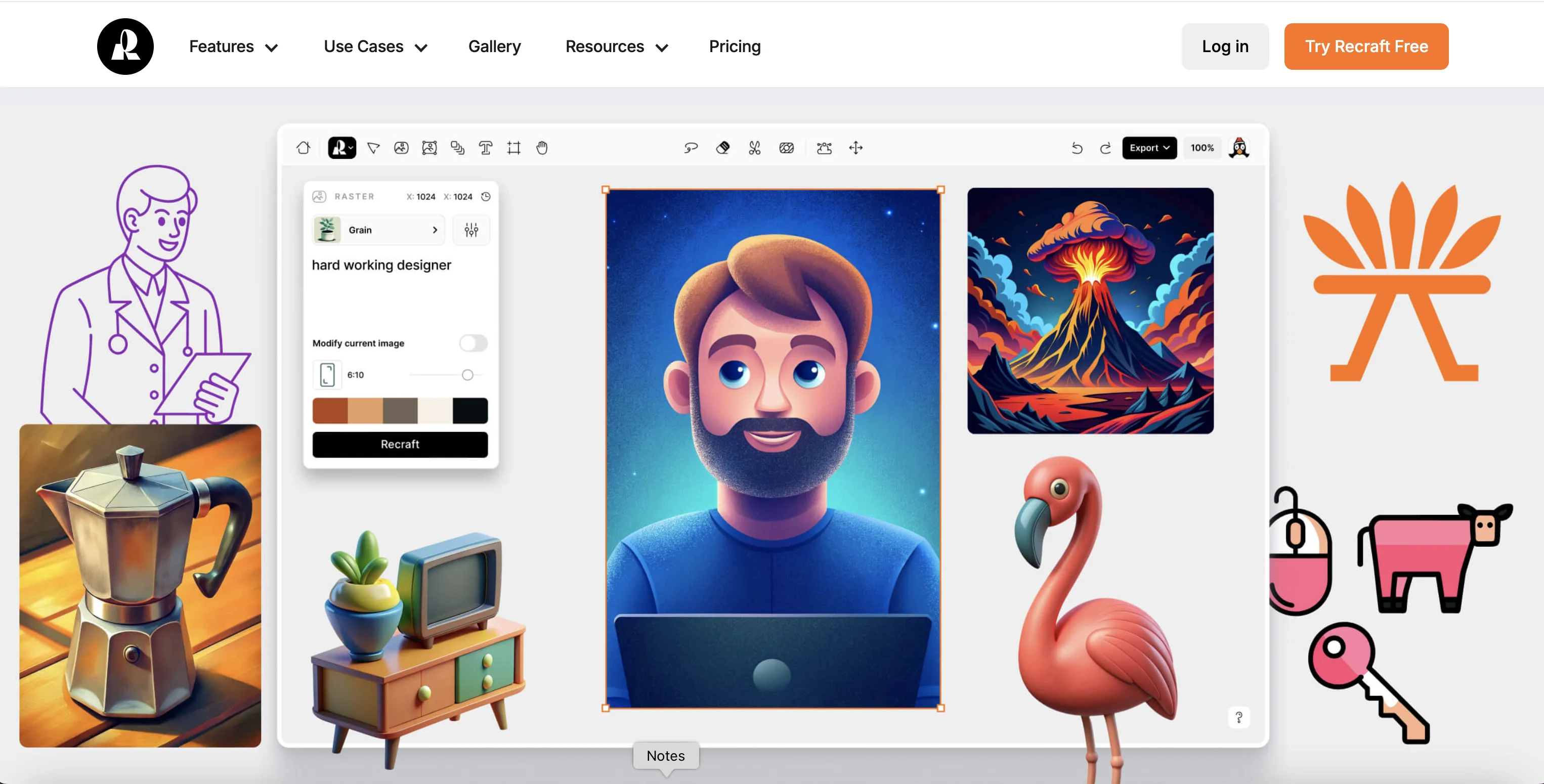
Recraft is another tool that helps designers create consistent graphics, icons, vector art and 3D elements in your brand colors. Designing all of this from scratch can be time-consuming, but with Recraft, you can easily generate on-brand designs in minutes.
The tool allows you to edit your graphics on the fly, so you can tweak colors, remove unnecessary elements, or change the style of the image - while maintaining your brand’s visual identity. You can also export your images in multiple formats, including PNG and SVG, making it easy to use them across different platforms.
5. Design branded merchandise with Recraft AI
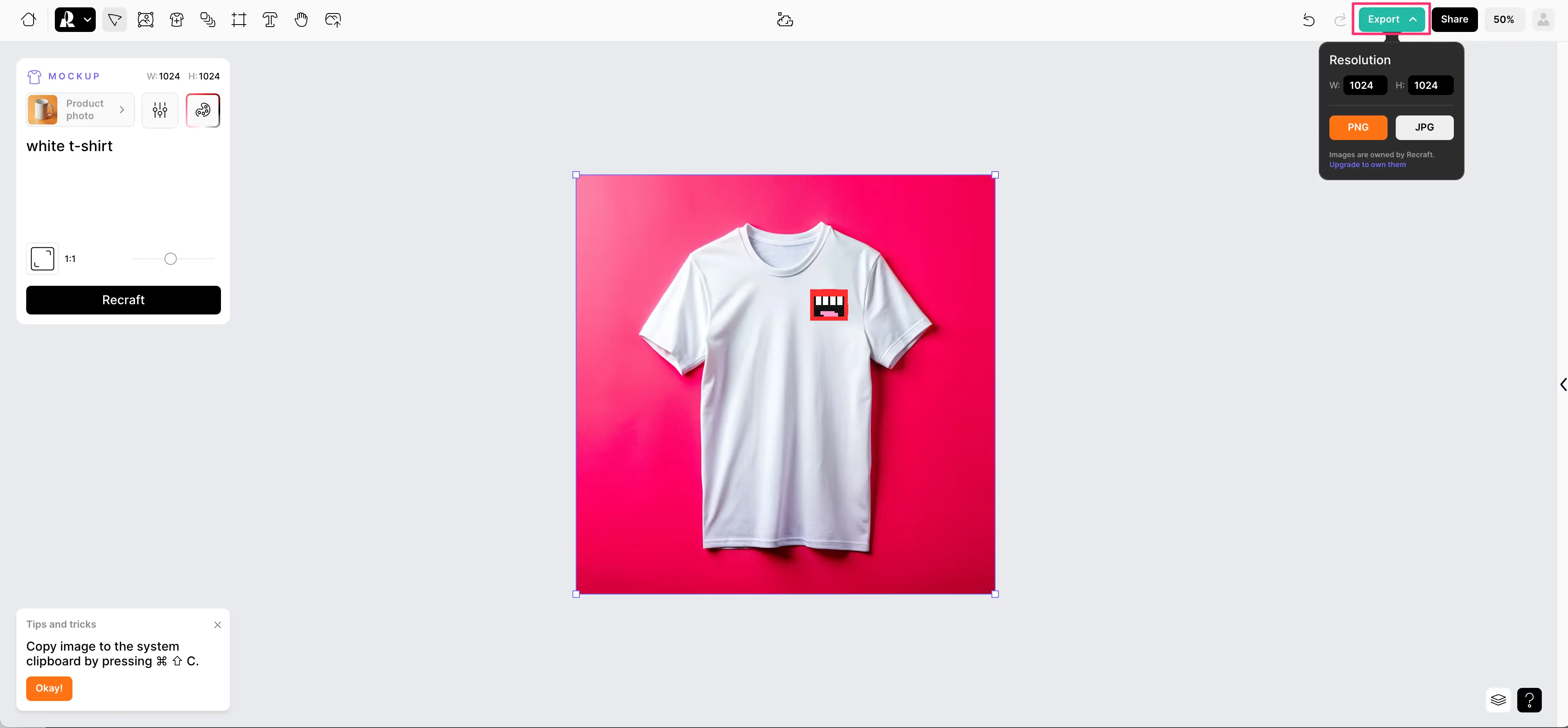
Branded merchandise is a great way to extend your brand’s reach. Whether it’s t-shirts, mugs, or stationery, keeping your merch aligned with your brand’s identity is essential. Recraft makes it simple to design branded merch by generating mockups in your brand colors and allowing you to upload logos or other elements. You can create realistic mockups that accurately reflect the final product, ensuring your merchandise is an extension of your brand’s personality.
You can even experiment with different products—from apparel to office supplies—and get a feel for how your brand looks across a variety of items. And, by adjusting the textures and shadows in your design, you can make sure the mockups reflect the quality of the real product.
With these five AI-powered techniques, you can build a cohesive and consistent brand identity without the hassle of manual design work. Whether you’re starting from scratch or refining an existing brand, these tools help you streamline the creative process while keeping everything aligned with your vision. From creating color palettes to designing logos and merchandise, AI takes the complexity out of branding, allowing you to focus on what matters most—growing your business.
Keen to learn more? You might like these tutorials: