AI for project planning and scheduling
Go from a project proposal to a fully specified project plan with ChatGPT.
2024-12-19
Welcome to the second lesson of our Automating project management with AI course!
In this tutorial, we'll show you how to turn a project proposal into a fully specified project plan that you can use in any project management tool. We'll use ChatGPT to help us with this, but you can also use similar AI tools like Claude, Gemini, or Copilot.
We'll guide you through this whole process step by step. This will help you both create a solid project plan and really understand all the important parts of your project.
Steps we’ll follow in this tutorial:
- Understand the project proposal
- Identify key tasks
- Break down tasks into subtasks
- Assign roles and responsibilities
- Estimate timelines and dependencies
- Format data for project management tools
Tools needed:
Let’s get into it!
Understand the project proposal
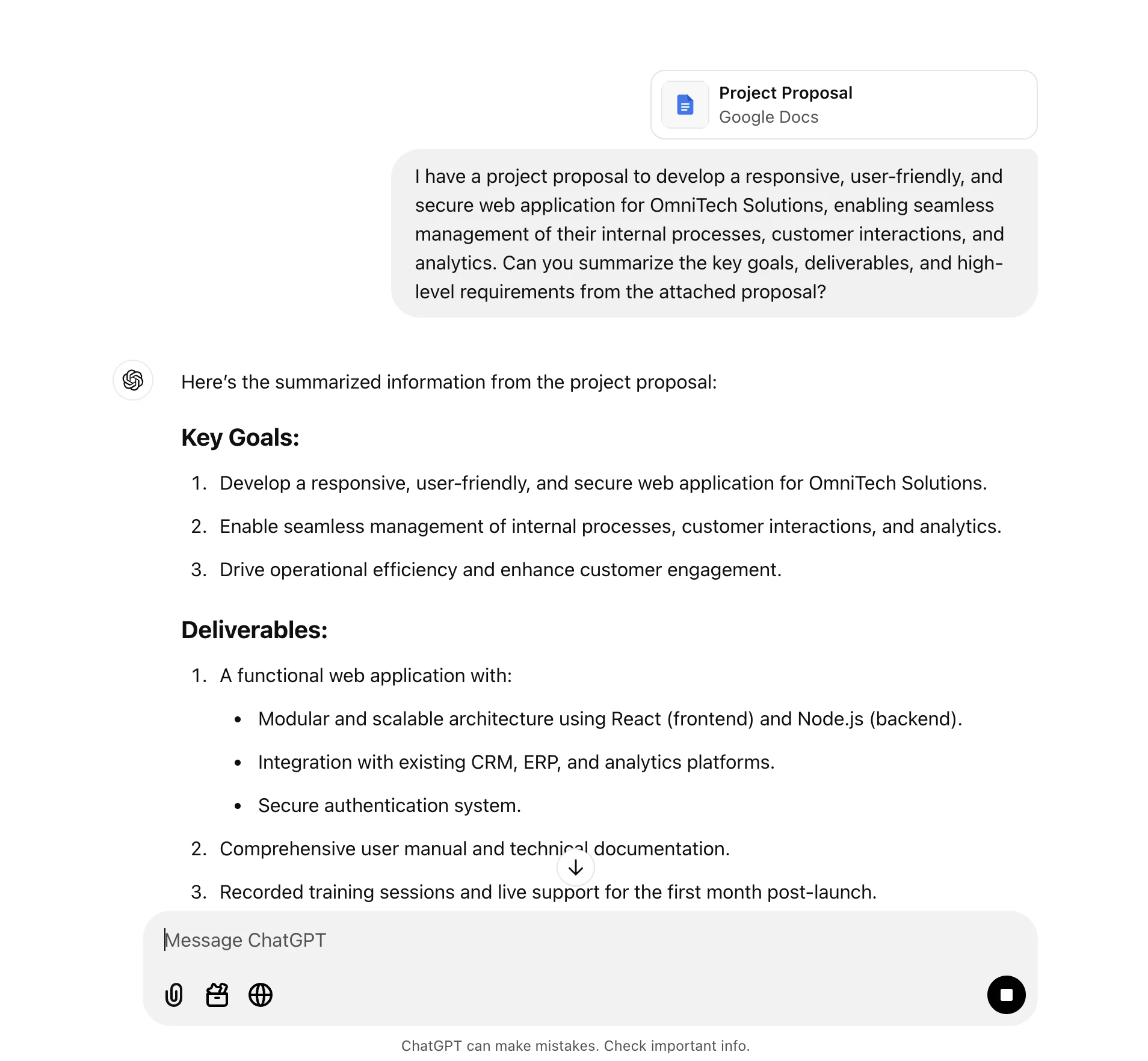
The first thing we’ll do is upload our project proposal—the document that outlines the project—and ask ChatGPT to summarize the project. This is helpful if we want to store a summary somewhere or better understand the project as the project manager.
Open up ChatGPT and use this sample prompt, replacing the placeholders with your own unique info:
I have a project proposal to [brief description of the project]. Can you summarize the key goals, deliverables, and high-level requirements from the attached proposal? [Attach project proposal]
Identify key tasks
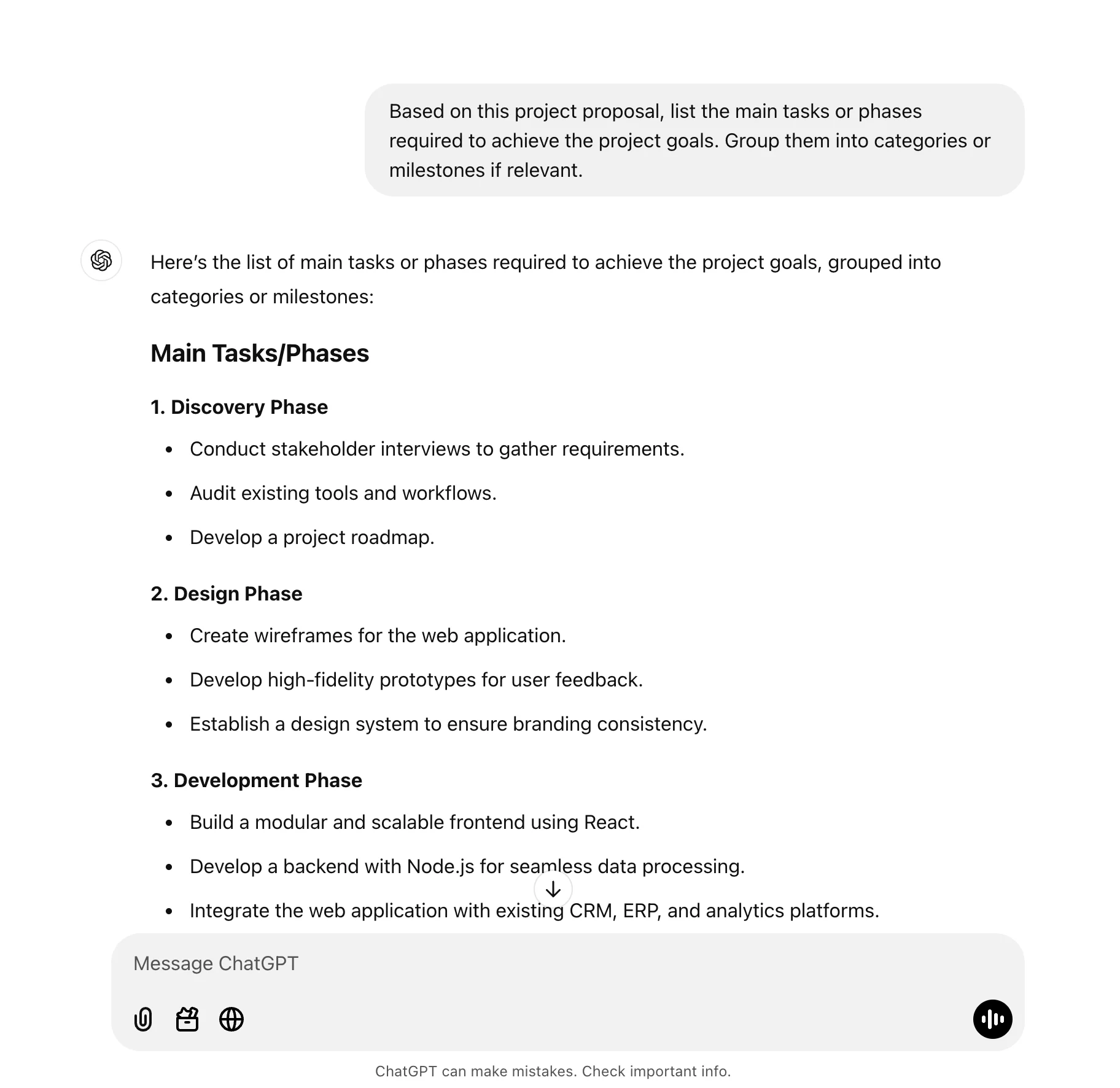
Now that we have an understanding of the project, we can work with ChatGPT to break the project proposal into tasks, phases, and milestones.
Sample Prompt:
Based on this project proposal, list the main tasks or phases required to achieve the project goals. Group them into categories or milestones if relevant.
Break down tasks into subtasks
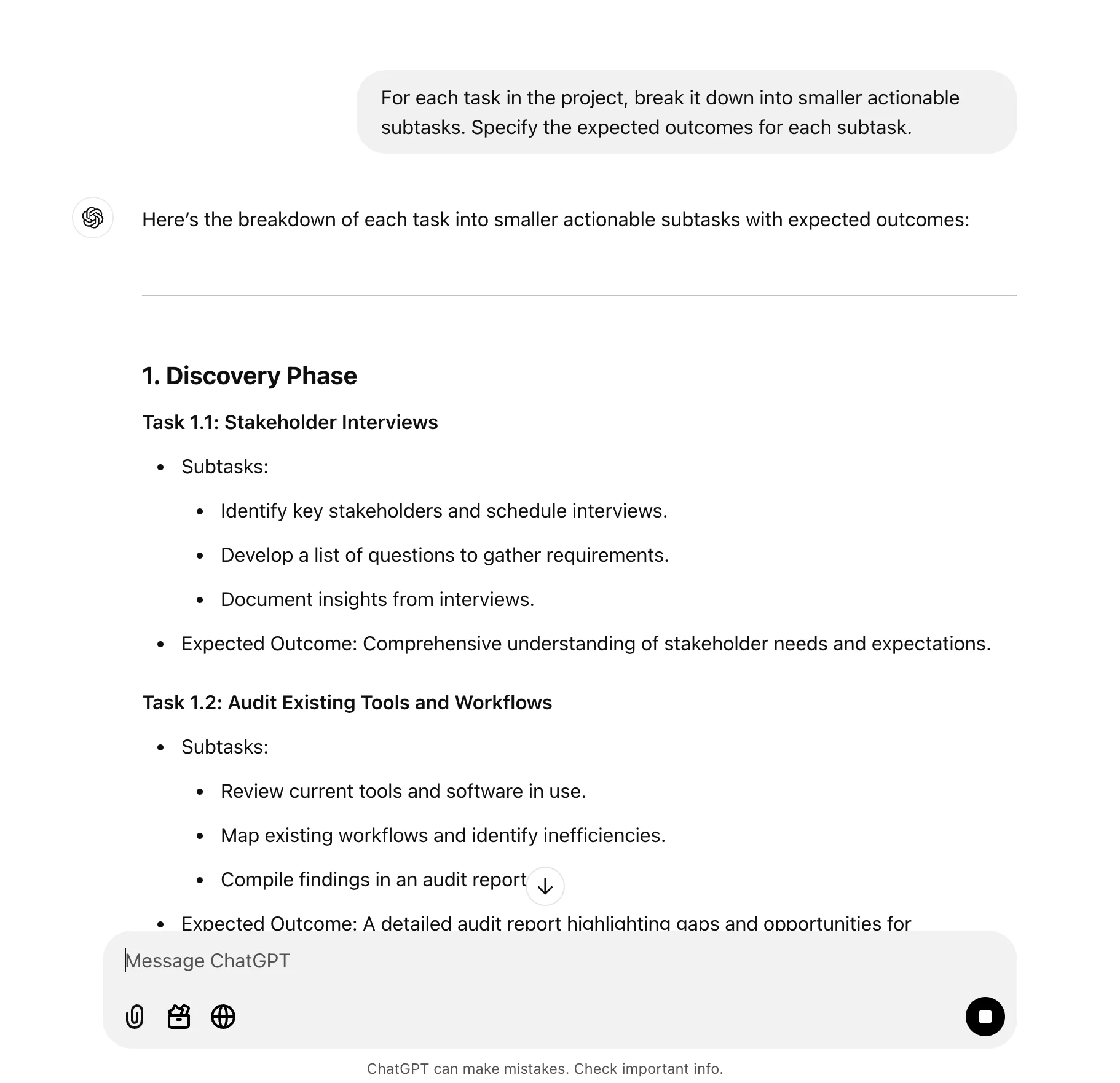
This initial breakdown is a bit too high-level for a proper project plan, so we’ll ask ChatGPT to break down the phases into smaller actionable subtasks.
Sample Prompt:
For each task in the project, break it down into smaller actionable subtasks. Specify the expected outcomes for each subtask.
Assign roles and responsibilities
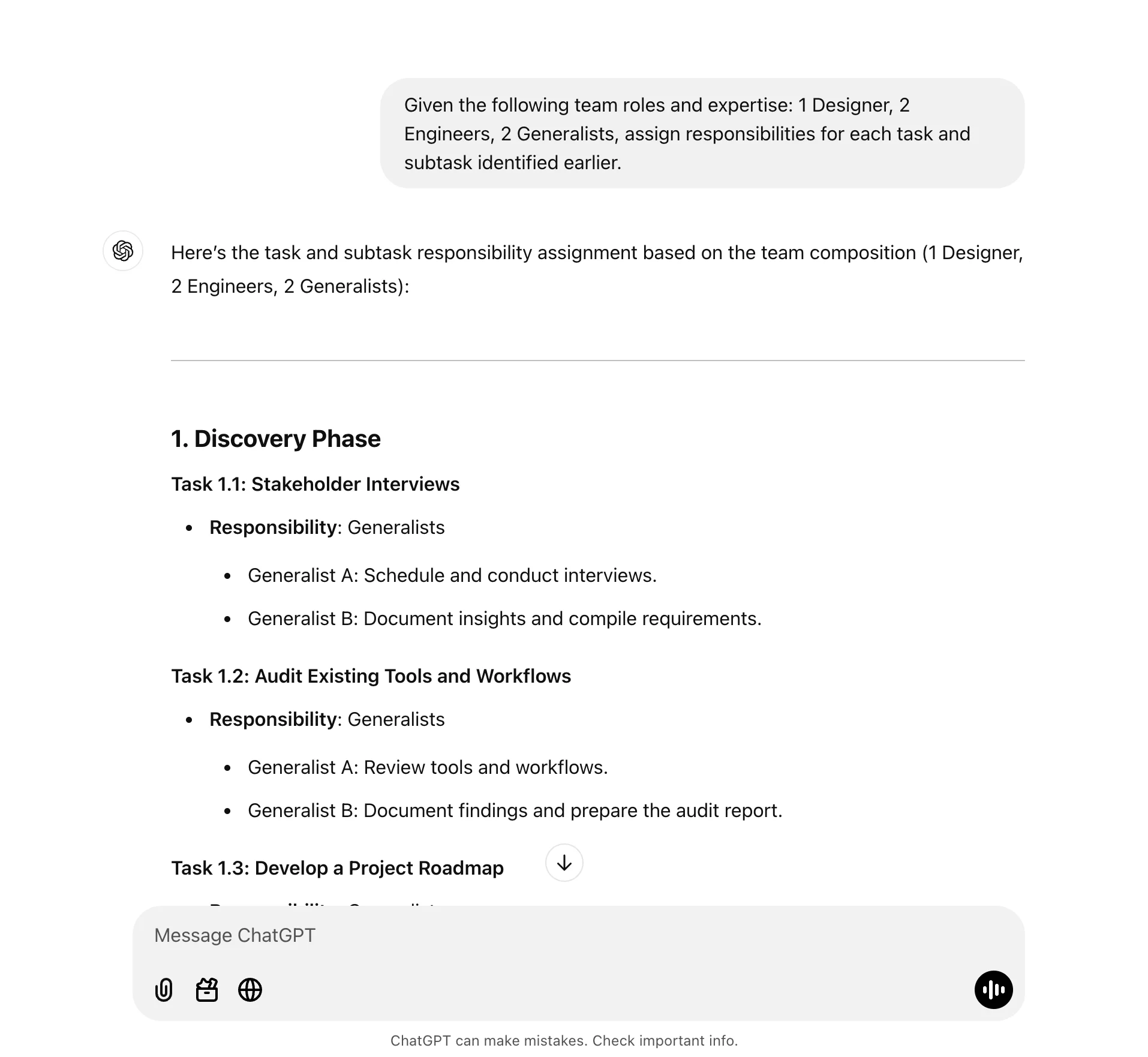
With the detailed tasks created, we can now assign roles and responsibilities based on the resources on our team for this project.
Sample Prompt:
Given the following team roles and expertise: [list roles and expertise], assign responsibilities for each task and subtask identified earlier.
Estimate timelines and dependencies
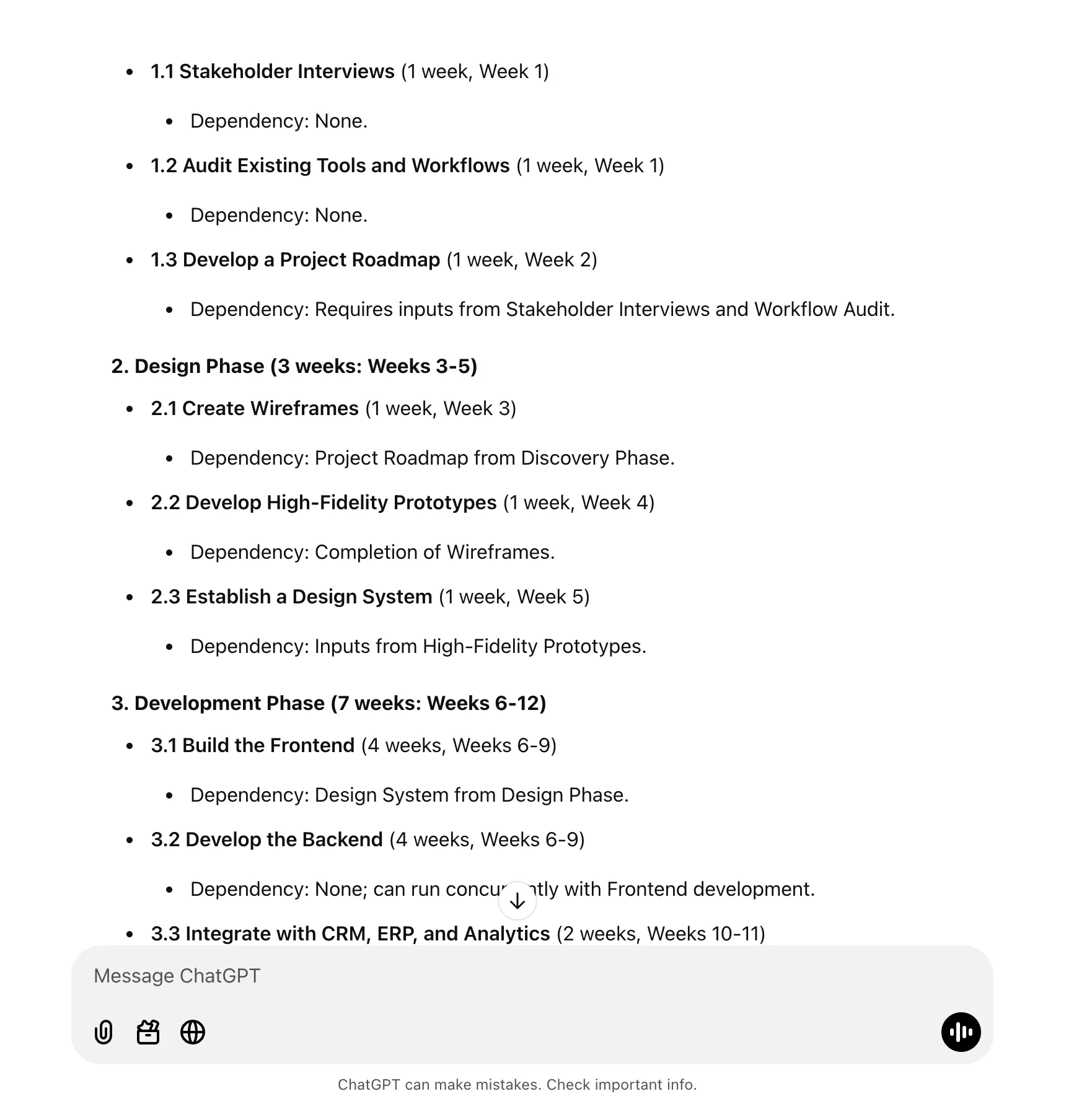
For our last update to the project plan, we’ll have ChatGPT structure all the tasks based on our timeline constraints and the project dependencies.
Sample Prompt:
Estimate timelines for each task and subtask based on the following time constraints and deadlines: [insert timeline constraints]. Also, identify any dependencies between tasks.

The dependencies ChatGPT will list for each task are extremely helpful in mapping out your project plan!
Format data for project management tools
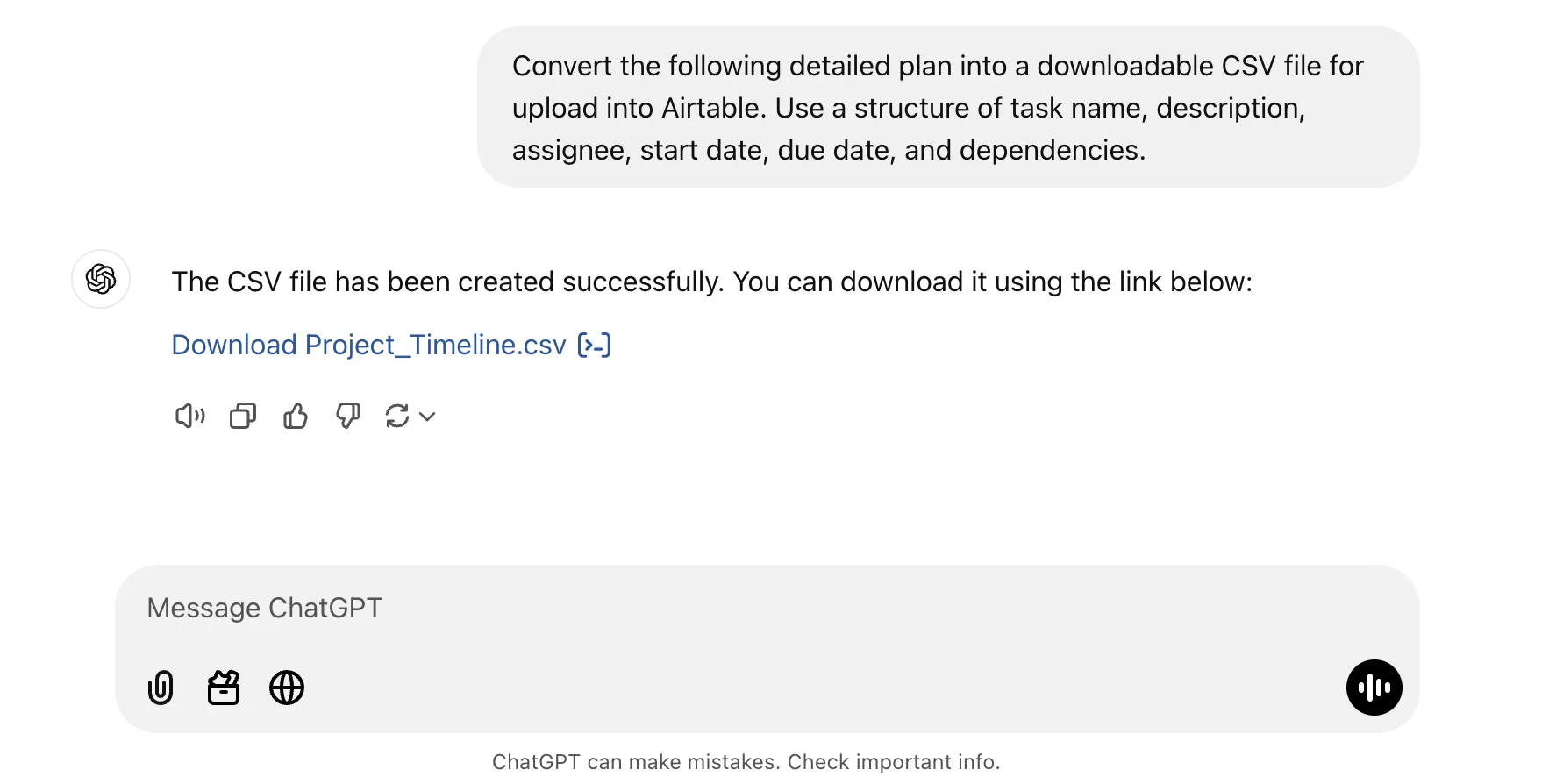
Finally, because we’ll be moving our project and task management out of ChatGPT and into a formal project management system, we can work with ChatGPT to format our project plan for easy upload into our project management tool of choice.
Sample Prompt:
Convert the following detailed plan into a downloadable CSV file for upload into Airtable. Use a structure of task name, description, assignee, start date, due date, and dependencies.
Nice work! In the next tutorial of the course, we’ll head over to Airtable to set up our project tracking and reporting system. We’ll work with Airtable’s native AI to quickly create a customized project tracking system and upload our project plan to get started.
This tutorial was created by Garrett.