Develop product comparison sales documents
Create detailed product comparison sheets that highlight the advantages of your product over competitors.
2024-11-13
When making a purchase decision, buyers consciously and subconsciously compare their target product with alternative options. As a sales professional, you can help guide their decision by creating a product comparison document that highlights your product's advantages.
In this tutorial, you will learn how to:
- Create detailed product comparison sheets
- Highlight product advantages over competitors
- Use comparison documents as a sales tool
Step 1: Identify comparison criteria
To create an effective comparison document, you first need to understand what buyers value most. This can be achieved through a combination of customer interviews, market research, and competitive analysis.
Interview potential buyers
Start by having conversations with your target customers to gain insights into their needs and pain points. Ask ChatGPT to generate questions to guide these discussions:
I sell [product/service] to [target customer]. What are 3 questions I can ask to these customers that will help me better understand what they value most in their payroll software.
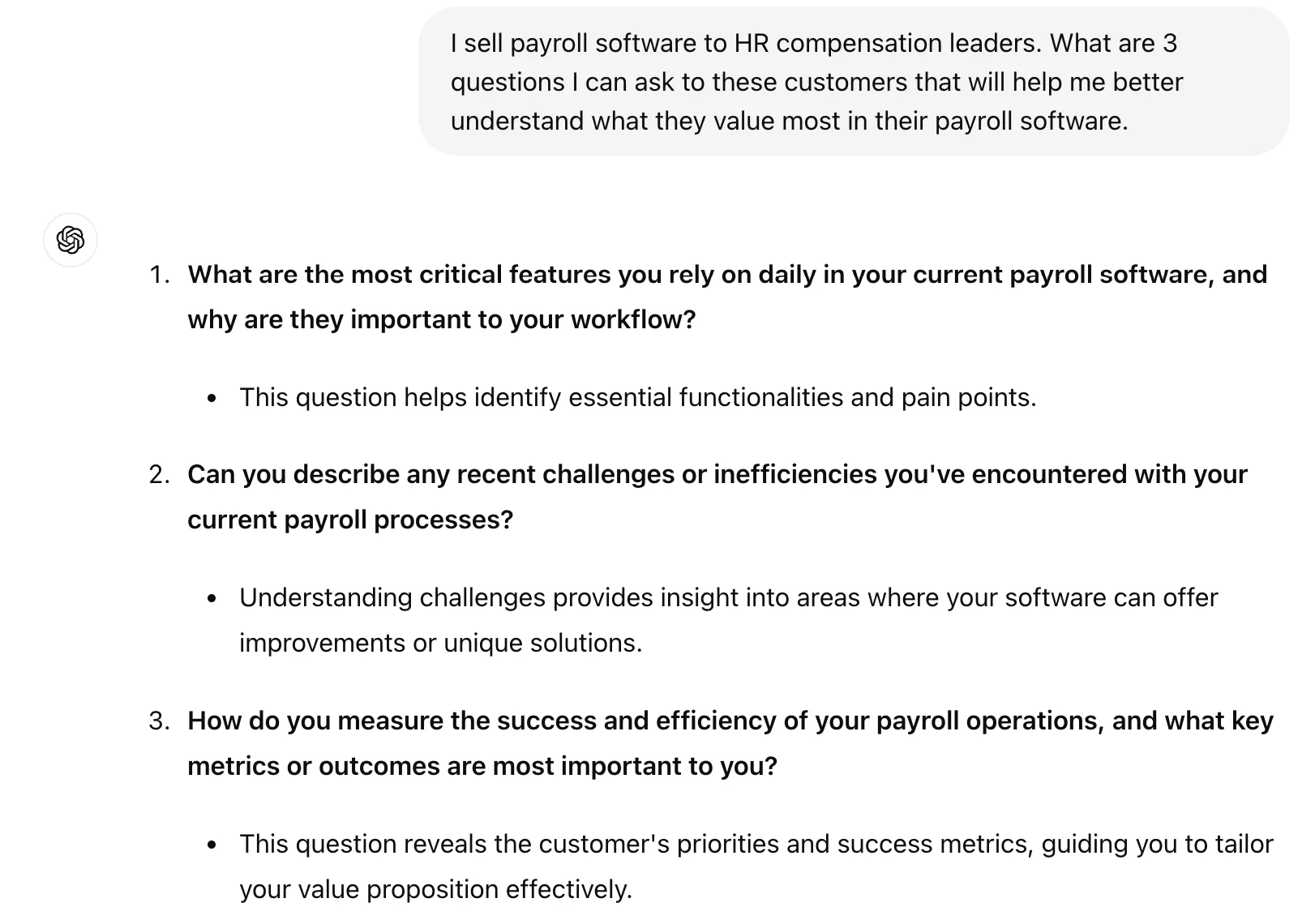
ChatGPT will provide a set of targeted questions to help you uncover key buyer priorities.
Market data research
You can also leverage AI to assist in your market research. Keep in mind that data you receive directly from ChatGPT might be outdated or innacurate, so verify information through provided links or additional sources.
Prompt:
Provide any market research you can find related to [product/service]. Include details relating to spend, value propositions, and pain points. Cite your research and provide links where possible.
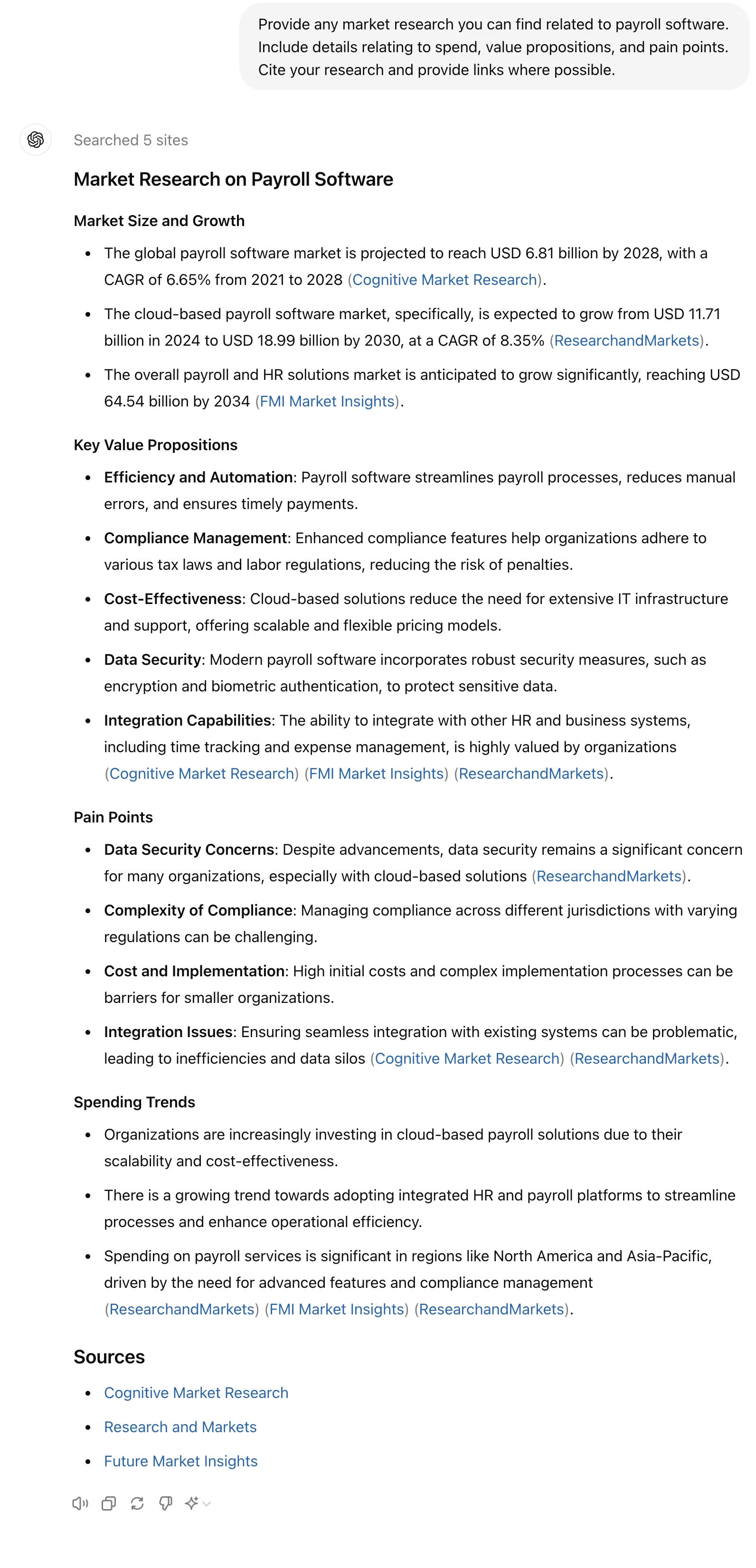
ChatGPT will generate market insights to inform your comparison criteria. For more comprehensive results, consider using tools like Perplexity.ai to assist in browsing and research:
.webp)
Competitive analysis
Lastly, you can evaluate your competitors to understand what they prioritize and highlight to their customers. Incumbents often have a good sense of what matters most to their customers so they put it front and center on their website.
Prompt ChatGPT:
Research 10 leading [product/service] companies. What features do they highlight most? Specifically look at H1 and H2 headers for clues.
.webp)
.webp)
Step 2: Create your comparison table
With your research complete, it’s time to develop a product comparison document. You might use this document on the web or as a PDF you can send to prospects.
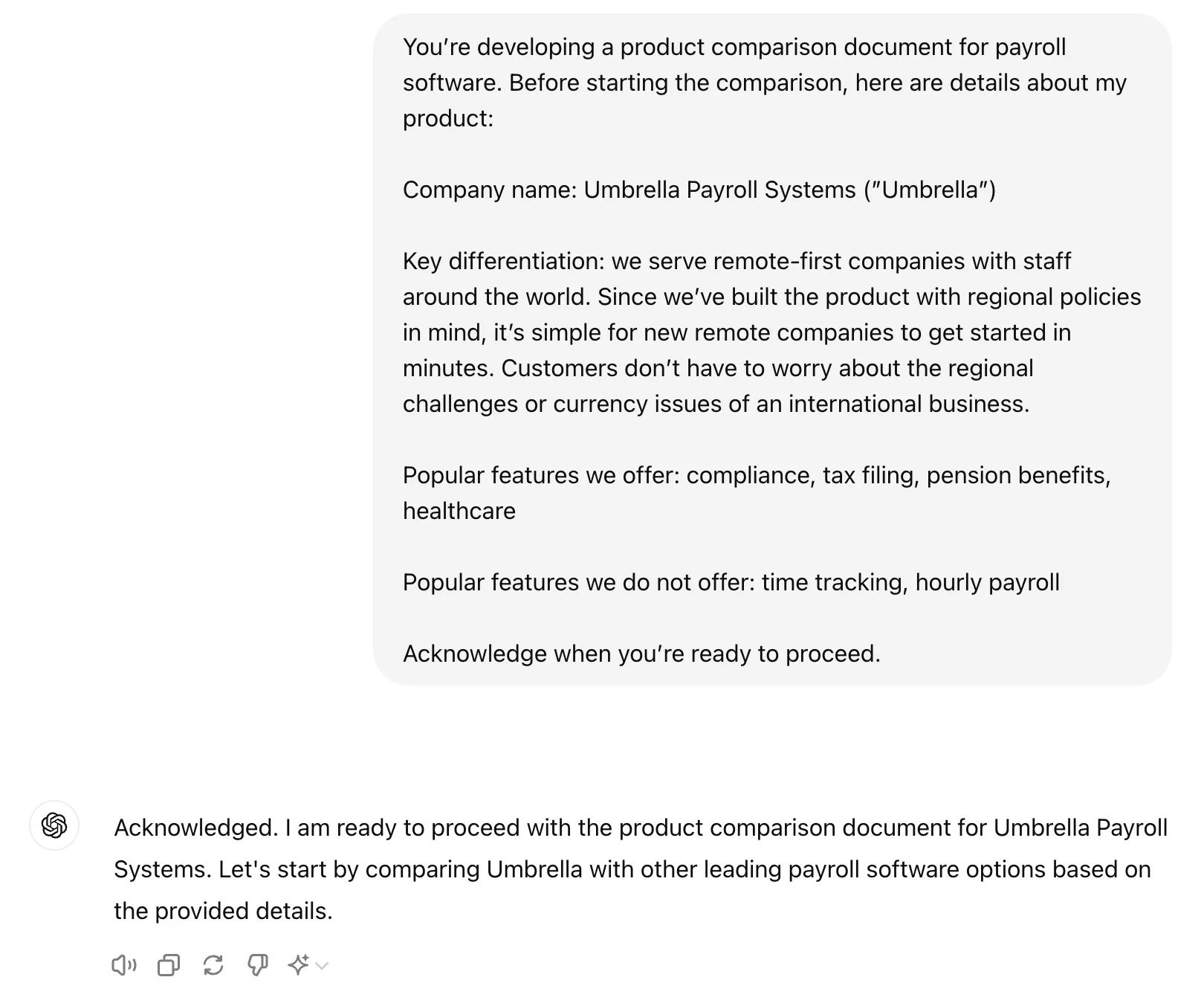
Tell ChatGPT about your product
To position your company favourably amongst competitors, ChatGPT needs to know your core value proposition.
You’re developing a product comparison document for [product/service]. Before starting the comparison, here are details about my product:
Company name: [company name]
Key differentiation: [differentiation]
Popular features we offer: [list features]
Popular features we do not offer: [list features]
Acknowledge when you’re ready to proceed.
Create your comparison table
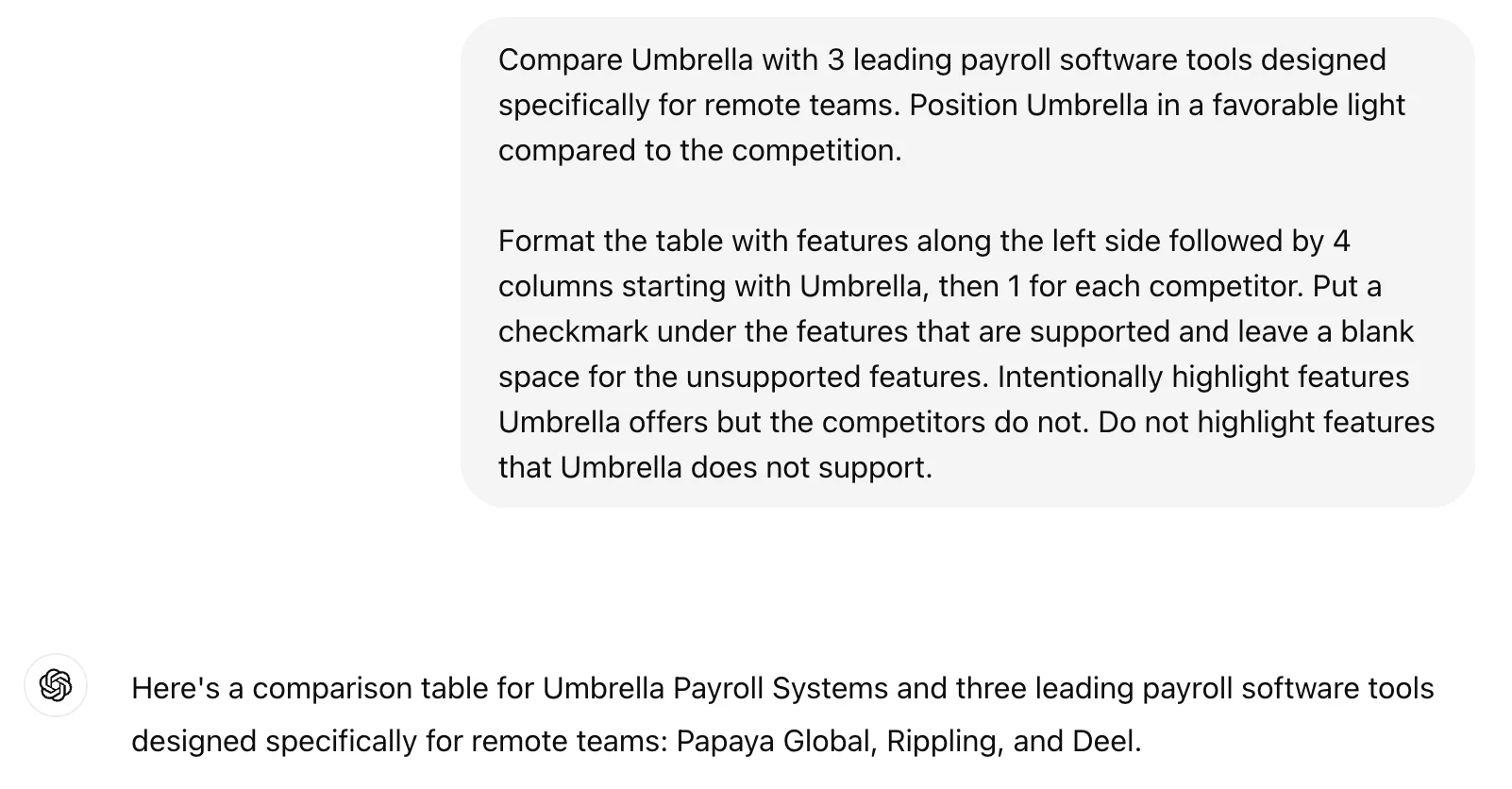
Now, use ChatGPT’s help to develop your comparison table.
Compare [company] with 3 leading payroll software tools designed specifically for remote teams. Position [company] in a favorable light compared to the competition.
Format the table with features along the left side followed by 4 columns starting with [company], then 1 for each competitor. Put a checkmark under the features that are supported and leave a blank space for the unsupported features. Intentionally highlight features [company] offers but the competitors do not. Do not highlight features that [company] does not support.
.webp)
Step 3: Present your comparison document
To effectively deliver this comparison to prospects, you may choose to present it on your website, or as a PDF. Simply copy the table into a Google Doc or Word Doc and save as a PDF.
To frame the comparison effectively, consider adding some language before the table.
This table will be presented to prospects. Write some introductory copy that I can place above the table that helps frame the [your company]'s value proposition among competitors.
.webp)
Congratulations! When researched accurately and framed effectively, even small competitors can position themselves effectively against industry leaders.
This tutorial was written by Jonah.