Develop user interface prototypes
Learn how to generate user interface prototypes with Vercel’s v0 AI-powered code assistant.
2024-11-13
Vercel is primarily known as a web hosting platform, but it's been releasing a steady stream of AI-powered builder tools that can help developers move faster. Or, if you’re a non-developer, you can create code-based web pages and user interfaces—zero programming knowledge is required.
In this tutorial, we’ll dive deep into their v0 product, which allows you to generate React and Tailwind-based user interfaces from prompts and reference file uploads. It’s an incredible tool for quickly developing mid-fidelity prototypes of web pages, product interfaces, and web components.
Steps we’ll follow in this tutorial:
- Generate a landing page from a prompt
- Generate a landing page from a screenshot
- Create product UI prototypes
- Develop UI components
Let’s get into it!
Generate a landing page from a prompt
To get started, navigate to the landing page of v0 and create a free account.
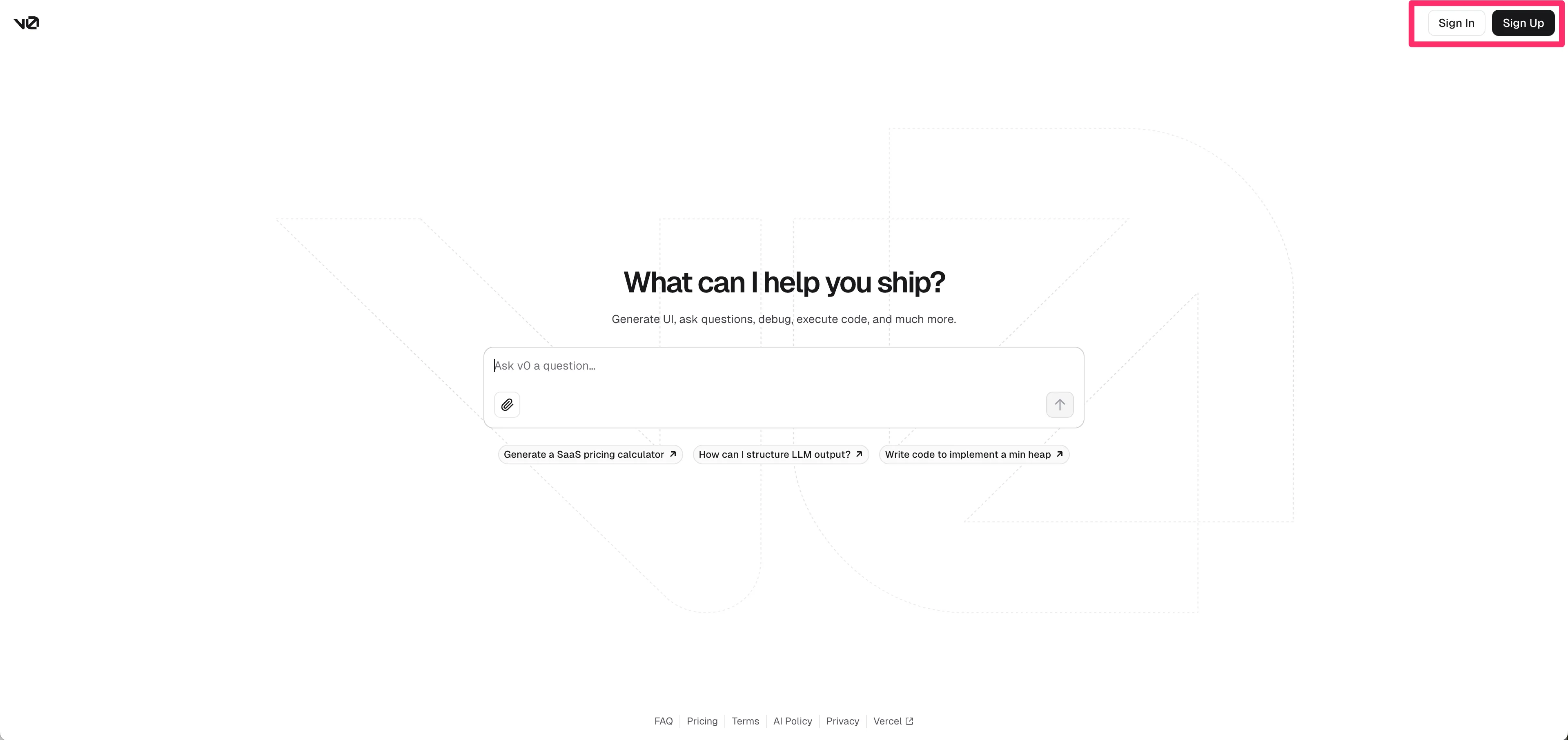
We’re going to generate a landing page from a single prompt in this first example. To do this, in the chat input field in v0, prompt it to generate a landing page based on a company or project description.
Sample Prompt:
Generate a landing page for the below business: [insert company description].
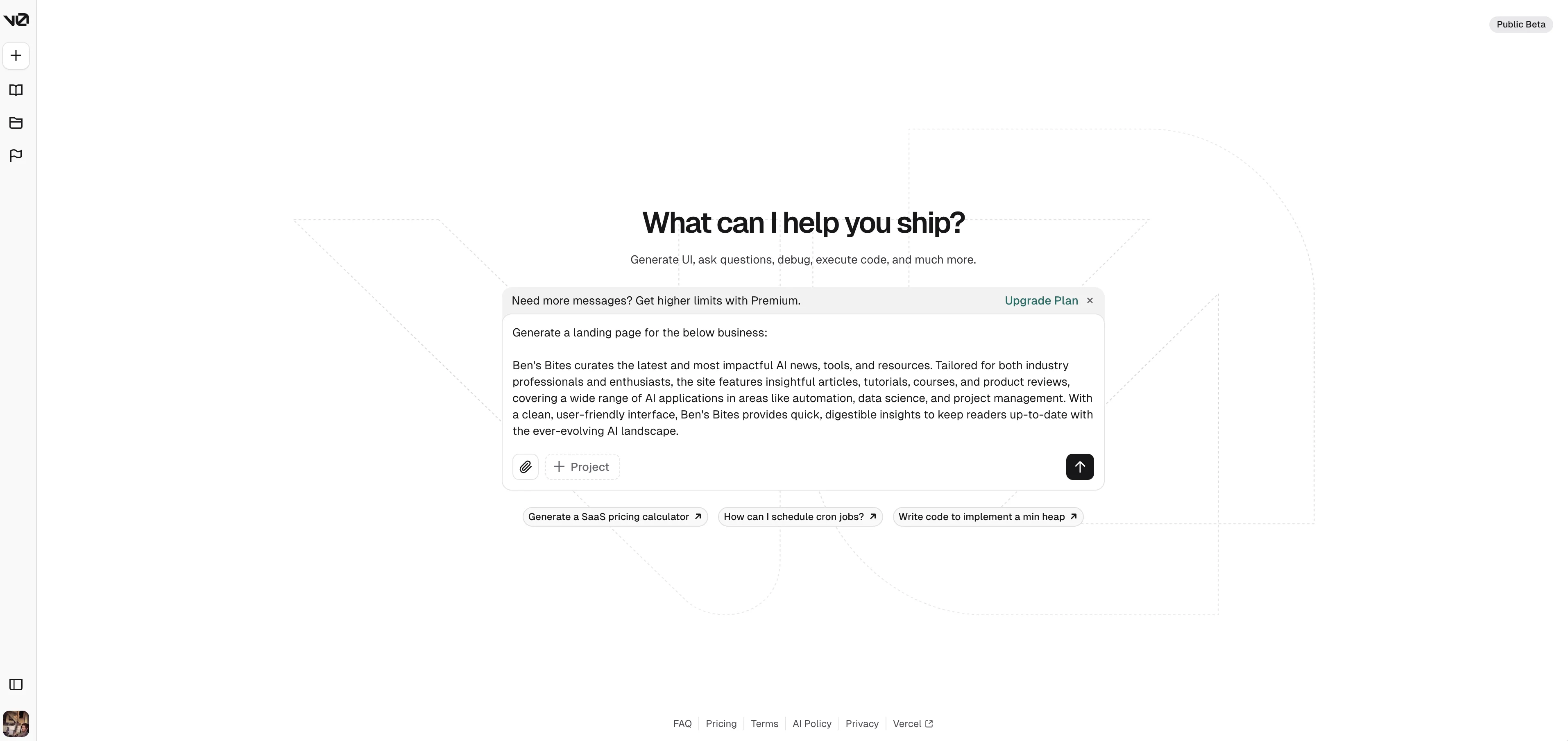
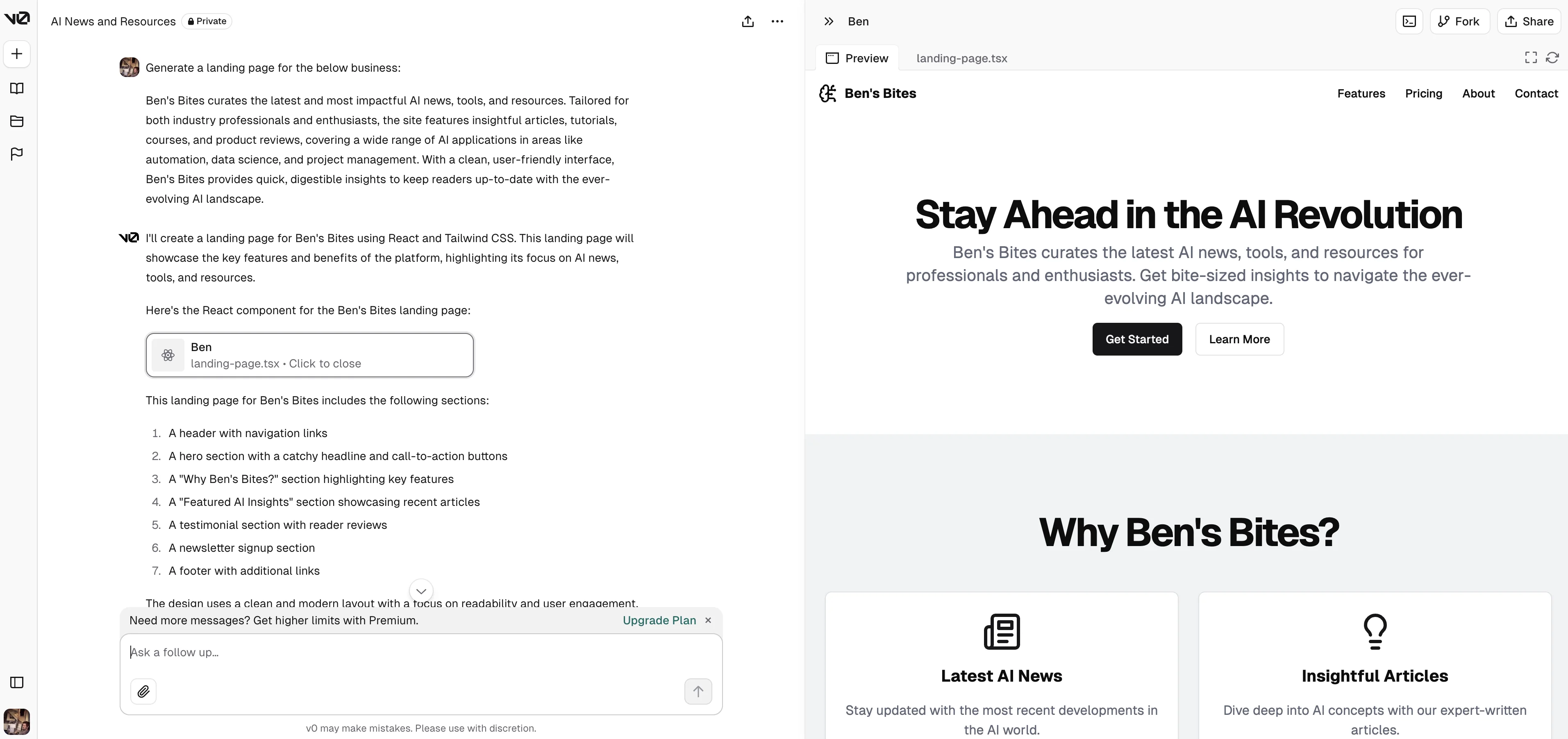
In under a minute, v0 will generate the React and Tailwind code for the landing page and provide an interactive preview of the page on the right side of the screen. If you’ve used Claude Artifacts before, this should be a familiar user experience.
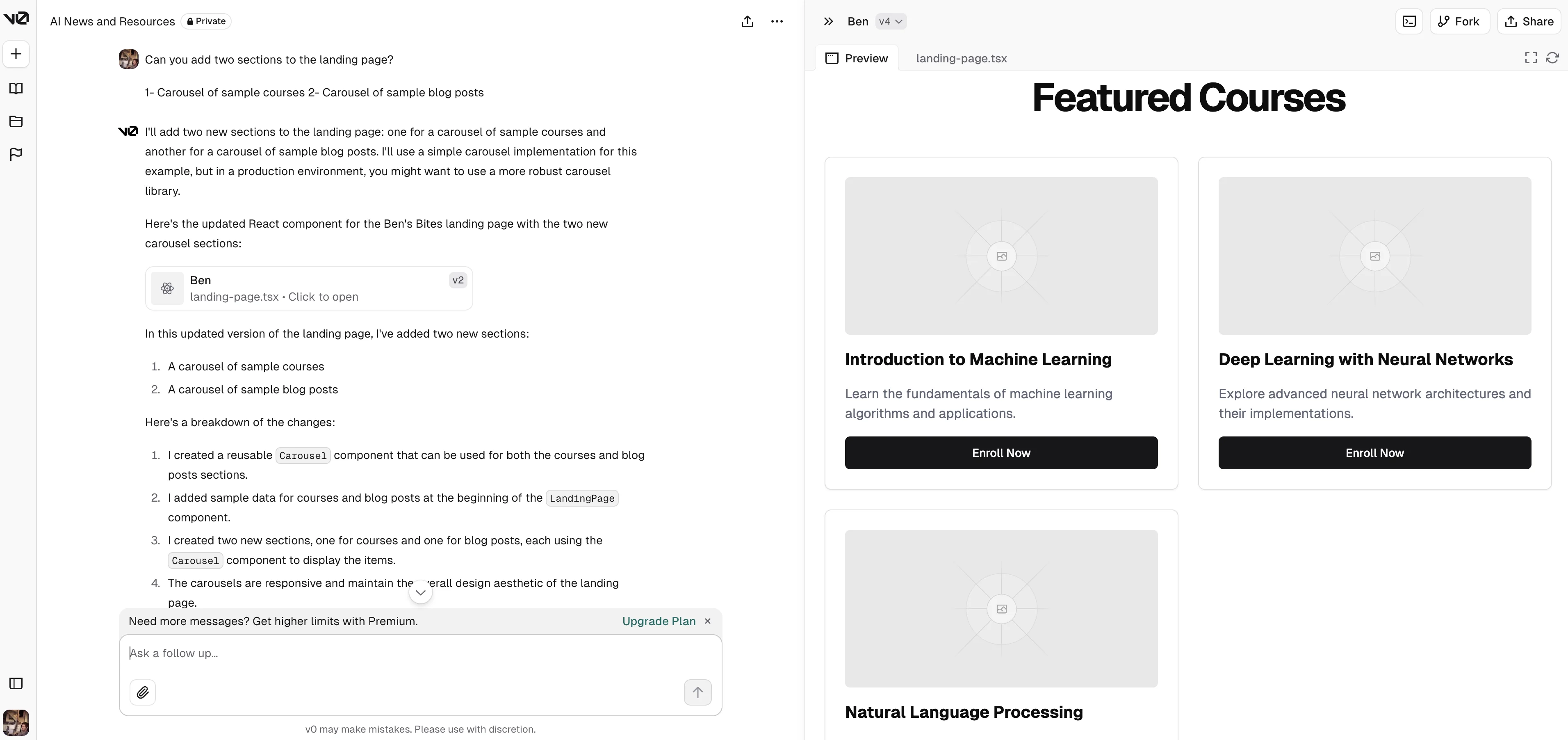
You can request v0 to edit the page or add components by following up with a prompt in the chat window. In this example, I’m going to ask it to create two new components for the page.
Sample Prompt:
Can you add [insert number] sections to the landing page? [insert descriptions of sections].
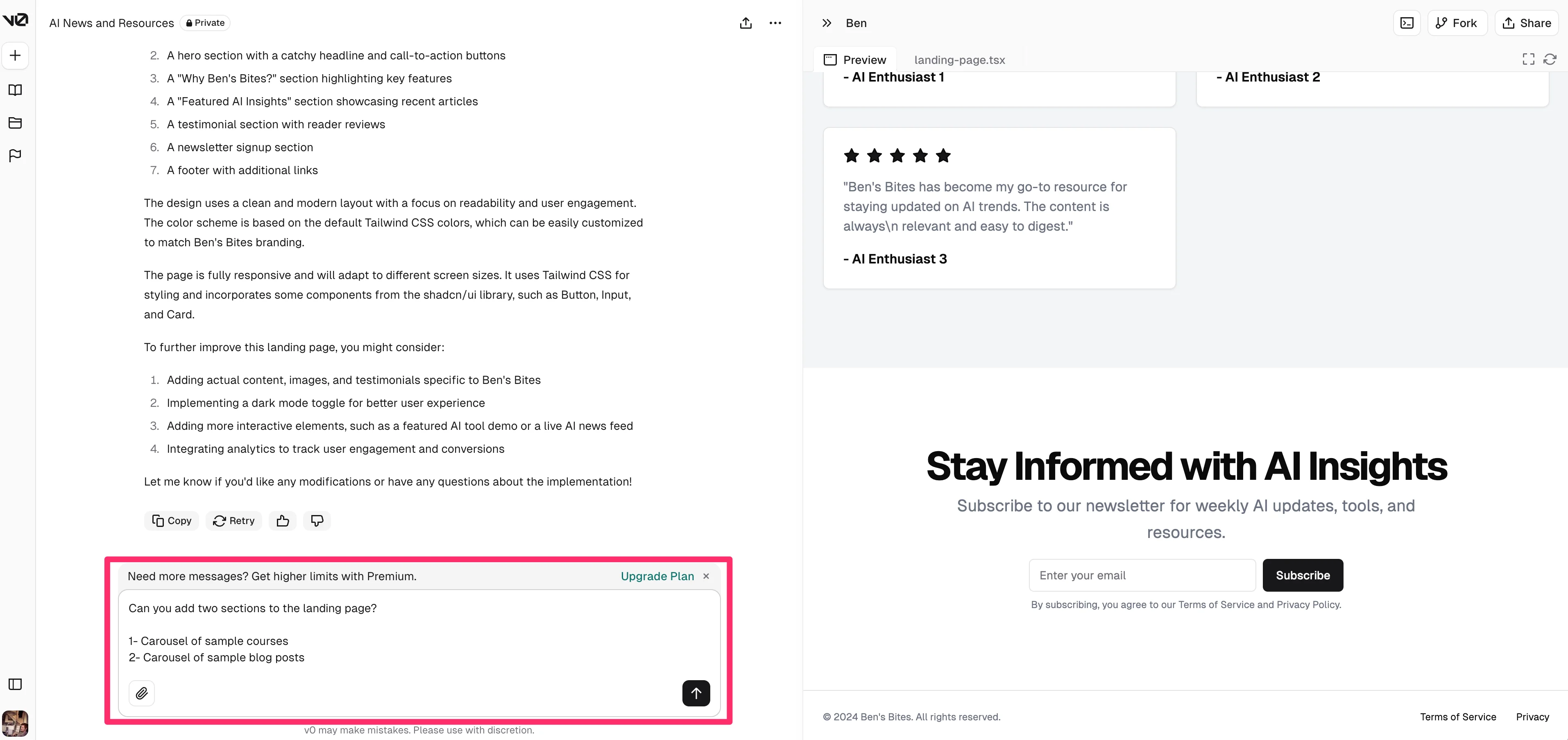
And just like that, v0 will generate the new components, add them to the code base, and update the landing page preview accordingly.
Generate a landing page from a screenshot
In this next example, we’ll generate a landing page from a prompt and a reference image of another landing page. This is a handy workflow if you’re referencing an existing website and want to recreate it.
Sample Prompt:
Generate a landing page that looks like the attached image. [attach reference image].
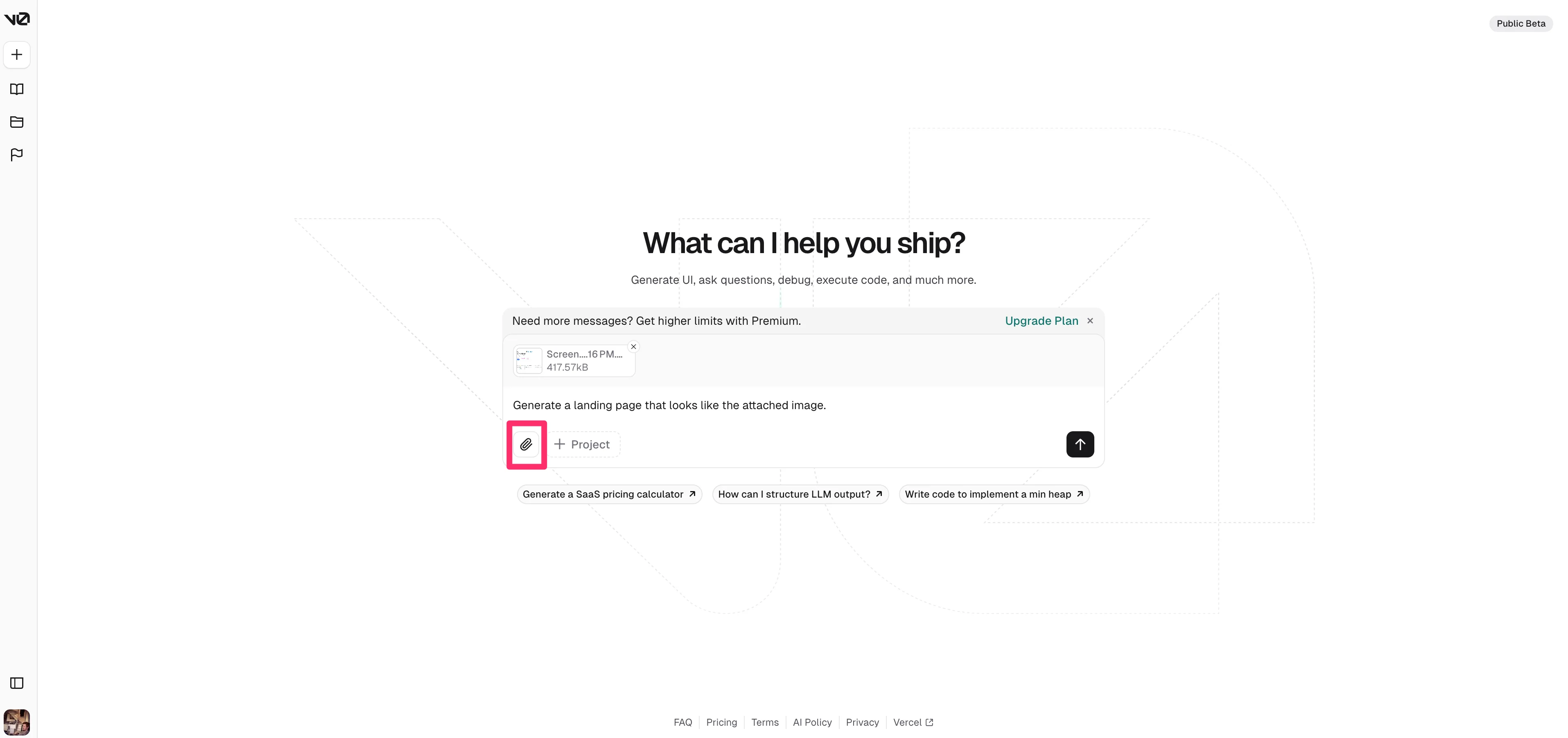
We uploaded the Ben’s Bites landing page and this is the initial result from v0.
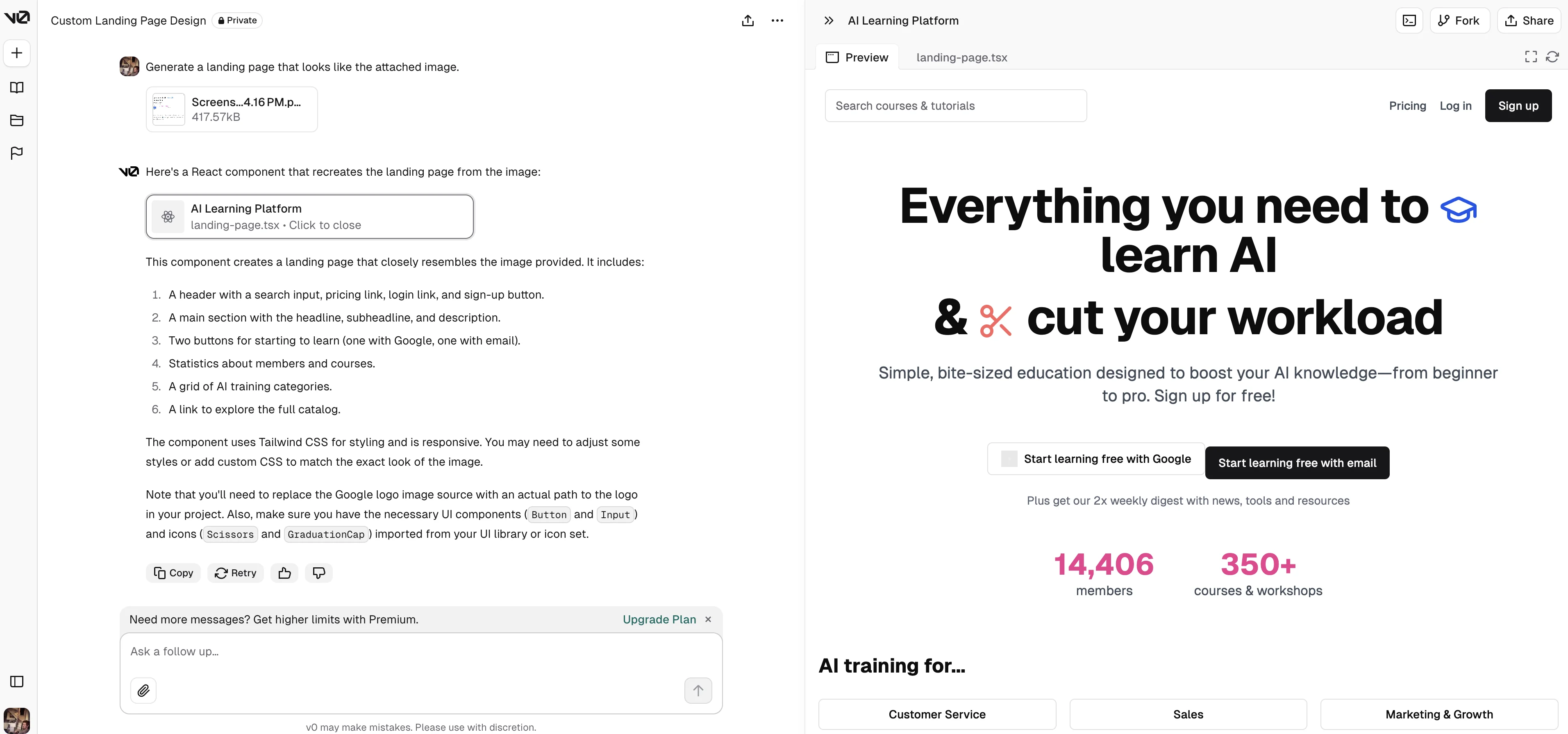
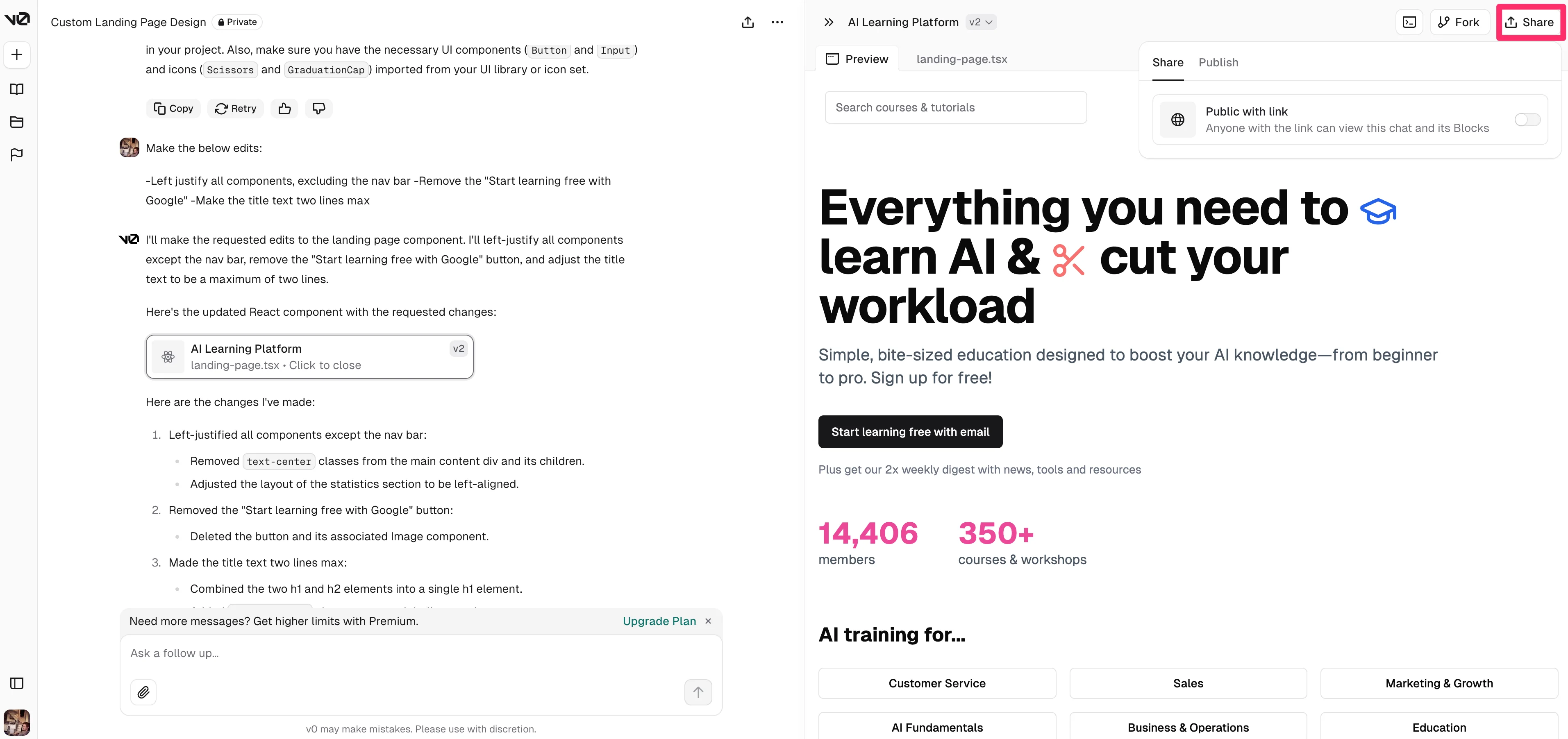
It’s by no means perfect, but we can follow up with some edit requests via a prompt in the chat input on the right side to improve the design. We’ll ask v0 to left justify most of the components as well as remove some unwanted items.
Sample Prompt:
Make the below edits: [insert edits].
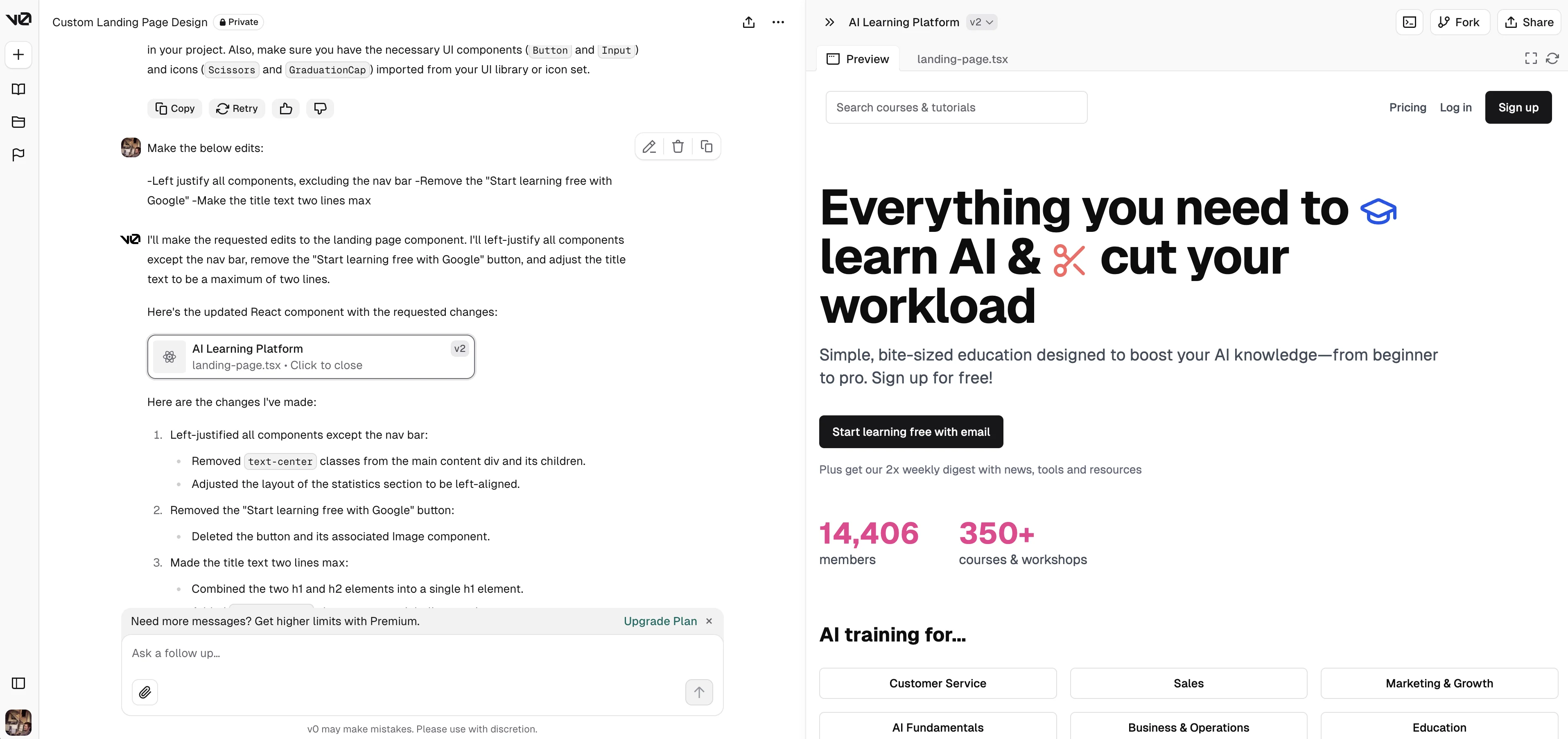
Not bad! With just a couple of prompts and a reference image, we’ve got a decent-looking landing page header for our next project. You can share the interface via the share button in the top right corner of the page, either as a link to this developer experience or as a live version of the website page.
Develop product UI prototypes
v0 isn’t just for landing page generation. We can use it to create product user interfaces too. In this example, we’ll ask it to generate a web app for an e-learning platform.
Sample Prompt:
Generate a [insert product description].
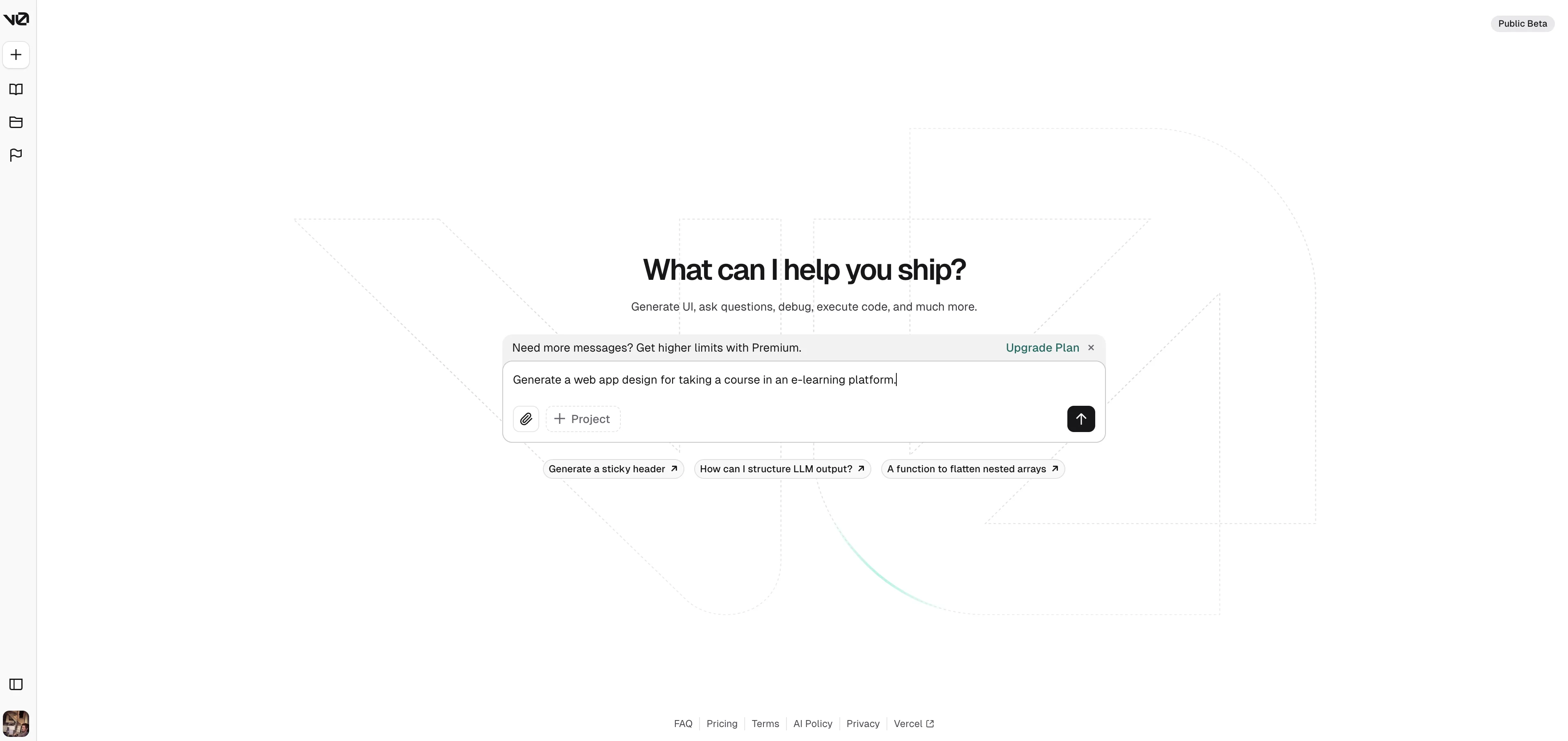
With just that one prompt, we have a pretty impressive, interactive e-learning user interface for a lesson-based course platform.
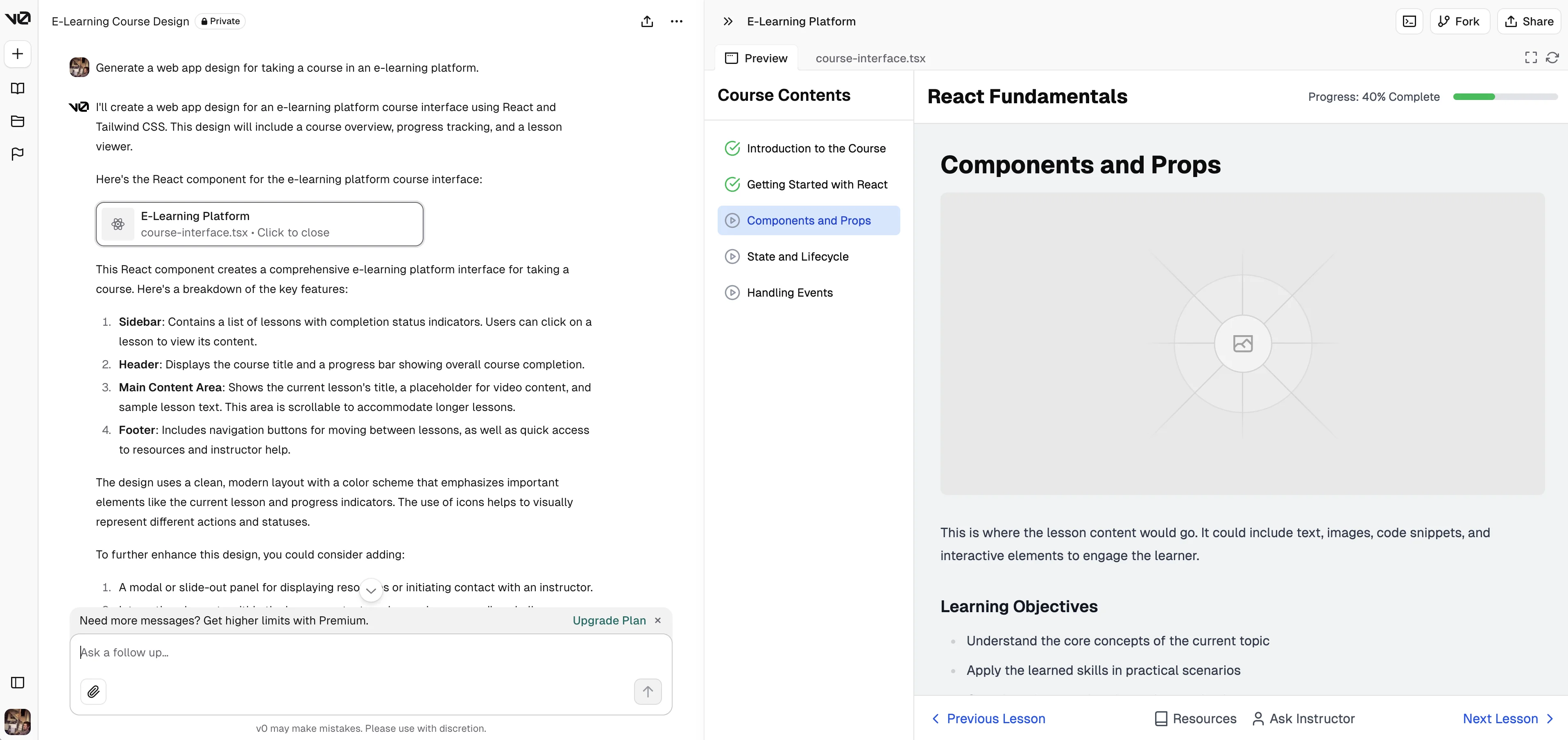
In the top right corner of the page, you can click the fullscreen button to interact with the interface in a larger format.
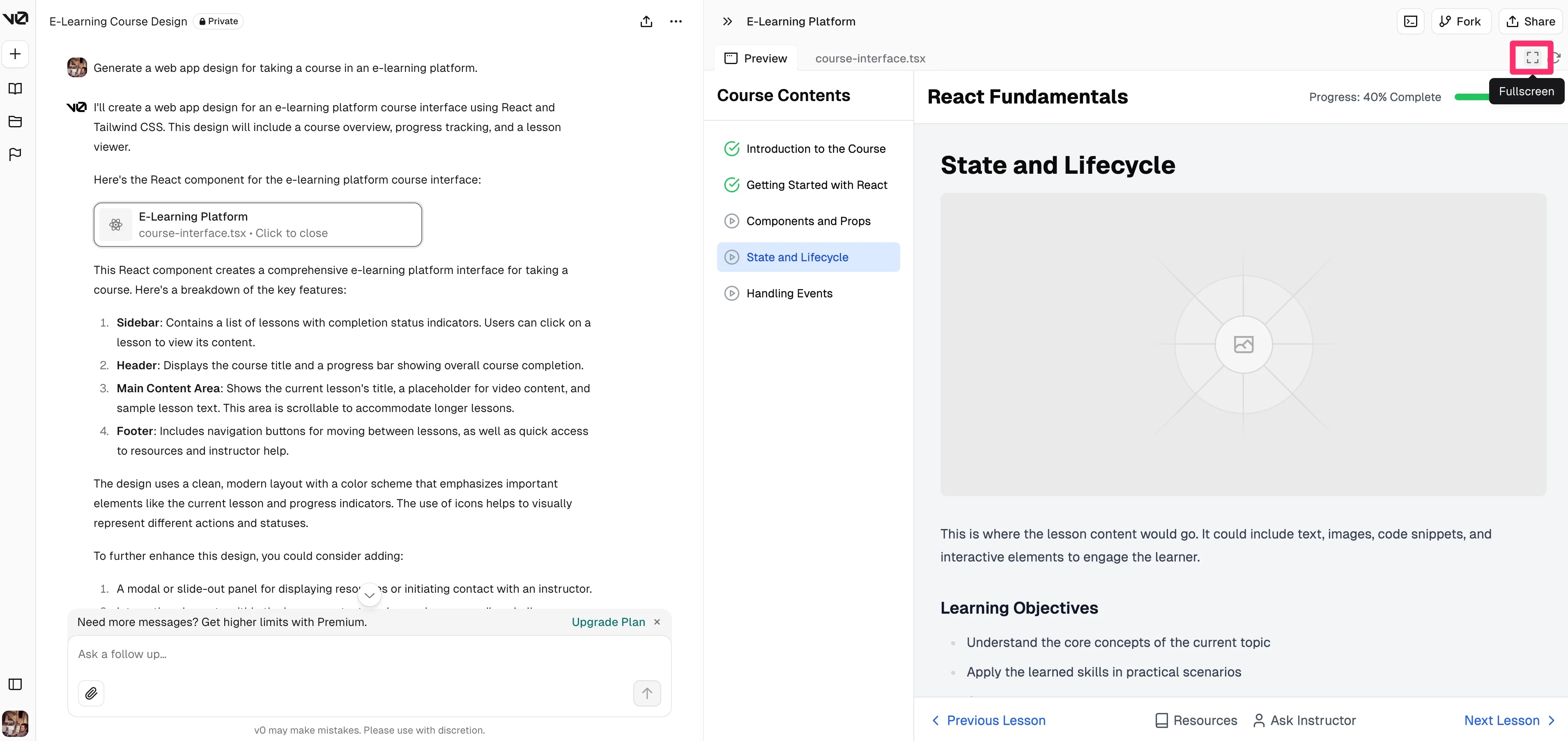
When interacting with our course platform in this view, we noticed that not all of the components on the page were interactive—but that’s an easy fix.
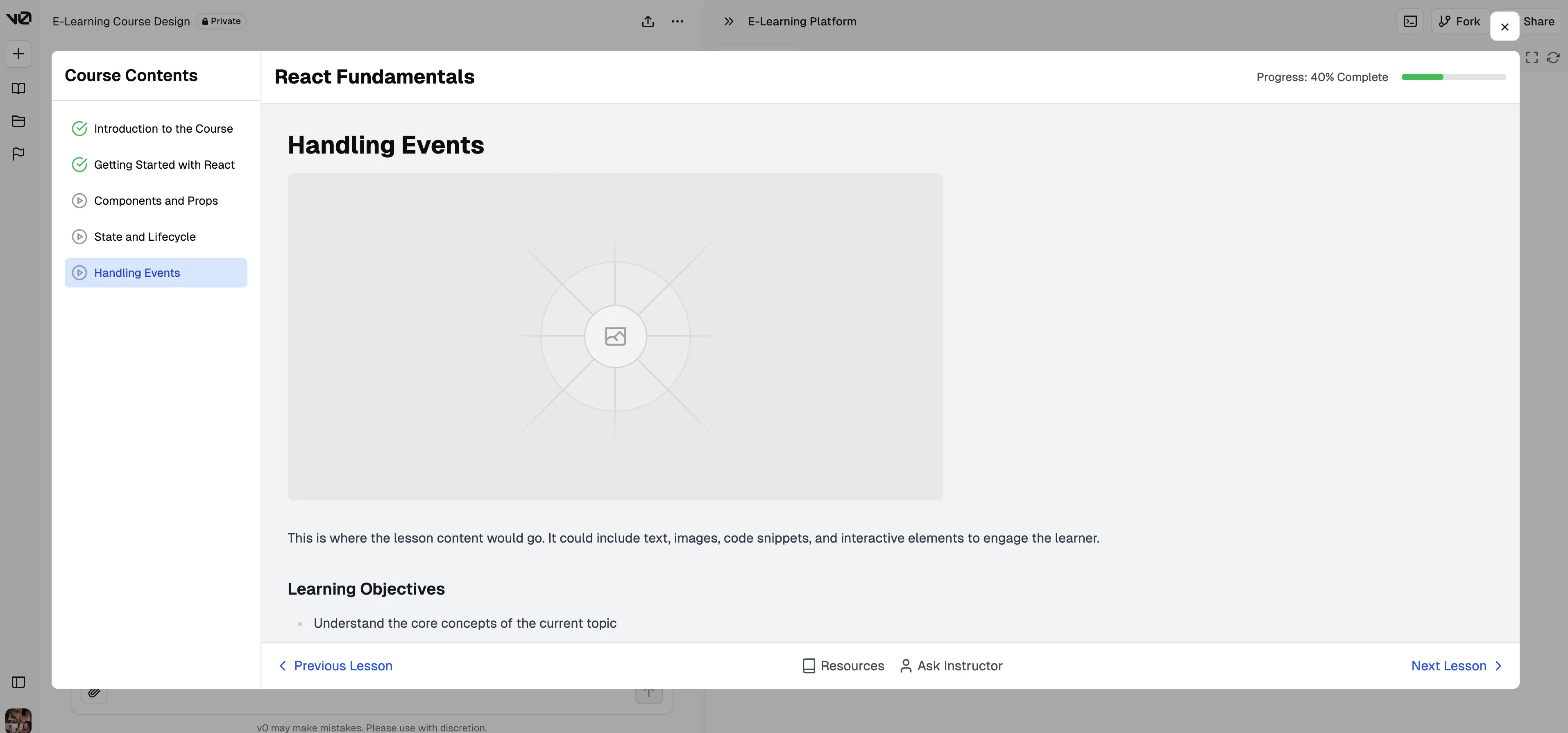
Exit out of the fullscreen mode, and back in the chat input field, we’ll request v0 to make all the components that should be interactive in the UI actually interactive.
Sample Prompt:
Make all of the components that can be interactive, interactive.
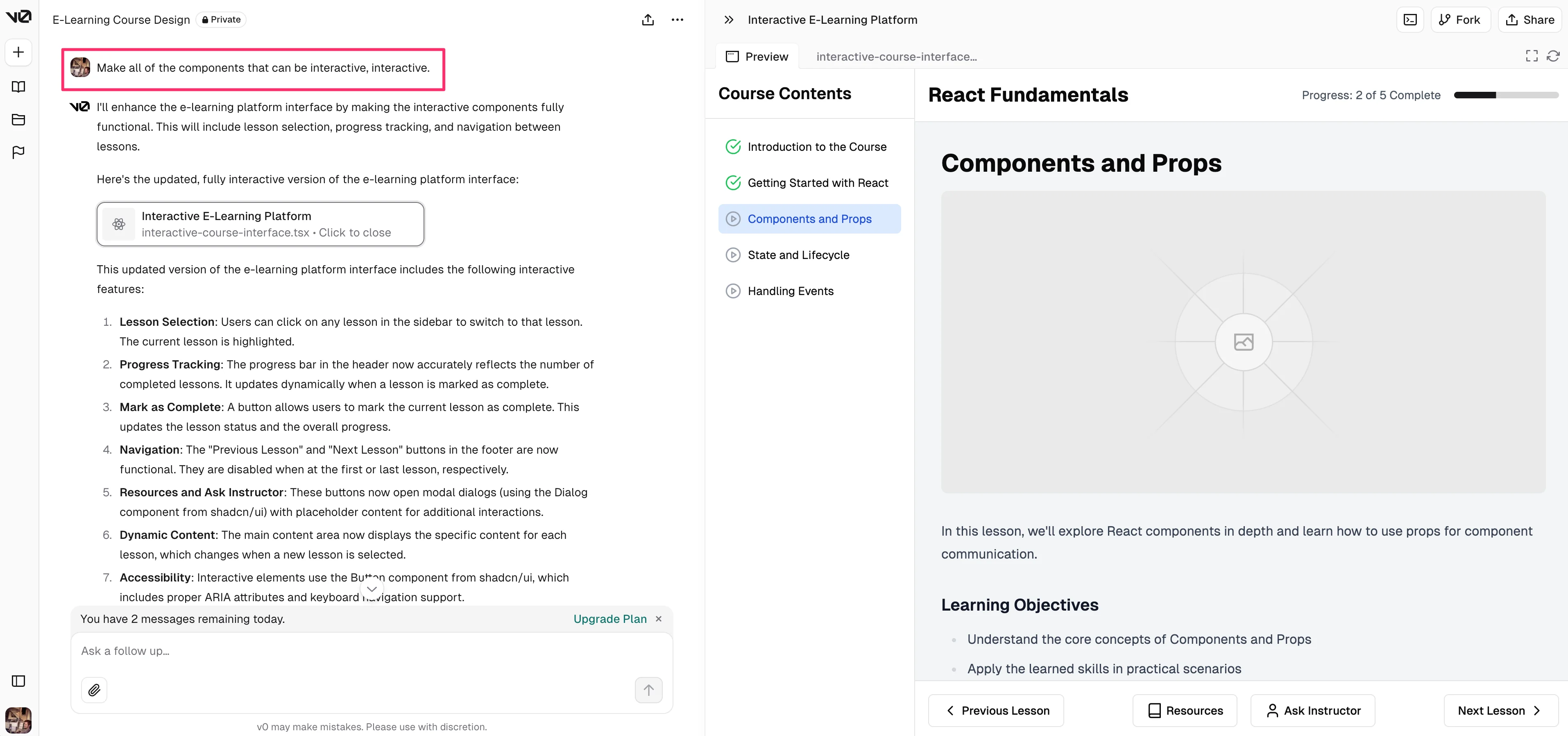
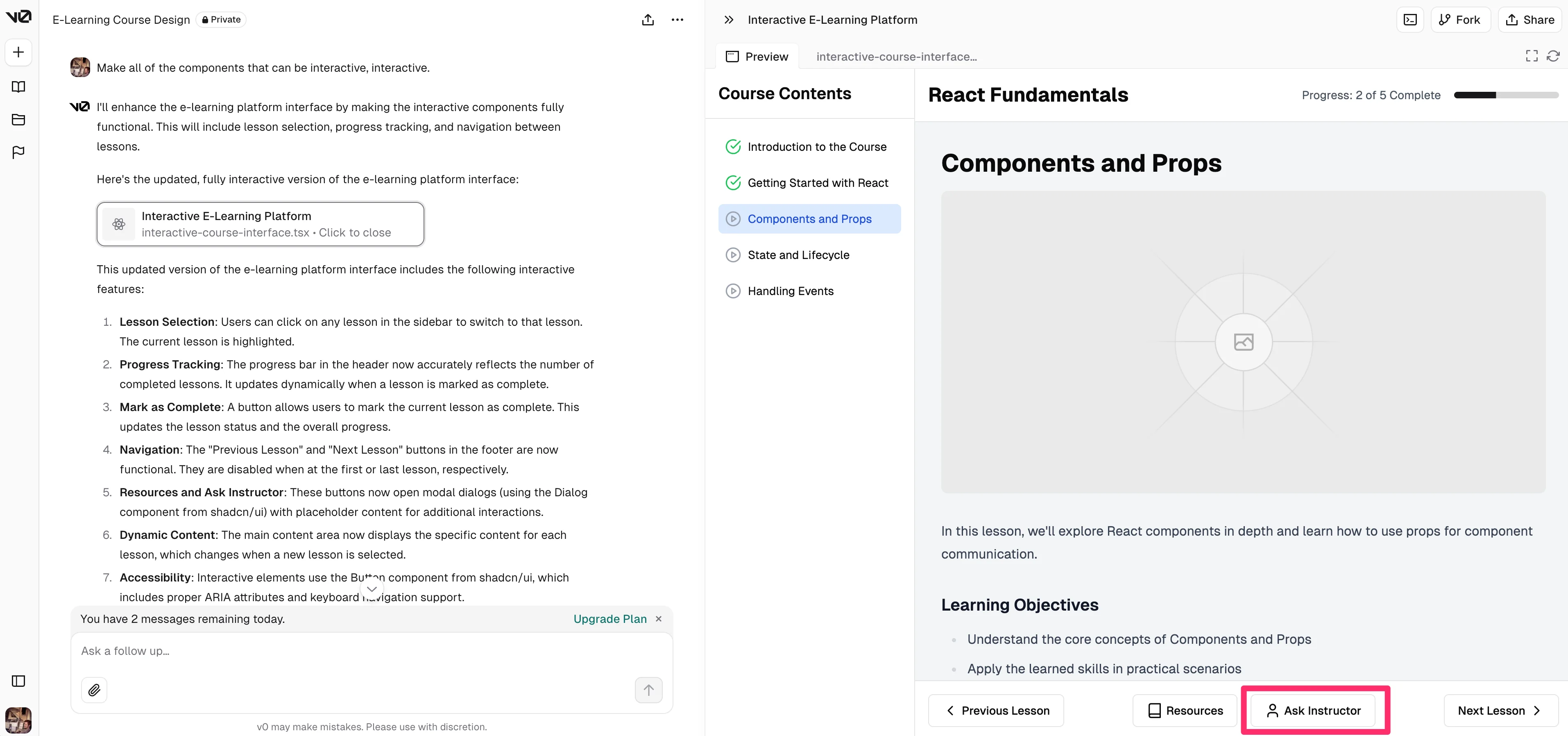
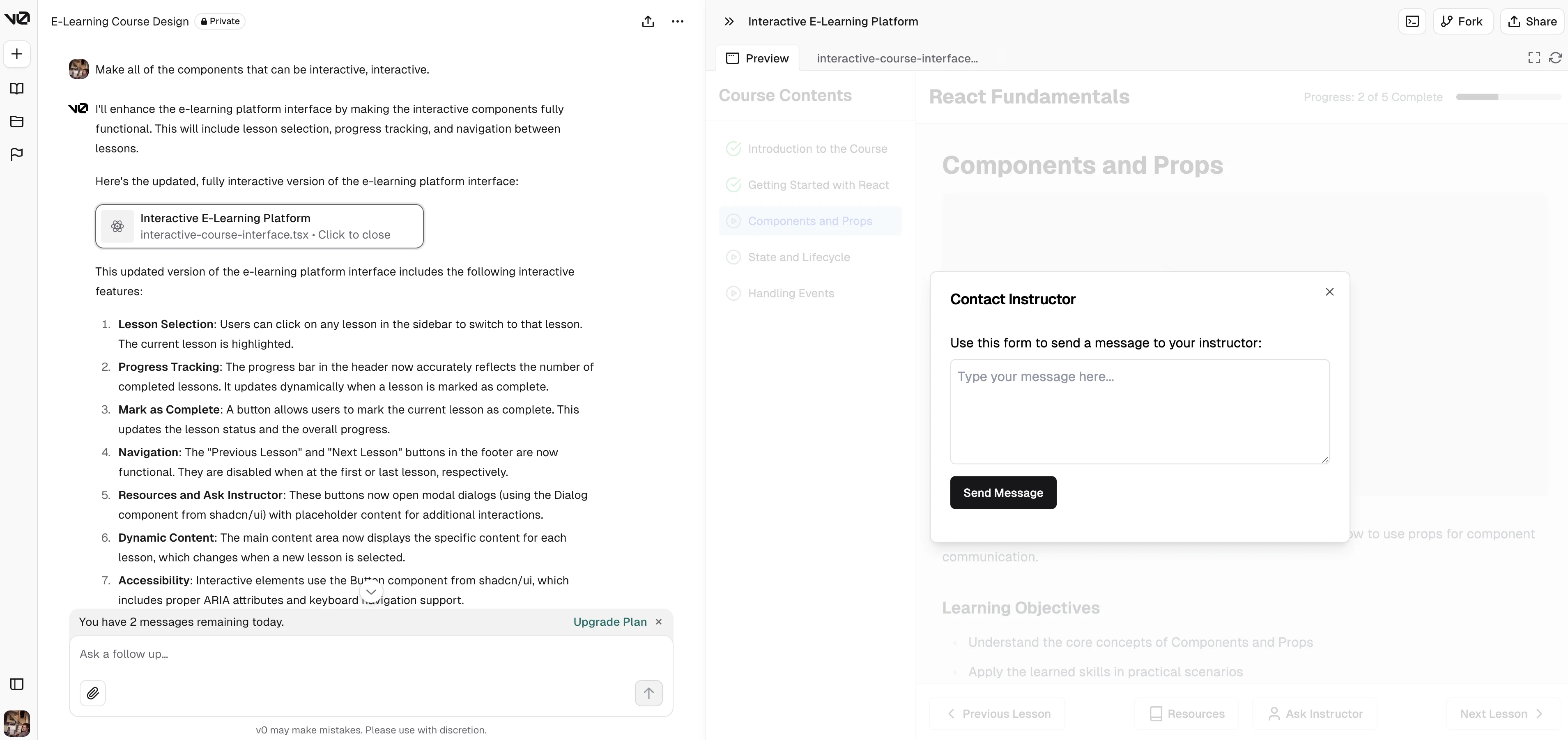
Now, we can click on any of the buttons or components in the user interface, like this “Ask Instructor” button at the bottom of the page and the web app will be fully interactive.
In this example, a pop-up window appears where we can message the instructor of this course.
Develop UI components
In our last example with v0, we’ll develop UI components. This is a more handy feature if you’re a developer and want to add a new React/Tailwind component to an existing project, or you’ve already generated a project with v0 and want to update it with a new component.
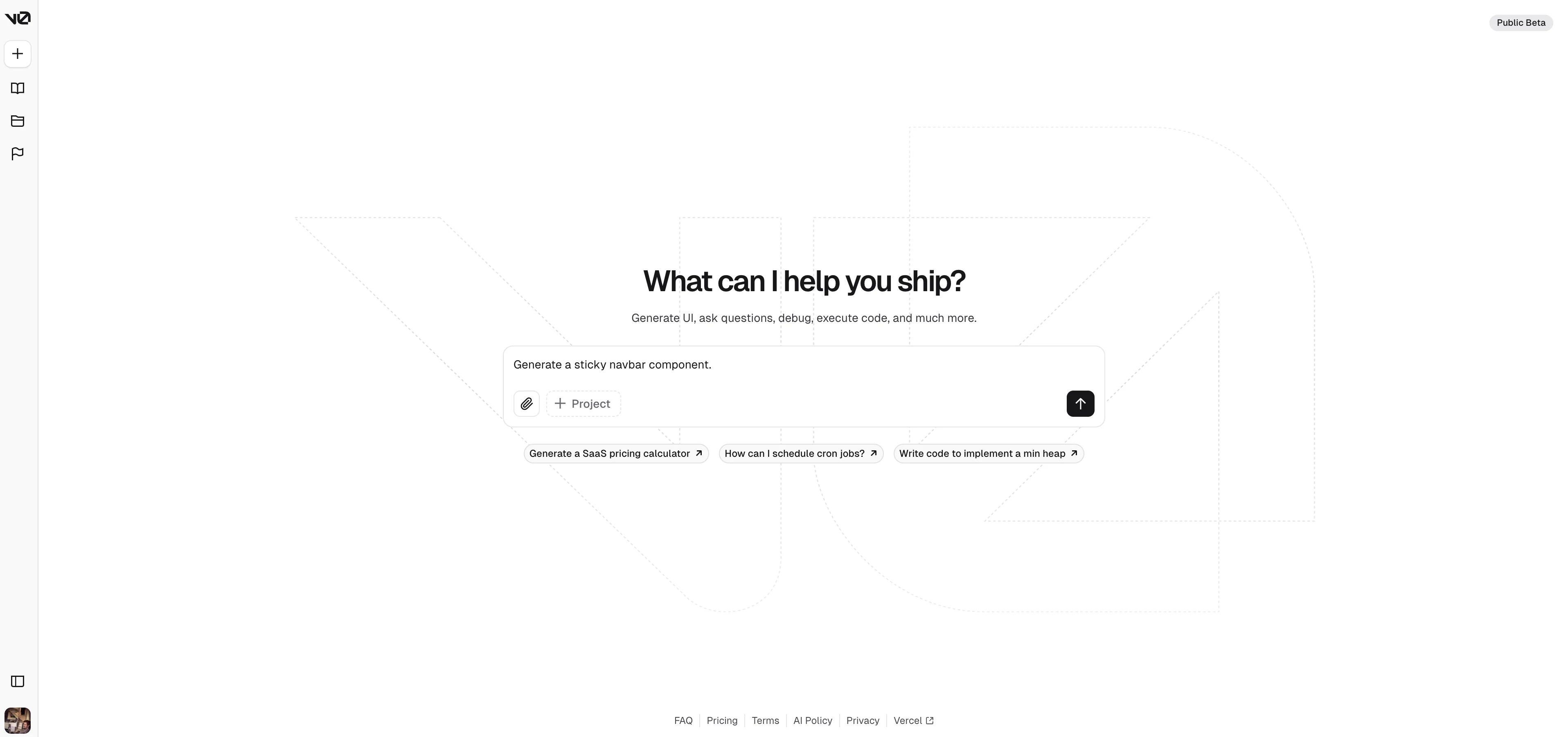
In this example, we’ll ask v0 to create a sticky navbar.
Sample Prompt:
Generate a [insert UI component].
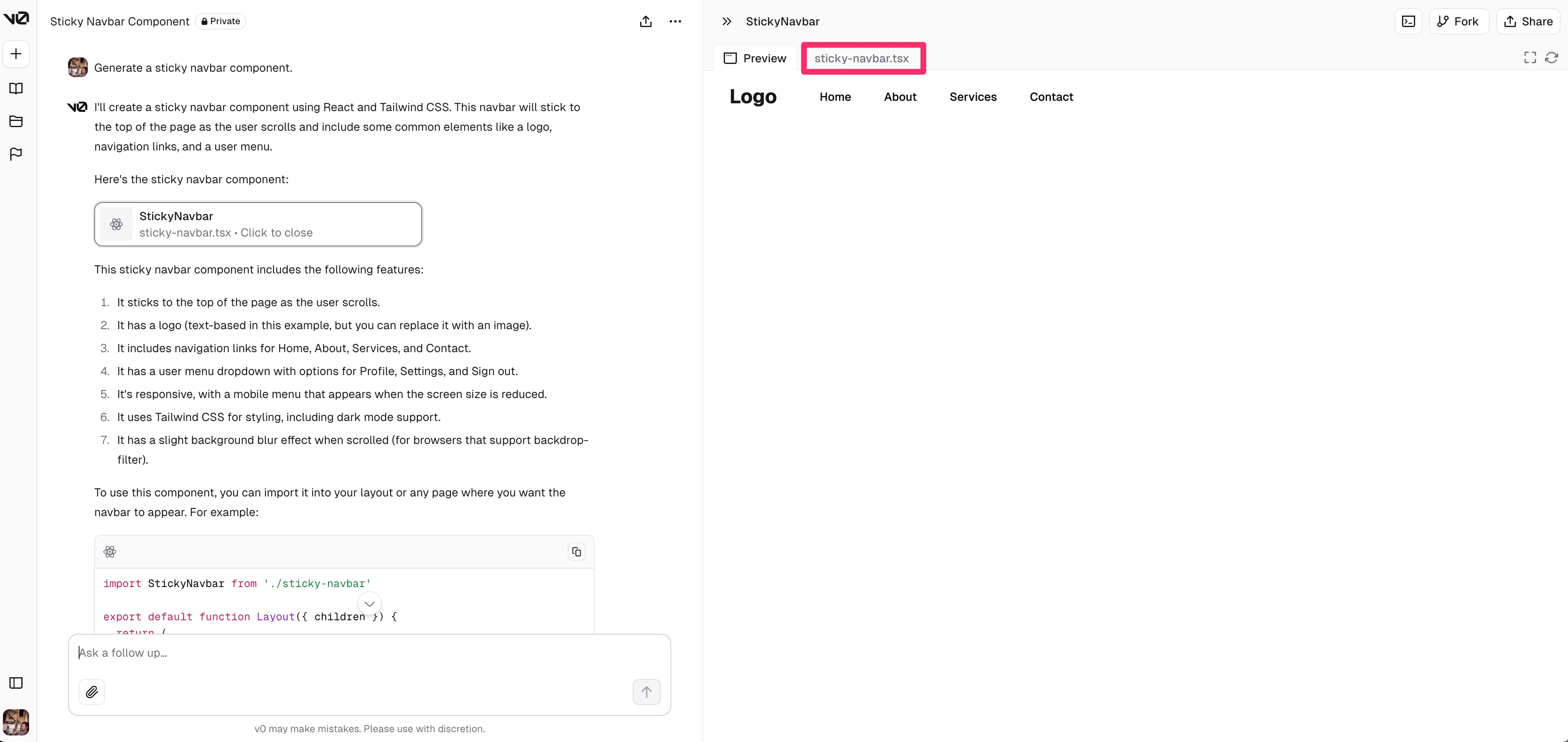
It’ll render the sticky navbar component in the preview. You can click on the .tsx file tab to view the code.
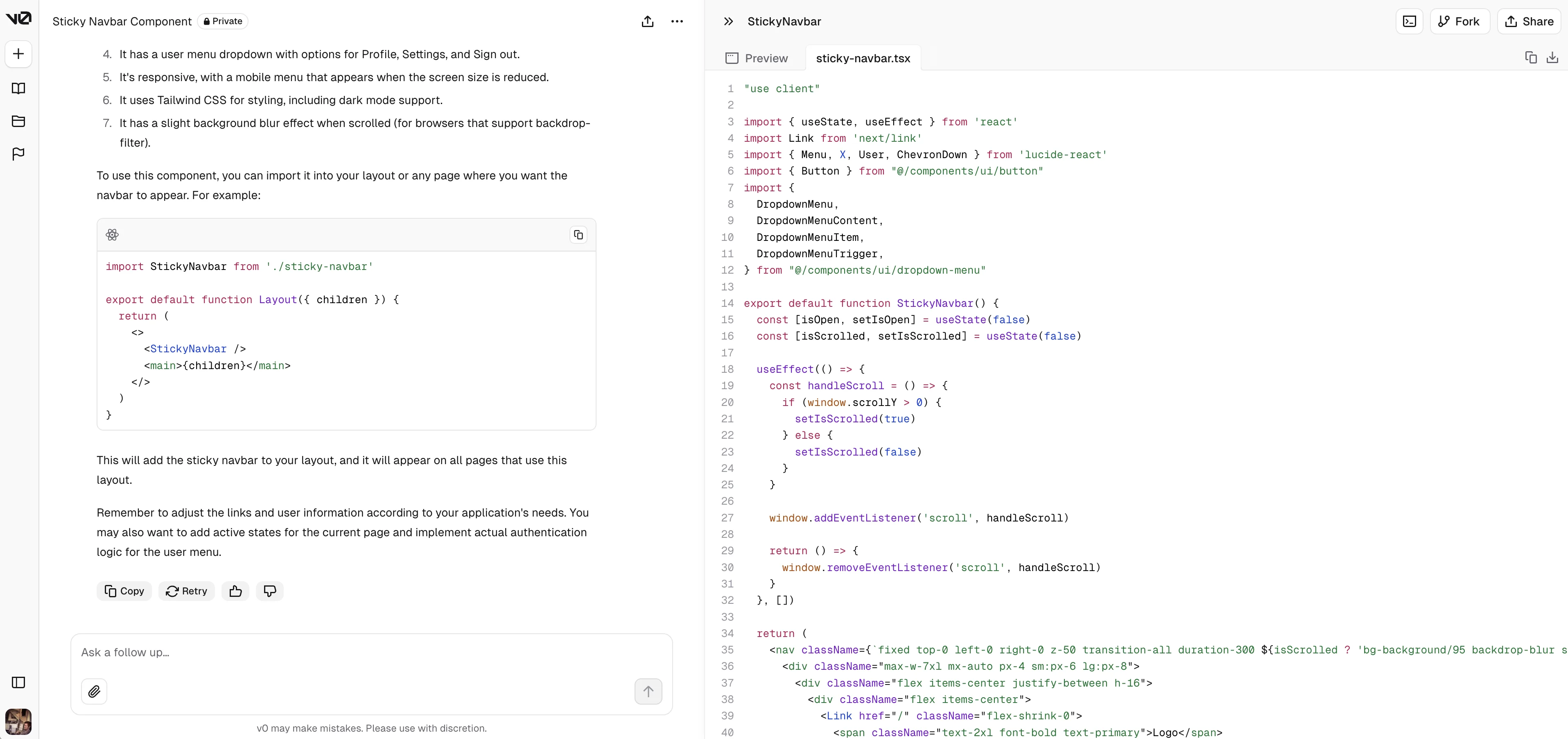
You can copy the code or download it as a local file on your computer from this code view.
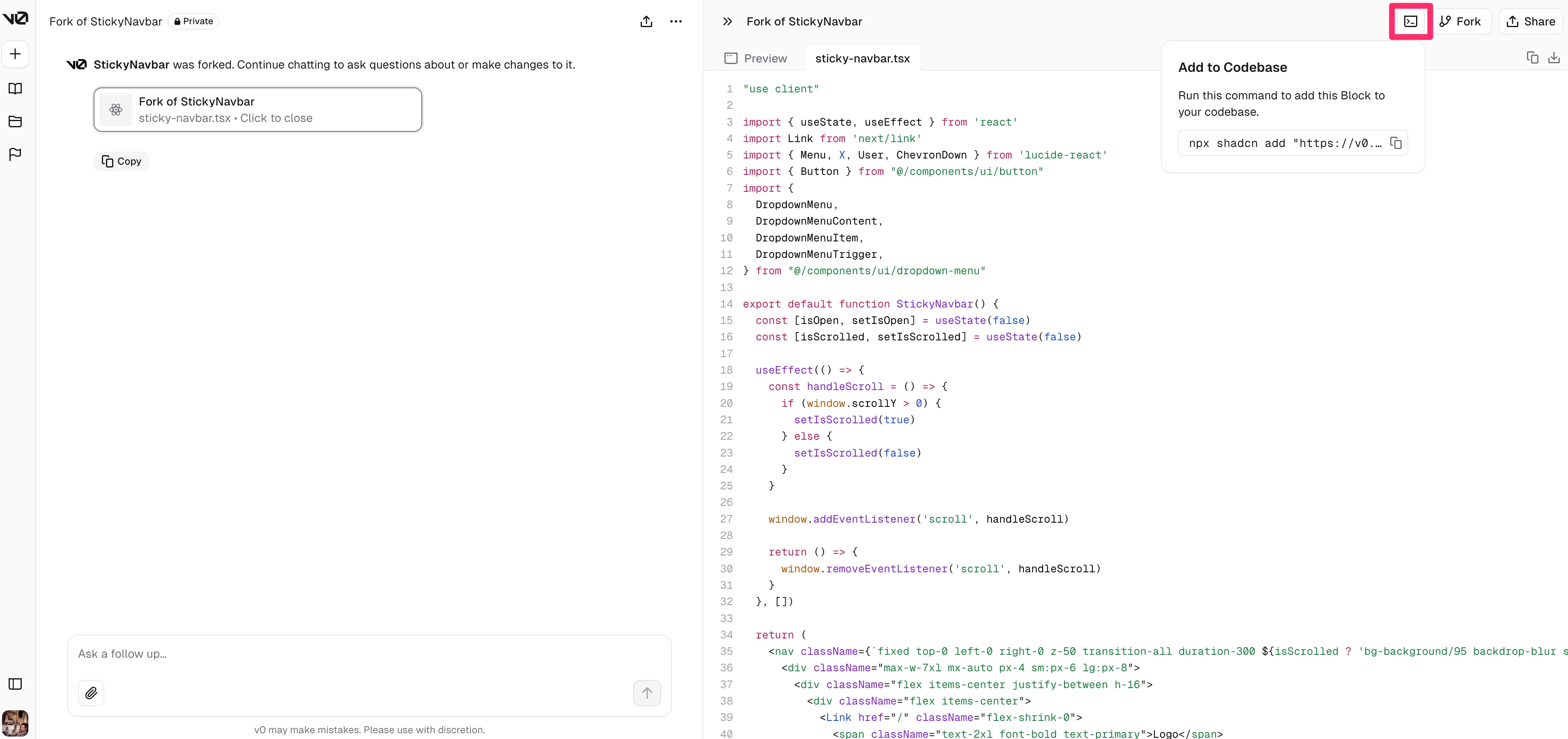
In addition, if you click on the “Add to Codebase” button in the top right corner of the page, v0 will provide you with a command you can copy/paste to automatically add this block of code to your codebase.
And that’s it! With just a couple of prompts, you’ve gone from idea to landing page, web app, or component prototype, with underlying React and Tailwind code to boot. Enjoy the efficiency gains in developing your next project with Vercel’s v0!
This tutorial was created by Garrett.