Getting started with Gemini
Set up your Gemini account and explore the user interface.
2024-12-06
In this tutorial, we'll cover:
- How you access Google's Gemini AI
- A quick tour of the interface
- Reasons why you may choose Gemini over other AI-powered chatbots
Accessing Google's Gemini AI
Gemini is available at gemini.google.com, which is the easiest way to start using it. You'll need a Google account to use Gemini. If you already have a Gmail account, you're all set! If not, creating a Google account is quick and free.
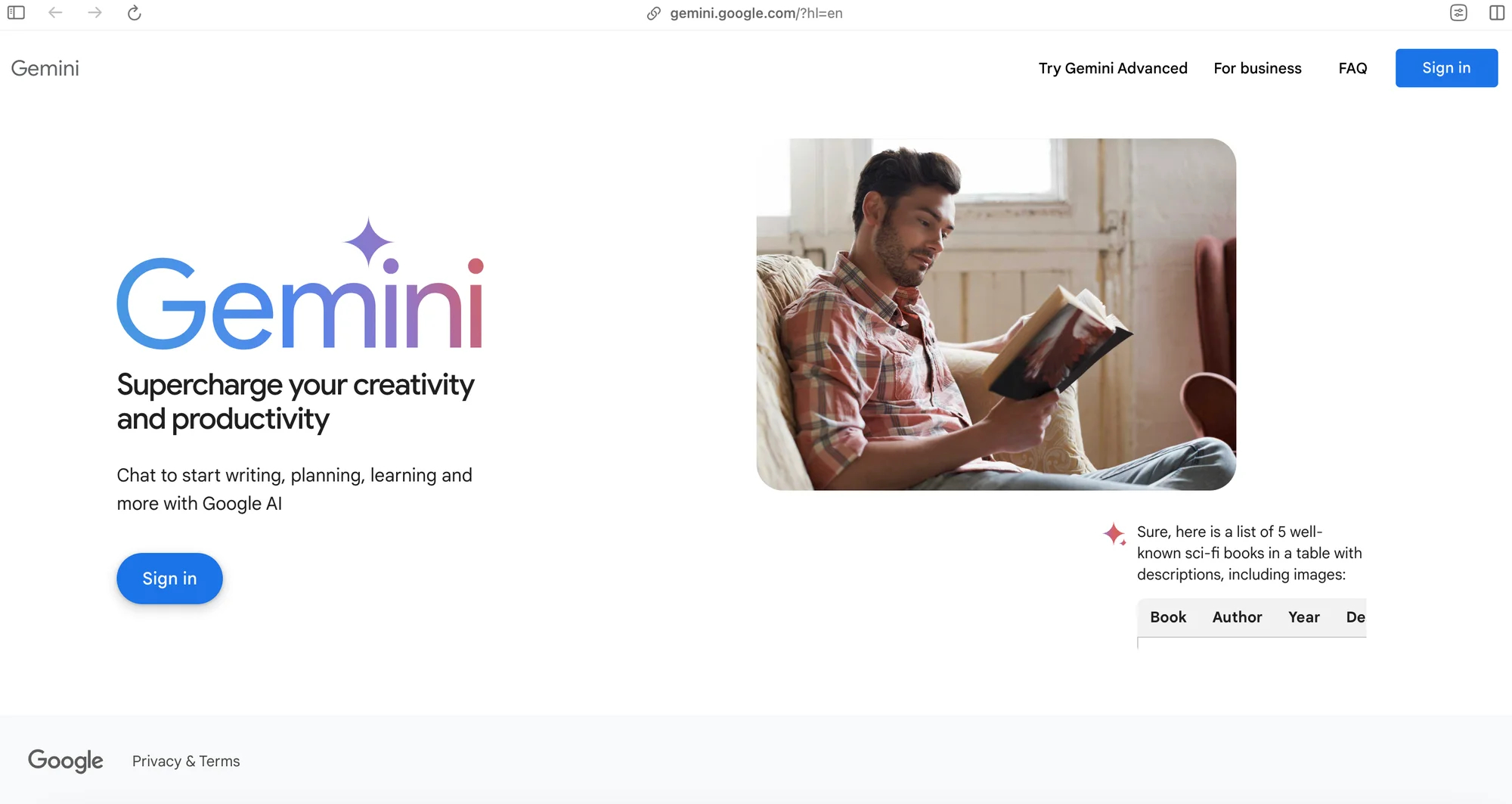
There’s a free version of Gemini, but the paid version, Gemini Advanced, will allow you to get the most out of the chatbot. Gemini Advanced runs on a larger and smarter LLM from Google called 1.0 Ultra. It's far more capable of handling highly complex tasks like coding, logical reasoning, following nuanced instructions, and creative collaboration.
Gemini Advanced with 1.0 Ultra is available as part of a new Google One AI Premium plan that also includes:
- Gemini in Gmail, Docs, and more
- 2 TB of storage
- Other benefits
If you've only used Gemini's free version and found it lacking, you should try Gemini Advanced. It comes with a 2-month free trial on Google One's AI Premium plan that also includes:
- Gemini in Gmail, Docs, and more
- 2 TB of storage
- Other Google One benefits
A quick tour of the interface
Once you sign in, Gemini's interface is intuitive. The main part of the interface is the chatbox at the bottom, where you can type anything to ask Gemini. What you type is called a prompt.
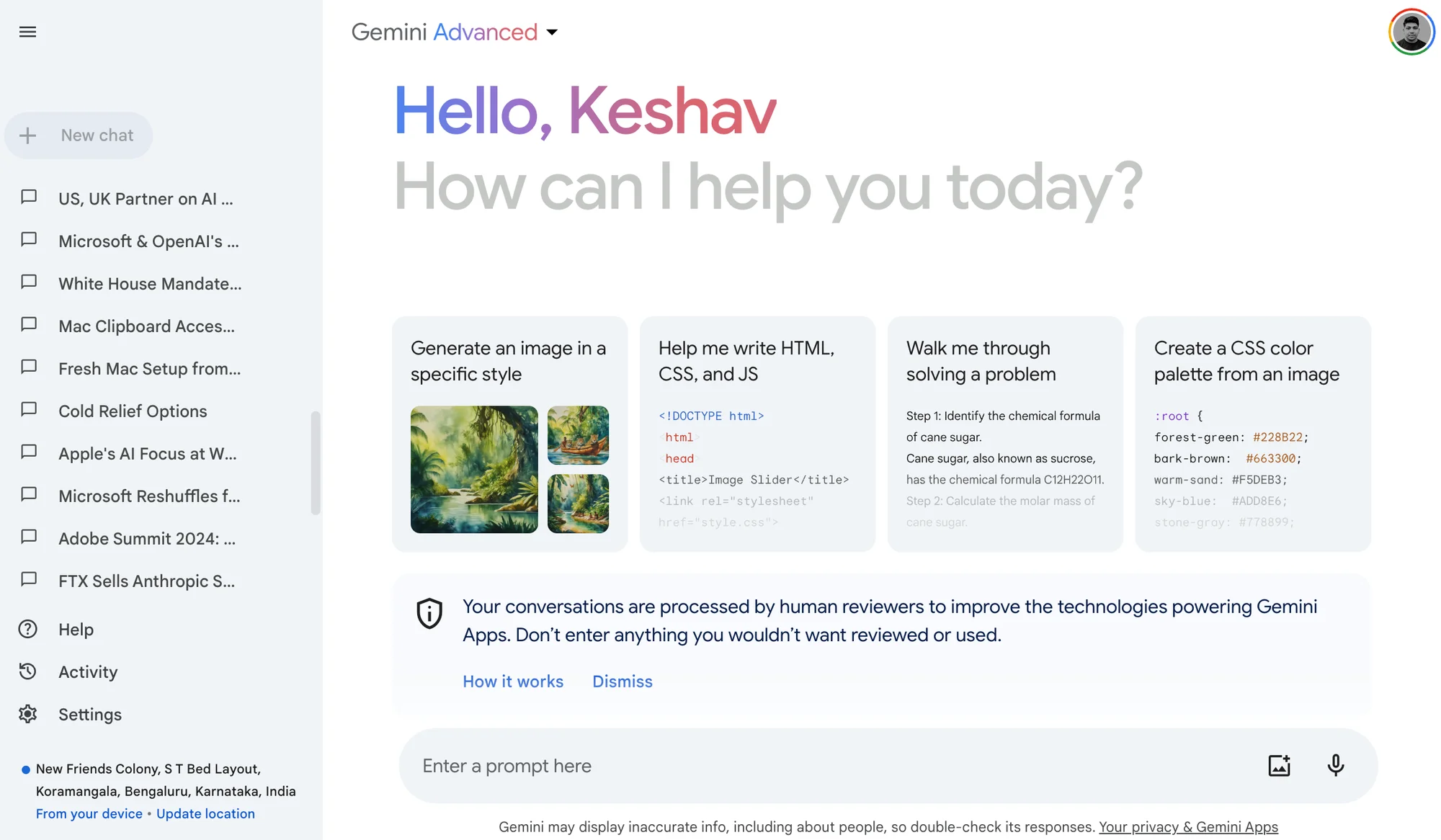
You can continue a previous chat by selecting it from the left panel and switching between Gemini or Gemini Advanced from the selector at the top, above your name.
To start a chat, send your "prompt" to Gemini, and it will generate a response. You can keep the conversation going back and forth by adding further prompts based on Gemini's responses.
You can also add an image to your prompt or use voice to enter your prompts. We'll cover how to write effective prompts and Gemini's unique features later in the course.
Why choose Gemini?
Gemini is not the only AI chatbot available. Leading competitors include OpenAI's ChatGPT and Anthropic's Claude. Here’s where Gemini shines compared to its rivals:
- Built-in integrations with Google's other products like Gmail, Drive, YouTube, and Maps
- No usage limits, even on paid tiers, unlike other AI apps
- Connected to Google Search, allowing it to double-check its responses against web results
Using the Gemini chatbot instead of a simple Google search gives you a direct answer to your question, rather than just some hyperlinks. But that's just the beginning. With well-crafted prompts, you can accomplish many everyday personal and work tasks using Gemini.
Continue on to the next tutorial when you’re ready!