Turn your business plan into an investor pitch deck
Use ChatGPT and a few prompts to create a fundraising pitch deck from a business plan.
2024-12-20
Raising money for your startup is a challenge. You’ve likely written down a business plan with market sizing, product ideas, and the background of your core team. Now it’s time to turn that plan into an investor pitch deck.
In this tutorial, you will learn how to:
- Create a compelling pitch deck from a business plan
- Highlight key points that attract investors
- Use AI tools to enhance your pitch
Step 1: Summarize the business plan
Extract key information
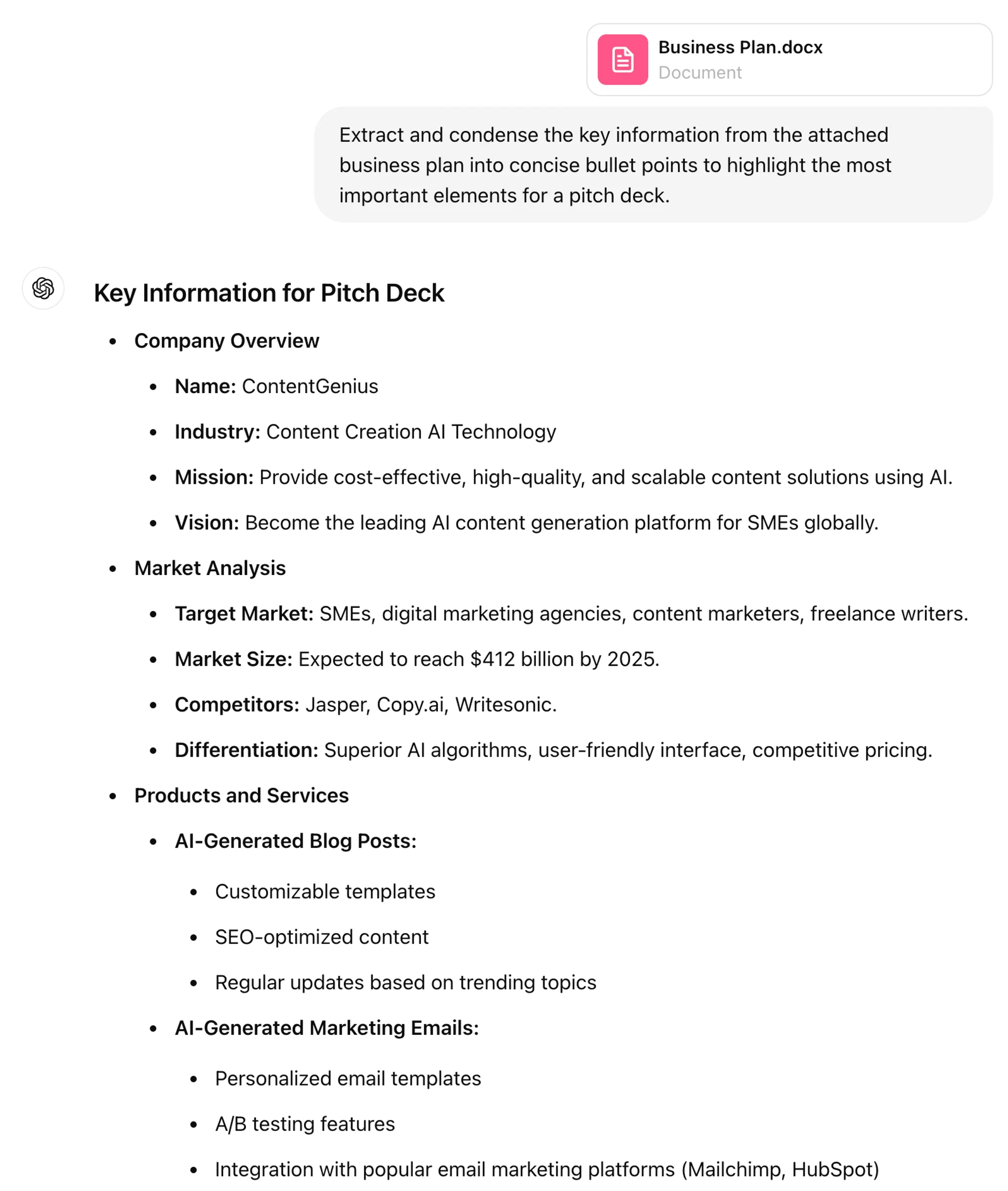
To start, it's crucial to distill your business plan into its most essential elements. This will help you identify the core aspects to highlight in your pitch deck. By summarizing the key points, you can ensure that your presentation remains focused and impactful.
Open up ChatGPT and use this prompt:
Extract and condense the key information from the attached business plan into concise bullet points to highlight the most important elements for a pitch deck.
.webp)
.webp)
Step 2: Outline the deck structure
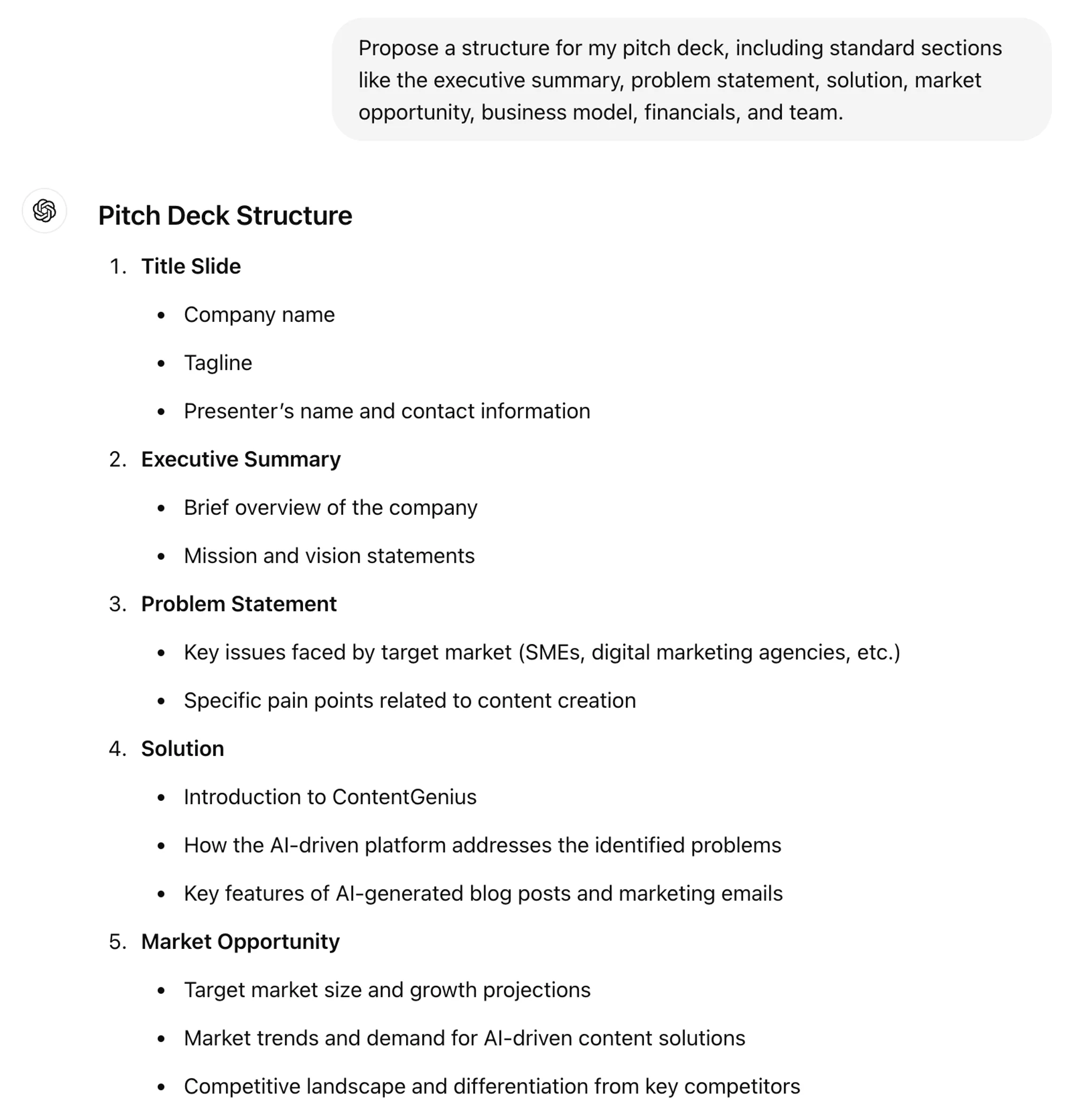
A well-organized pitch deck follows a logical flow, guiding investors through your business story. Standard sections include the executive summary, problem statement, solution, market opportunity, business model, financials, and team. Defining this structure will provide a clear roadmap for your presentation.
Prompt:
Propose a structure for my pitch deck, including standard sections like the executive summary, problem statement, solution, market opportunity, business model, financials, and team.
.webp)
.webp)
Step 3: Generate content for each slide
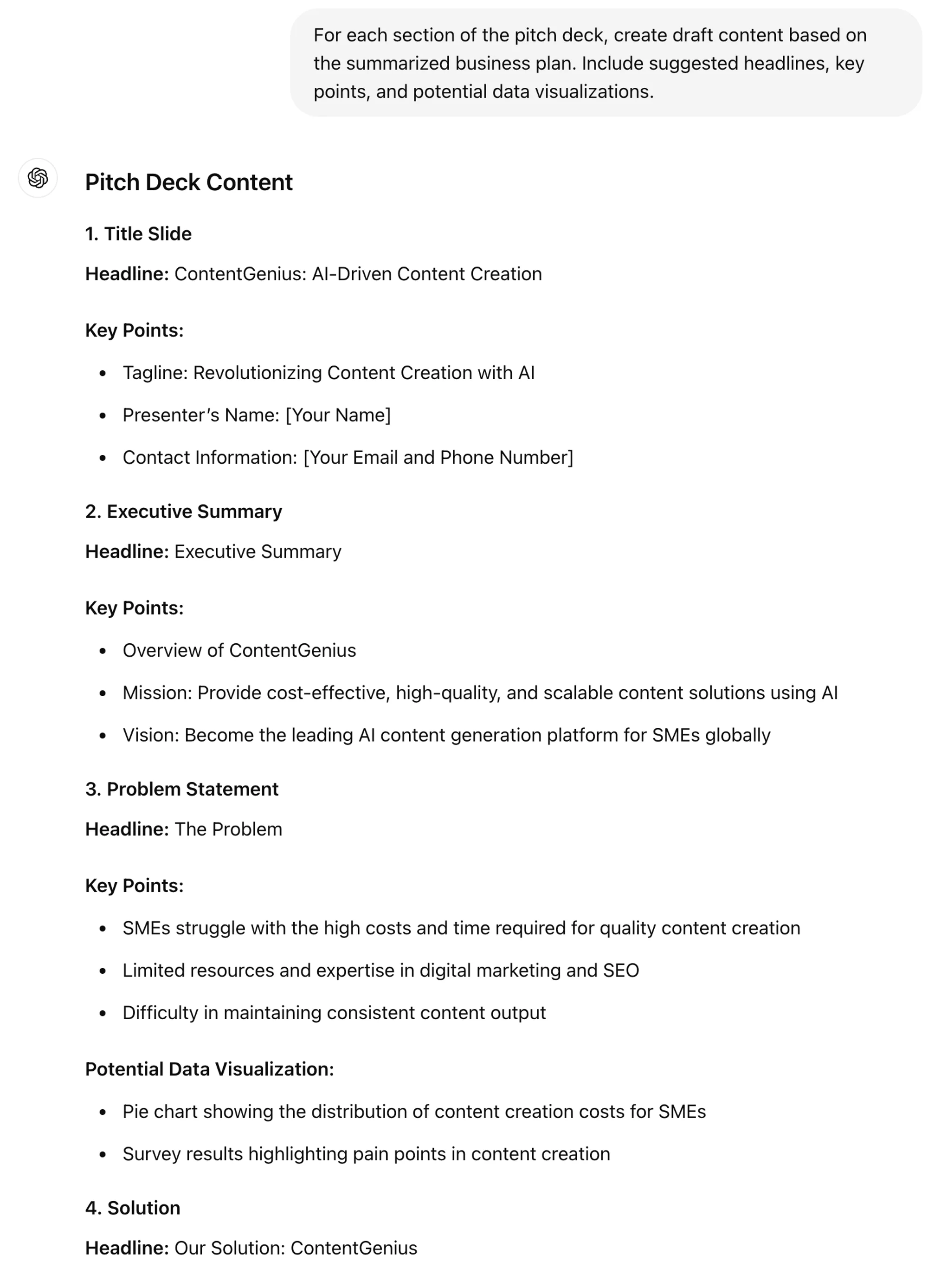
Once the structure is defined, you can begin drafting the content for each section. This involves crafting headlines, key points, and potential data visualizations that align with your business plan. Detailed and relevant content will make your pitch compelling and informative.
Prompt:
For each section of the pitch deck, create draft content based on the summarized business plan. Include suggested headlines, key points, and potential data visualizations.
.webp)
.webp)
.webp)
.webp)
Step 4: Craft a compelling narrative
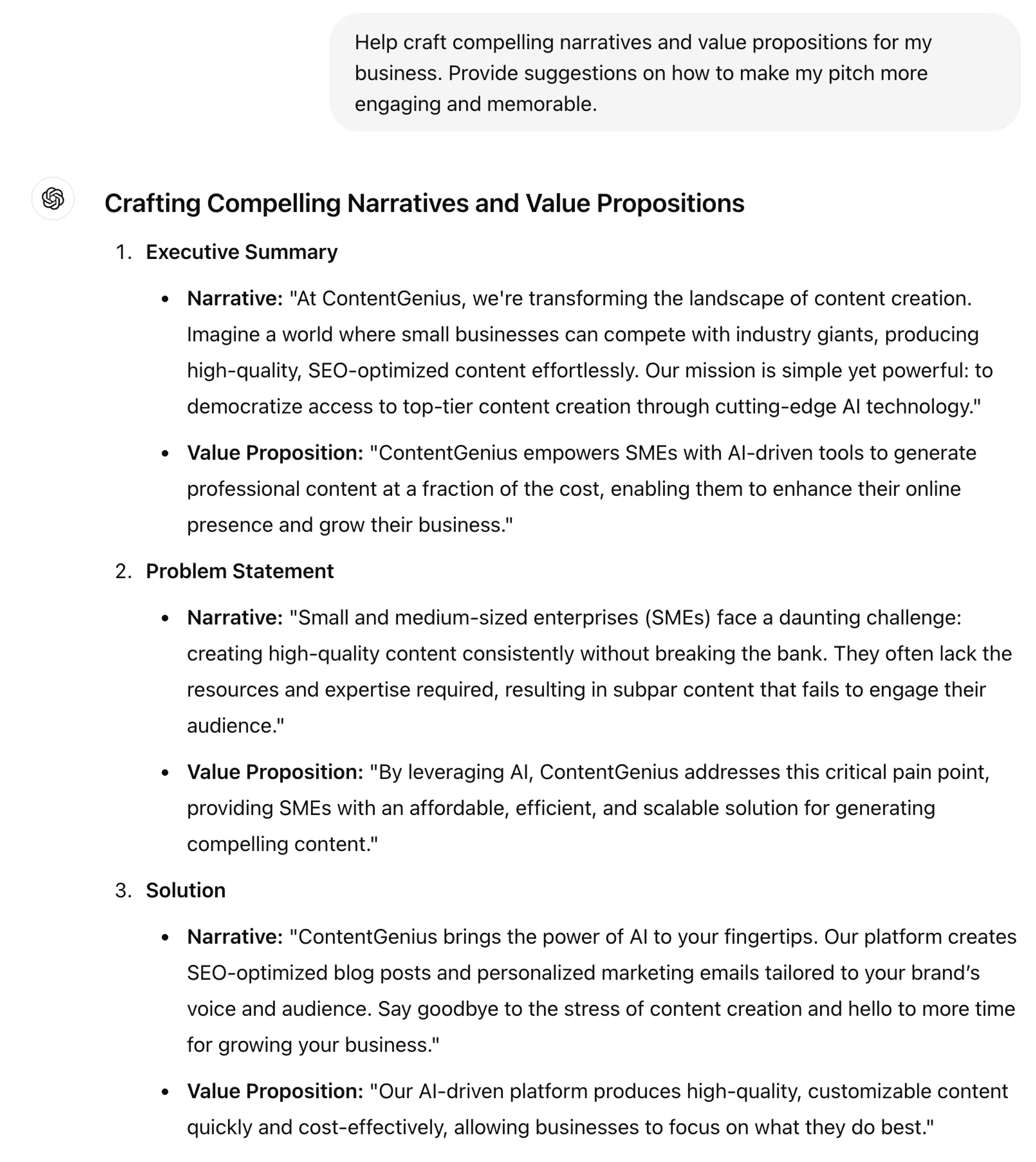
A compelling narrative can significantly enhance the impact of your pitch. Focus on creating strong value propositions and engaging stories that resonate with your audience. Refining your messaging ensures that your pitch is not only informative but also memorable.
Prompt:
Help craft compelling narratives and value propositions for my business. Provide suggestions on how to make my pitch more engaging and memorable.
.webp)
.webp)
.webp)
Step 5: Visuals and design suggestions
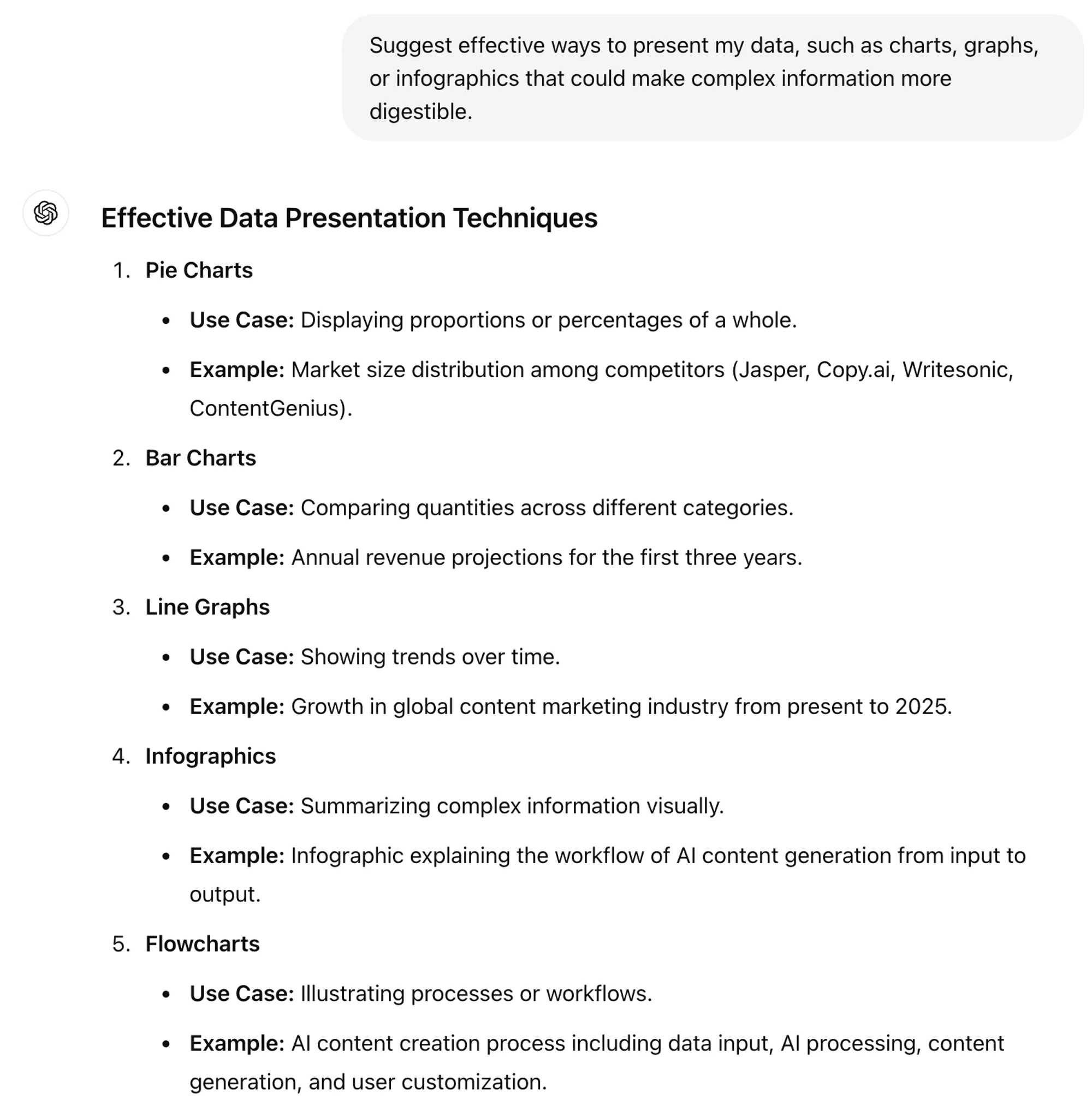
Effective data visualization can make complex information more digestible and persuasive. Consider using charts, graphs, or infographics to present your data clearly and compellingly. Properly visualized data can help highlight your business’s potential and performance.
Prompt:
Suggest effective ways to present my data, such as charts, graphs, or infographics that could make complex information more digestible.
.webp)
.webp)
.webp)
Step 6: Prepare for Q&A
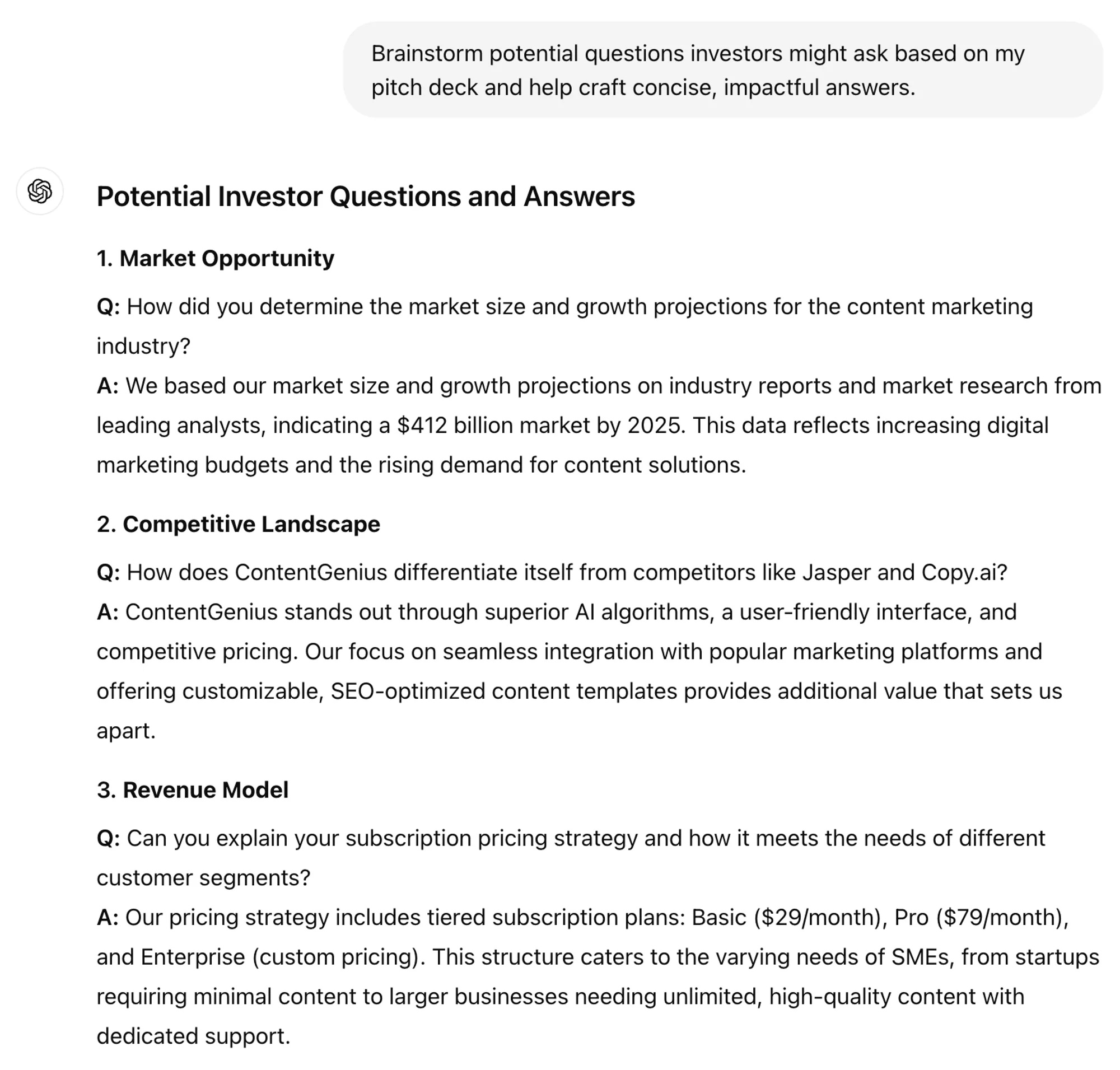
Preparing for investor questions helps you demonstrate confidence and knowledge about your business. Brainstorm potential questions and craft concise, impactful answers. This preparation will help you handle the Q&A session effectively.
Prompt:
Brainstorm potential questions investors might ask based on my pitch deck and help craft concise, impactful answers.
.webp)
.webp)
With your business plan and an investor pitch deck created, you’re ready to share your business with potential investors. Good luck raising!
This tutorial was created by Jonah.