Use Grok 3 DeepSearch to do product research on X
How to use Grok 3’s DeepSearch more to do detailed product research quickly.
2025-03-11
Grok 3’s release came with DeepSearch mode, a tool that dives deep into a wide range of sources to produce detailed research for you.
Grok is built by X/Twitter, and while other AI companies have released similar tools, Grok has one unique advantage: access to the entire archive of tweets.
As you may know, X is a place where people go to discuss, complain and brainstorm—and you can now tap directly into that for your research.
In this tutorial you will learn how to:
- Come up with a research subject and prompt
- Get Grok to do deep research on X posts/tweets
- Review the output report
- Get Grok to distill its research
You’ll need:
- Grok account (with the free plan, you only get a small number of DeepSearch messages per day)
Let’s see how it’s done.
Step 1: Come up with a research subject and prompt
We’re using Grok for our research because it has access to the firehose of tweets, so we need to frame our prompt to take advantage of that.
For this tutorial, I’m going to imagine that I’m developing a new AI customer support SaaS. I know some already exist—like Drift and Intercom—and I’ve read about people using AI to power Discord bots.
I’ve seen chatter about all these things on X before, but instead of hand-searching for all these tweets, I want Grok to pull it all together for me.
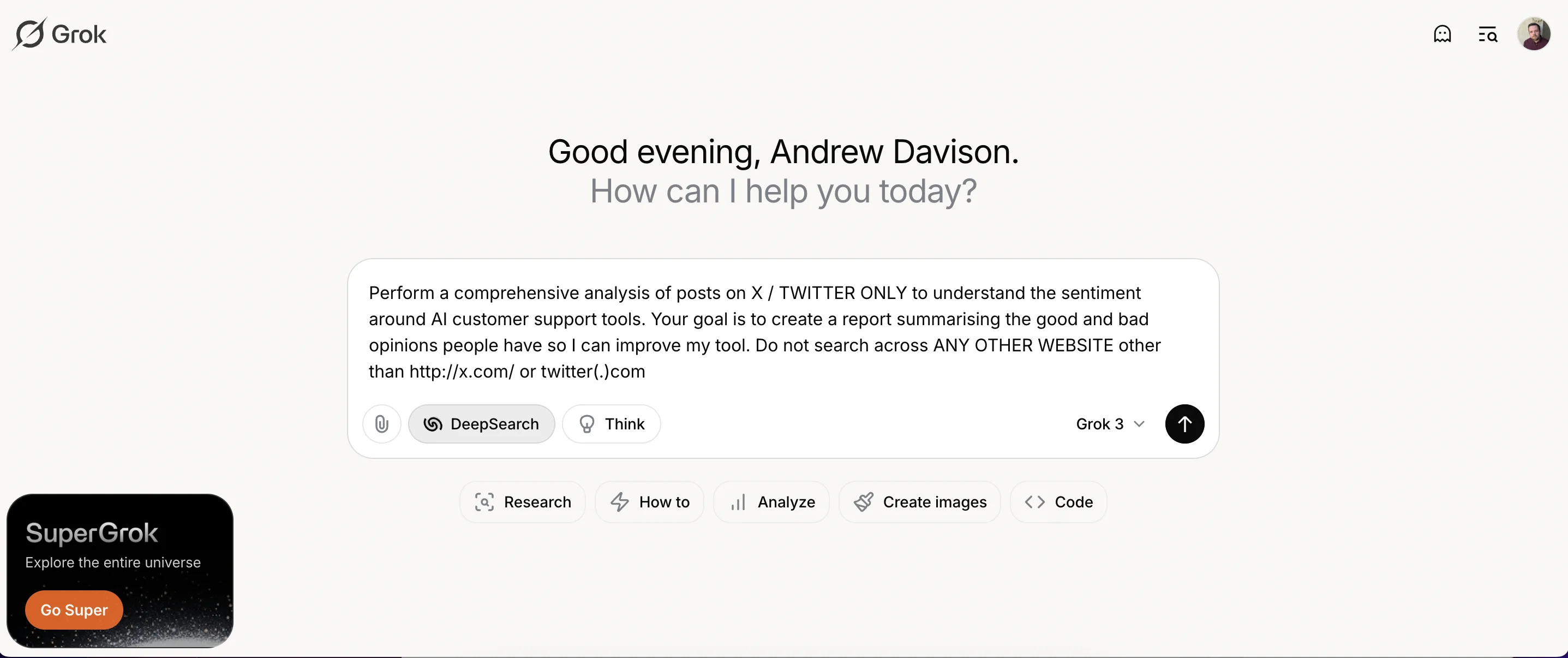
Here’s a good prompt to use. You can adapt it for your purposes.
Perform a comprehensive analysis of posts on X / TWITTER ONLY to understand the sentiment around AI customer support tools. Your goal is to create a report summarising the good and bad opinions people have so I can improve my tool. Do not search across ANY OTHER WEBSITE other than http://x.com/ or twitter(.)com
Step 2: Get Grok started on its research
With the prompt typed in, you can start by clicking the black arrow button. Make sure the “DeepSearch” button is also selected.
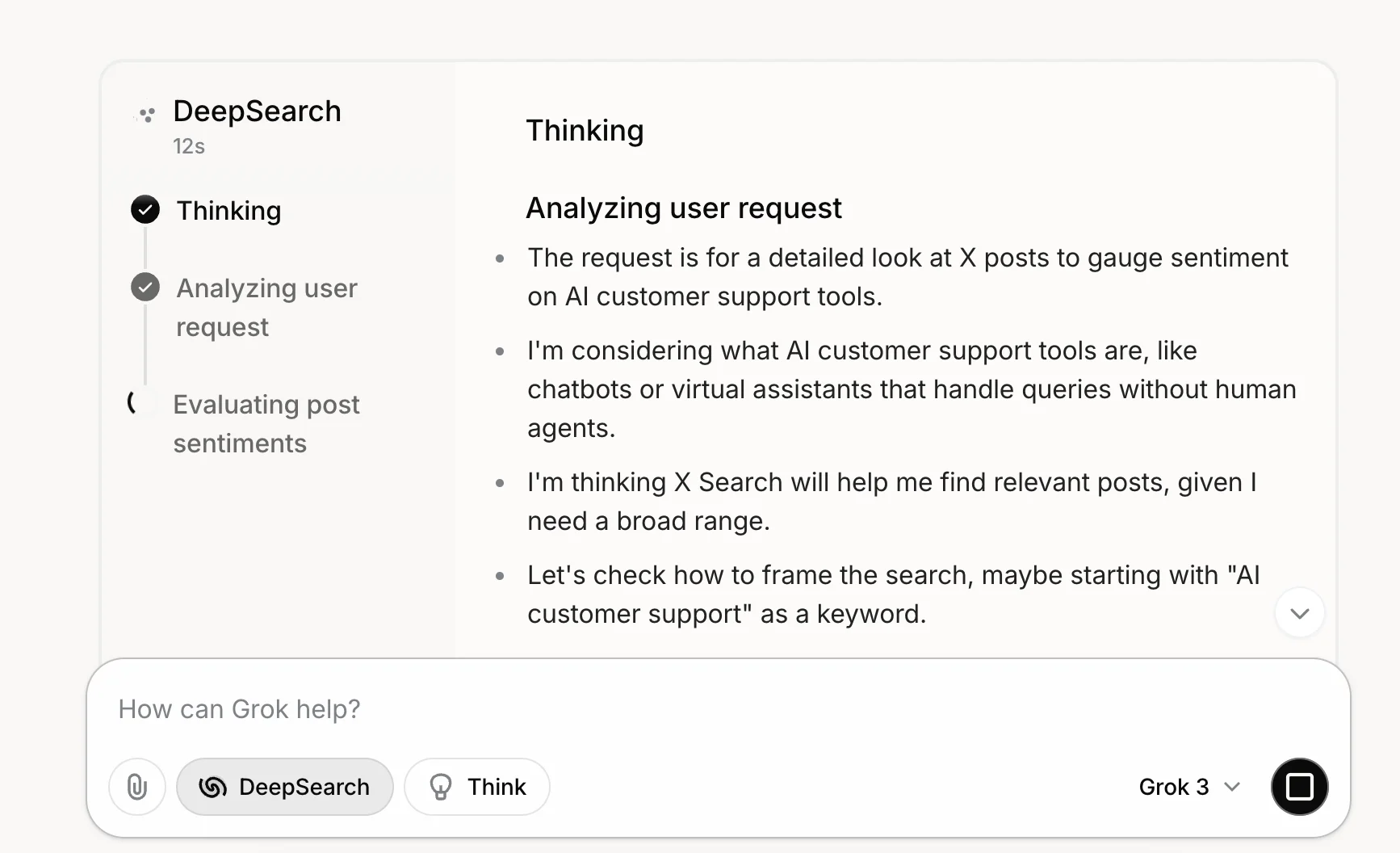
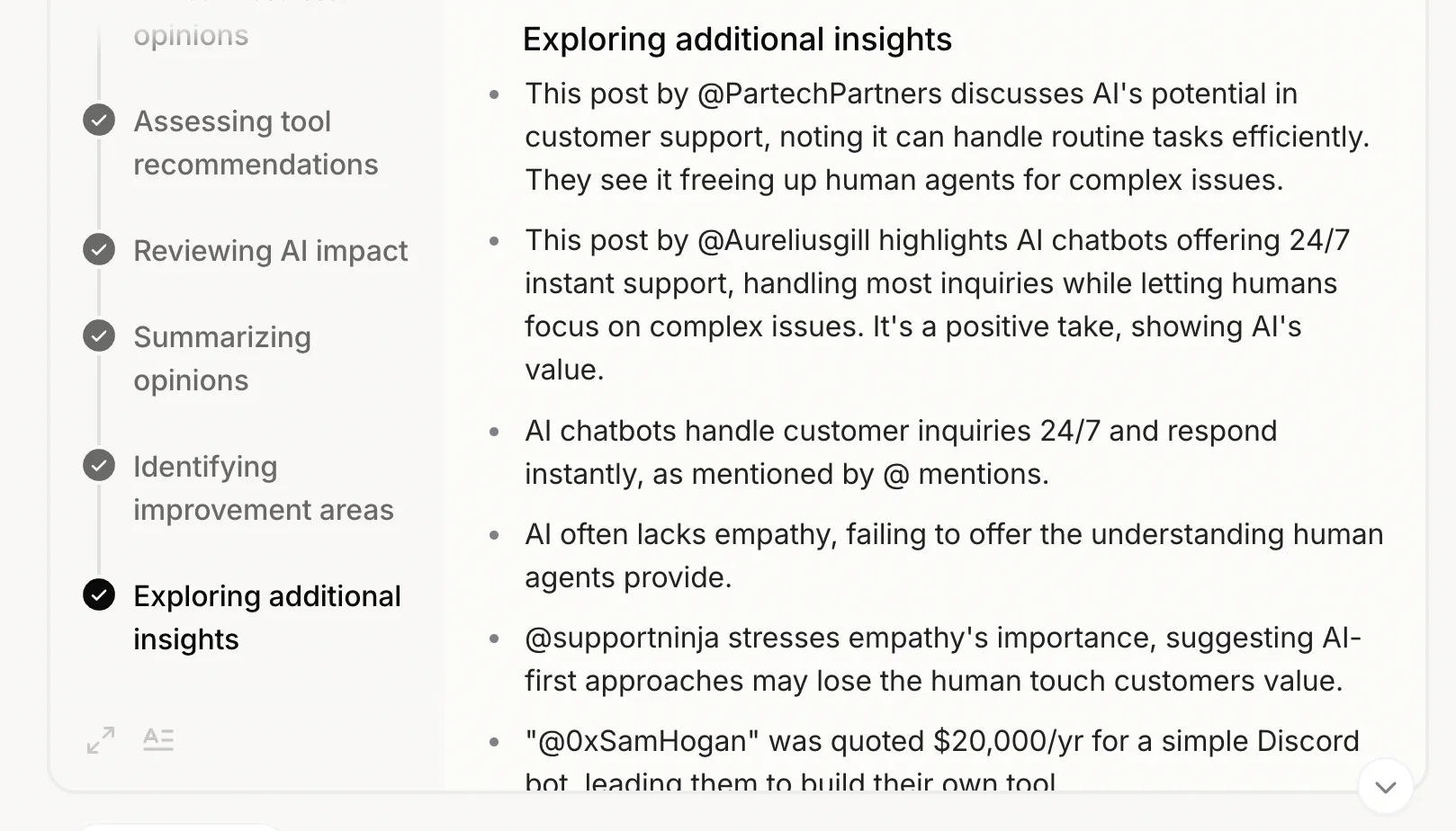
Once it starts on a request, Grok gives us a very detailed look inside its ‘brain’ so you can see how it thinks about, and conducts, its research.
First, it starts by analysing the request, correctly noting that it should look at X posts, thinking about what sort of tool encompasses AI customer support and deciding how to frame its searches on X.
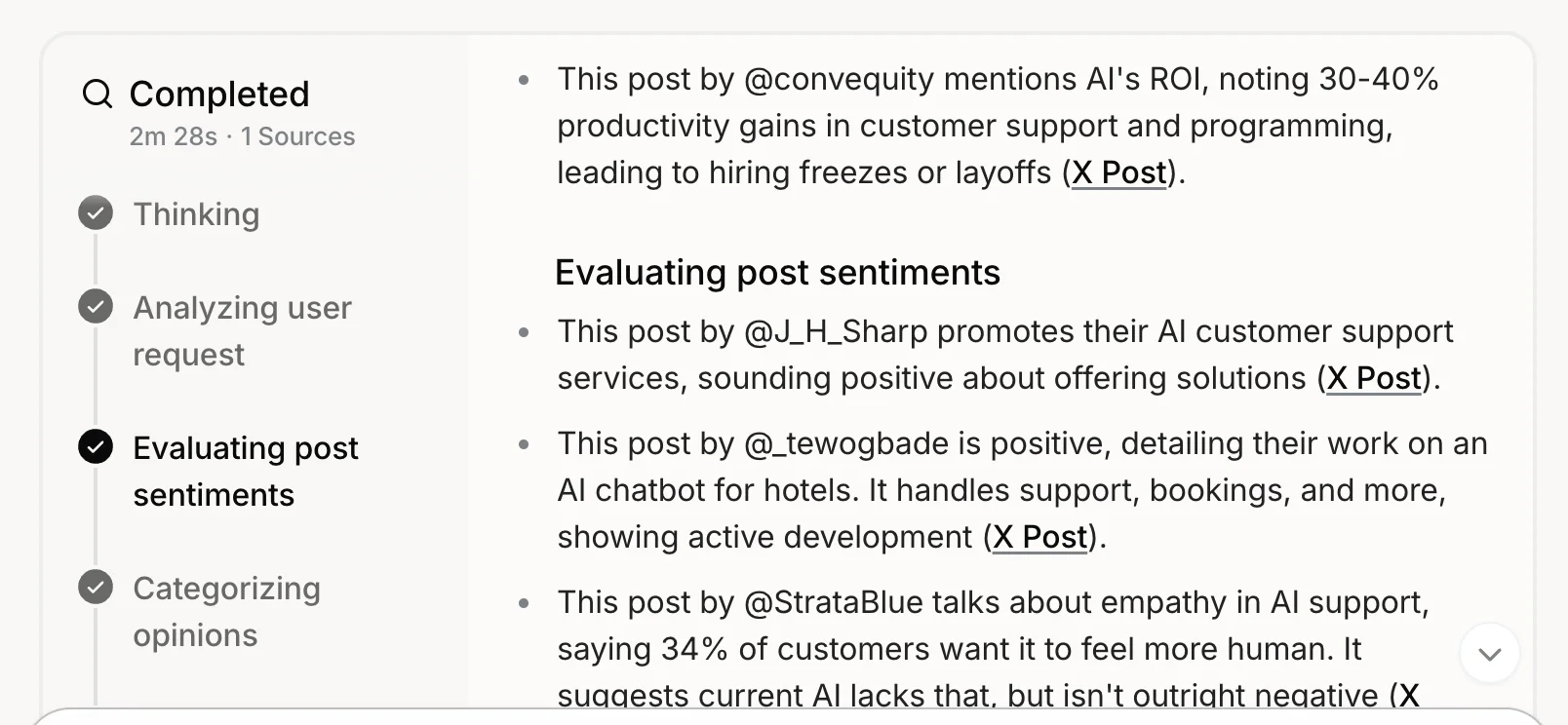
It then pulls specific X posts and starts to evaluate their sentiment.
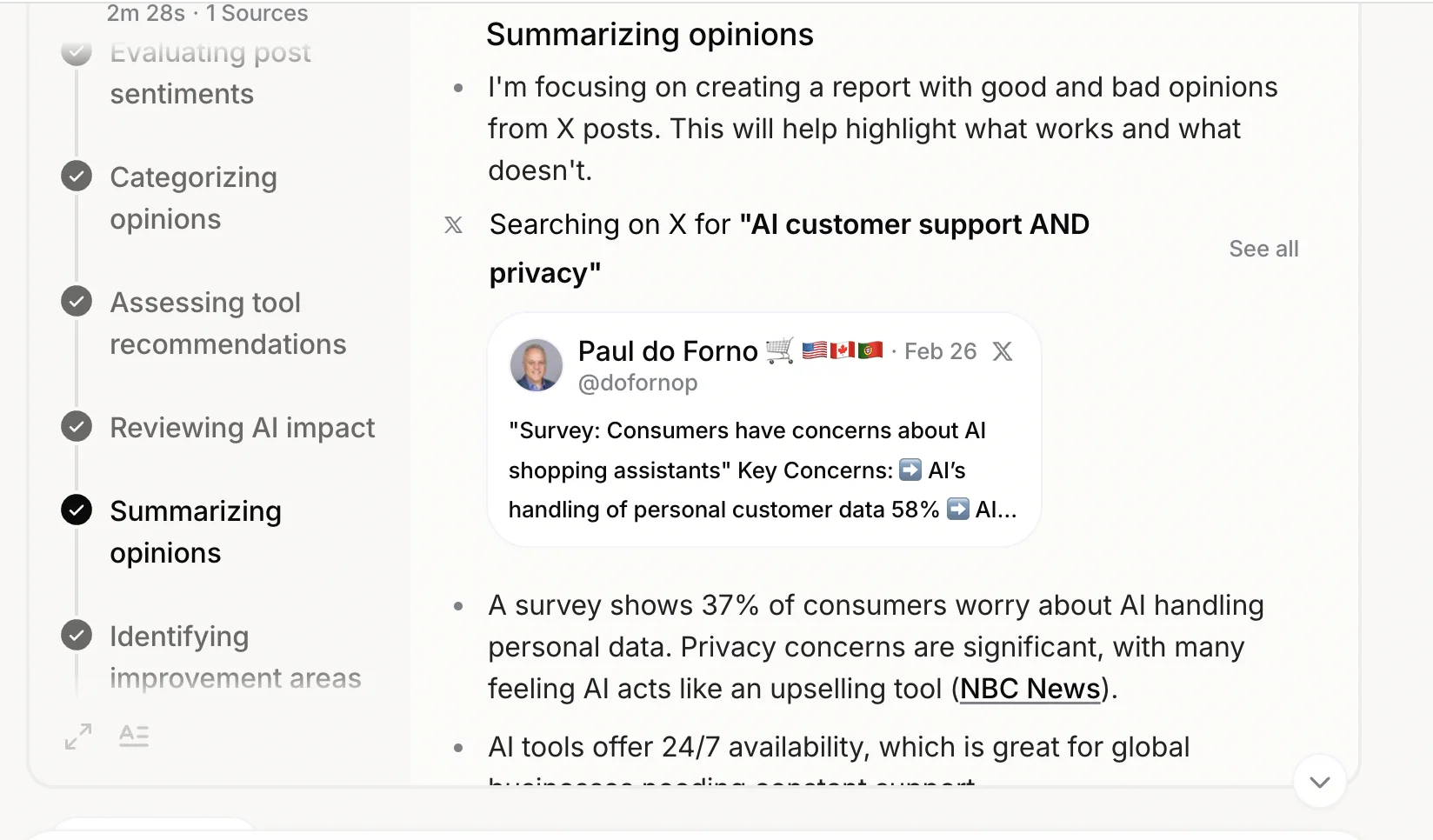
As it goes on, it keeps trying different searches on X and starts to summarise opinions as it finds more.
Then, before concluding the thinking phase, it even tries to draw some wider insights.
Step 3: Review the output report
Here’s Grok’s output for my request. Yours will be similar, with key points and a summary report to start.
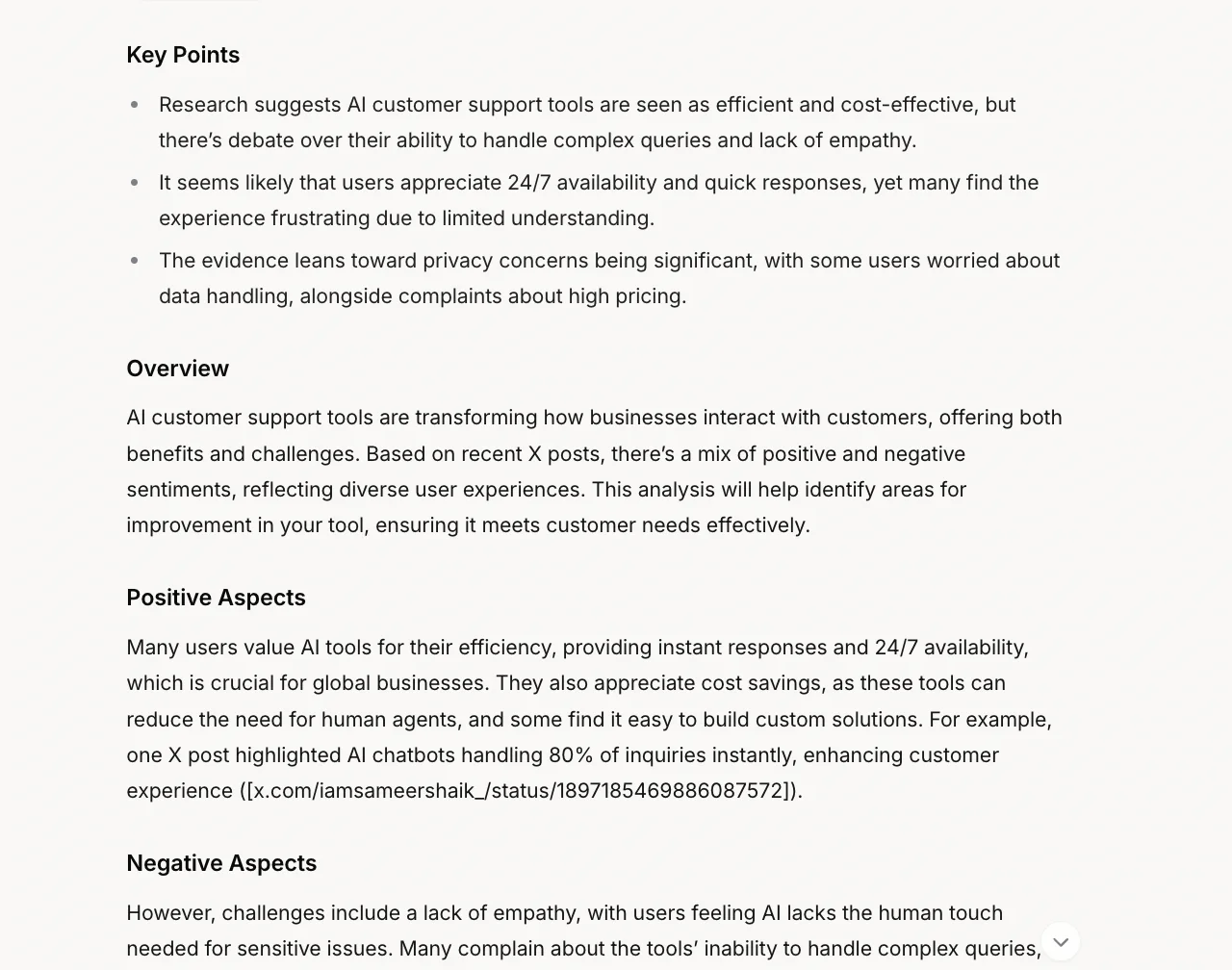
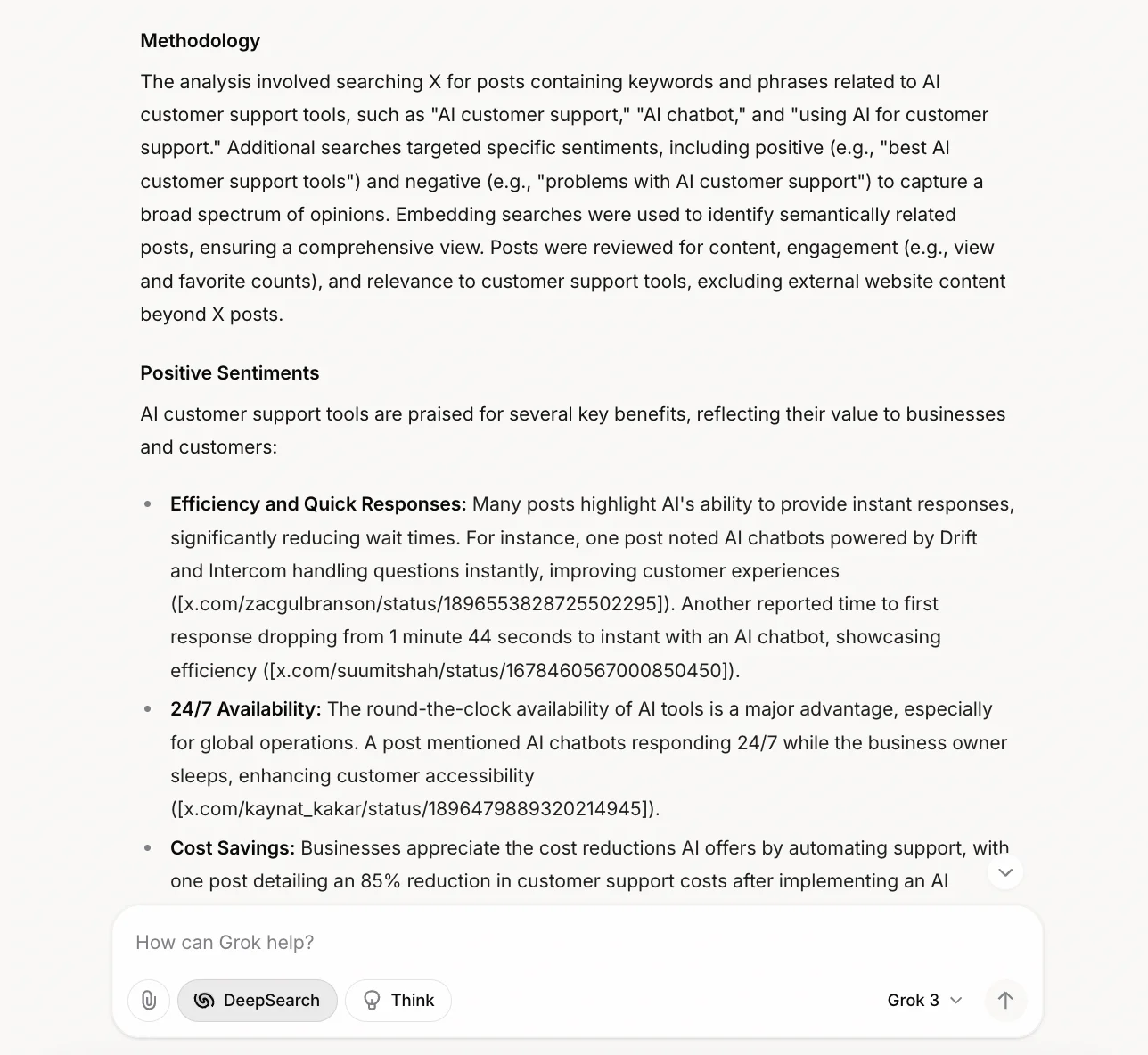
Then, below that, there will be a more detailed version of the report, which includes the methodology and tweets to reference against each point it makes.
Finally, Grok ends its report with a conclusion and a list of citation links. The links are tweets in this case, but it would be website links if Grok was searching more broadly.
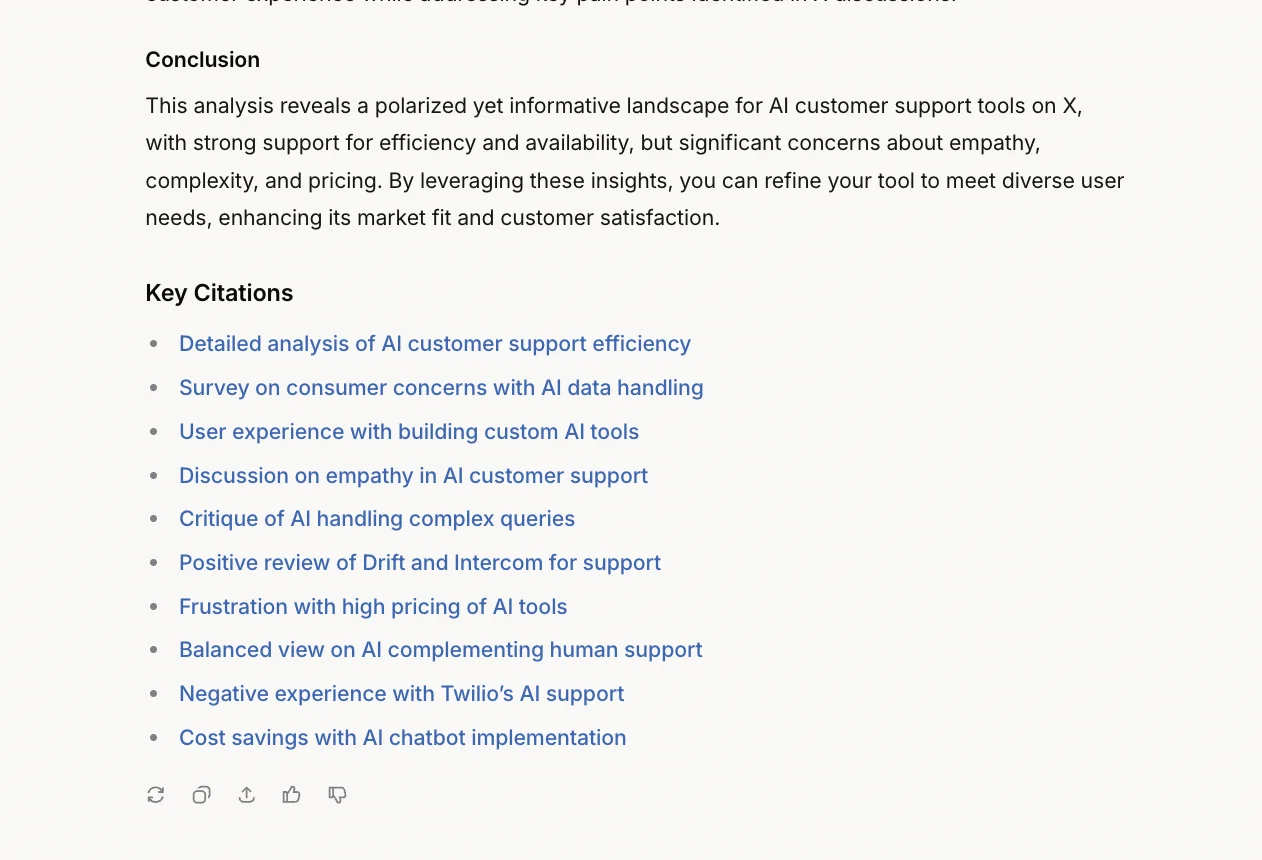
Overall, I’m happy with the output—it’s found valuable pieces of insight I’ll be able to use when planning the launch of my product.
Step 4: Get Grok to distill its research
I want Grok to create an action plan from this research that I can use to make my product beat the competition.
You can use a prompt like this:
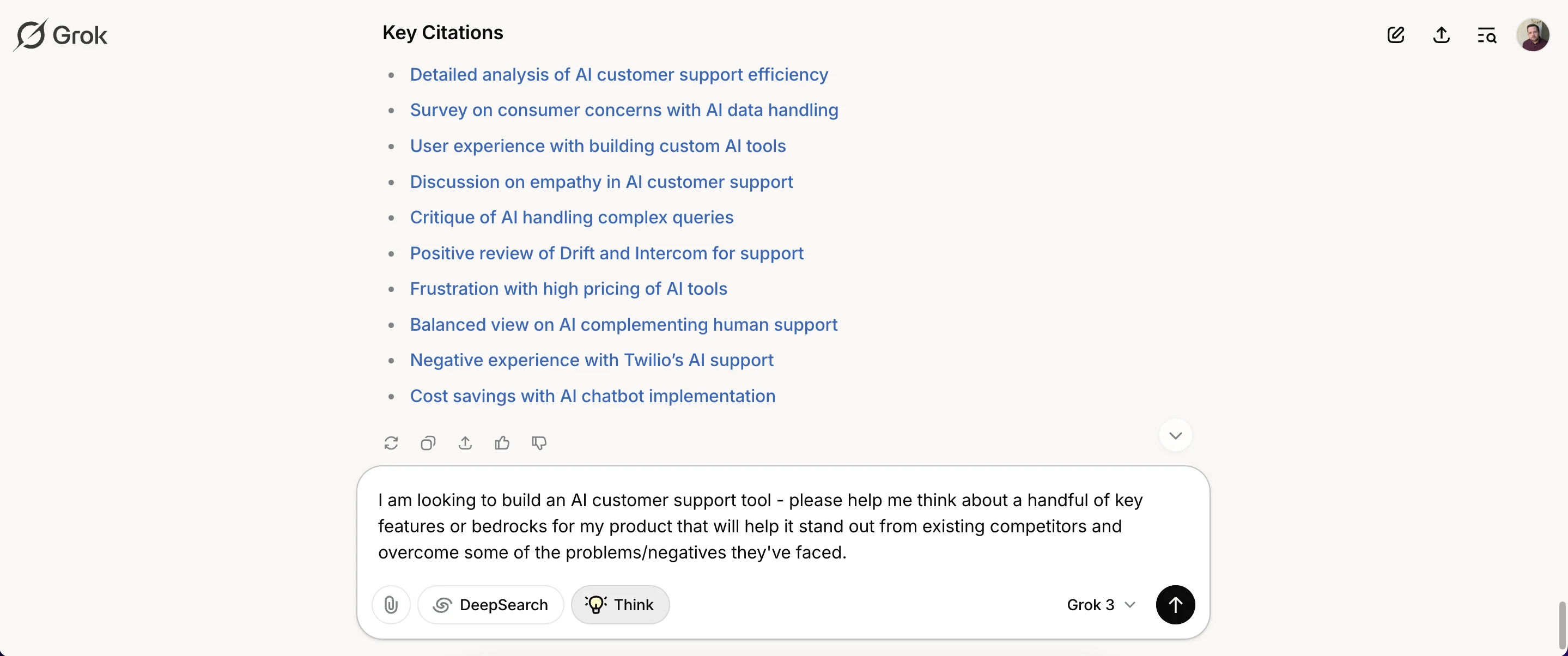
I am looking to build an AI customer support tool - please help me think about a handful of key features or bedrocks for my product that will help it stand out from existing competitors and overcome some of the problems/negatives they've faced.
Before clicking the black arrow button, be sure to deselect the “DeepSearch” button and select the “Think” button. This activates Grok’s reasoning mode.
You know Grok is thinking when you see this box with a rapid stream of text.
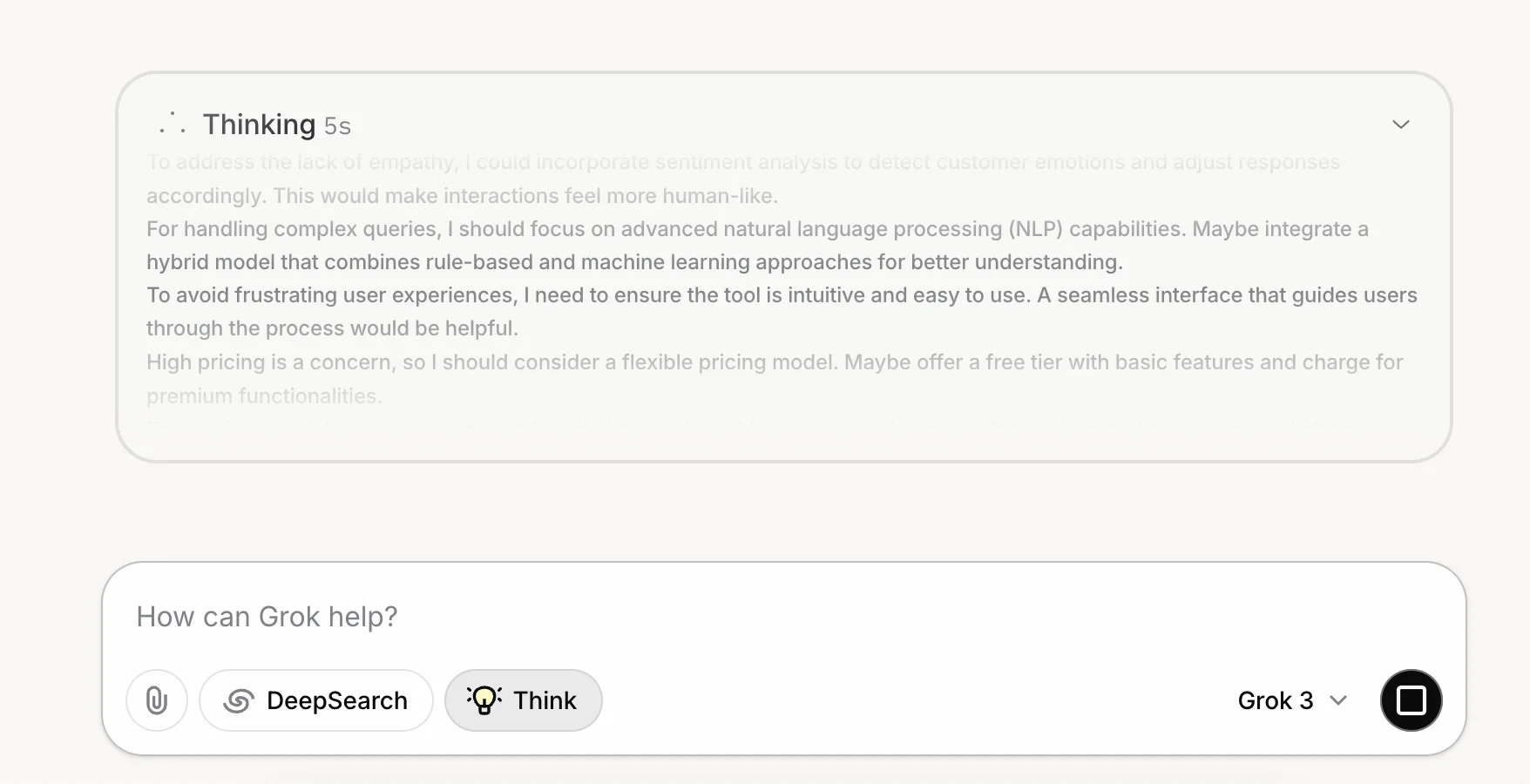
Click to expand, and you can read Grok’s internal monologue.

The output, which took Grok less than 30 seconds to produce, is fantastic. A list of features with what, why and how notes included.
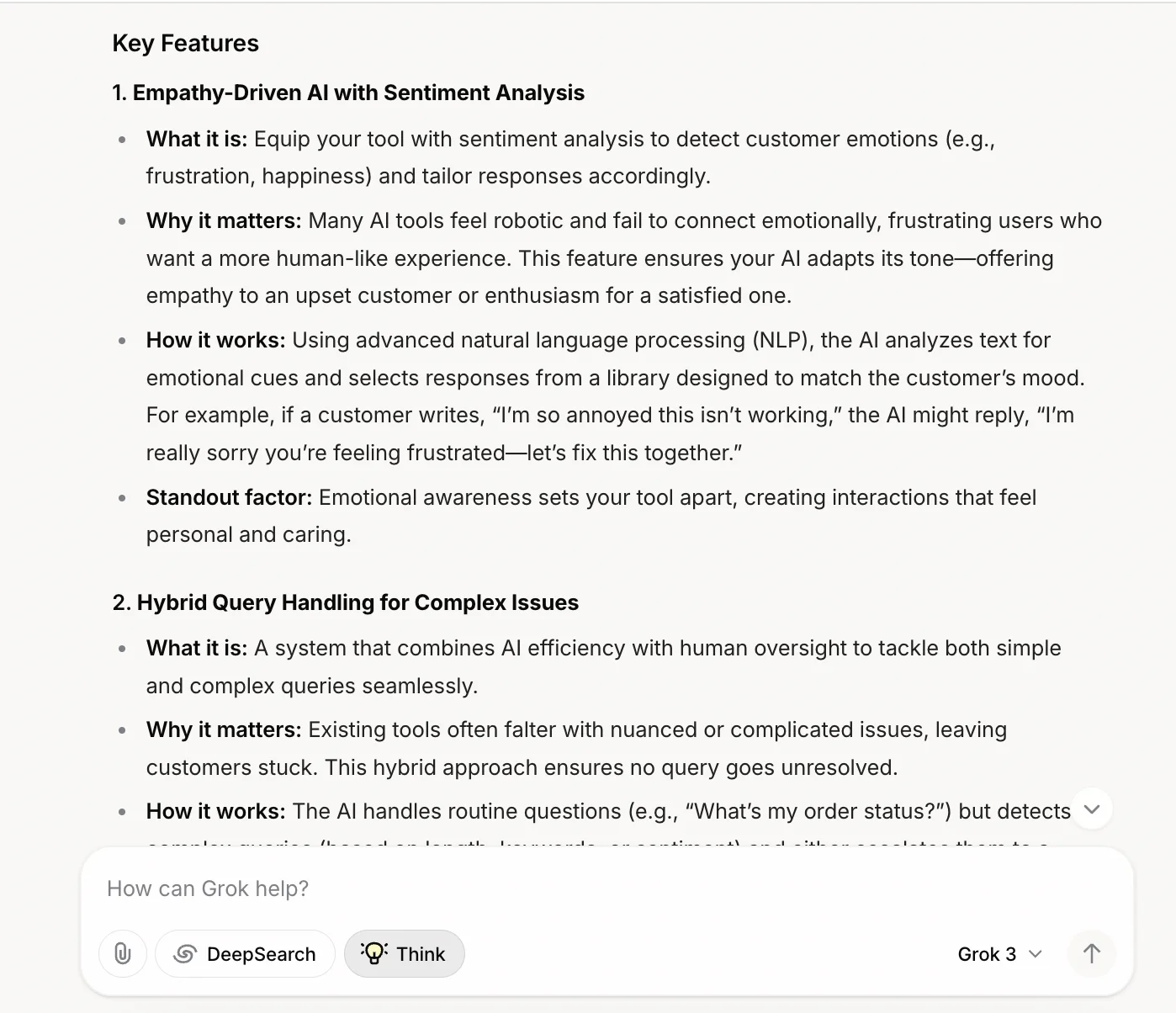
And, of course, like with any AI chatbot, you could continue down this road as far as you want, asking it to drill down on ideas or even conduct fresh research if needed.
Step 5: Other types of research you can do
Here are some other types of research you could ask Grok to do on X:
- Give Grok a business idea you have along with the target market and have it find related insight.
- Name specific competitors to your product/business and have Grok find out what people are saying about them. You could include multiple competitors to have Grok draw comparisons.
- Name specific products/businesses and ask Grok to find posts where people talk about missing features or features they wish existed or were expanded.
This tutorial was created by Andrew. It was inspired by this tweet.