Write a design brief for an upcoming project
How to use ChatGPT to develop and produce a product design brief.
2024-11-13
A design brief is a tool that helps you communicate a project to your design team. A design brief can come out of a product brief or a creative brief and focuses more so on the user experience and feel of the product or project.
In this tutorial, you will learn how to:
- Develop a comprehensive design brief
- Provide clear guidance to your design team
- Ensure design decisions align with campaign goals
For this tutorial, we’ll use a product design process as the example. You can swap this in for other types of design like advertising visuals and sales enablement assets.
Step 1: Understand project objectives
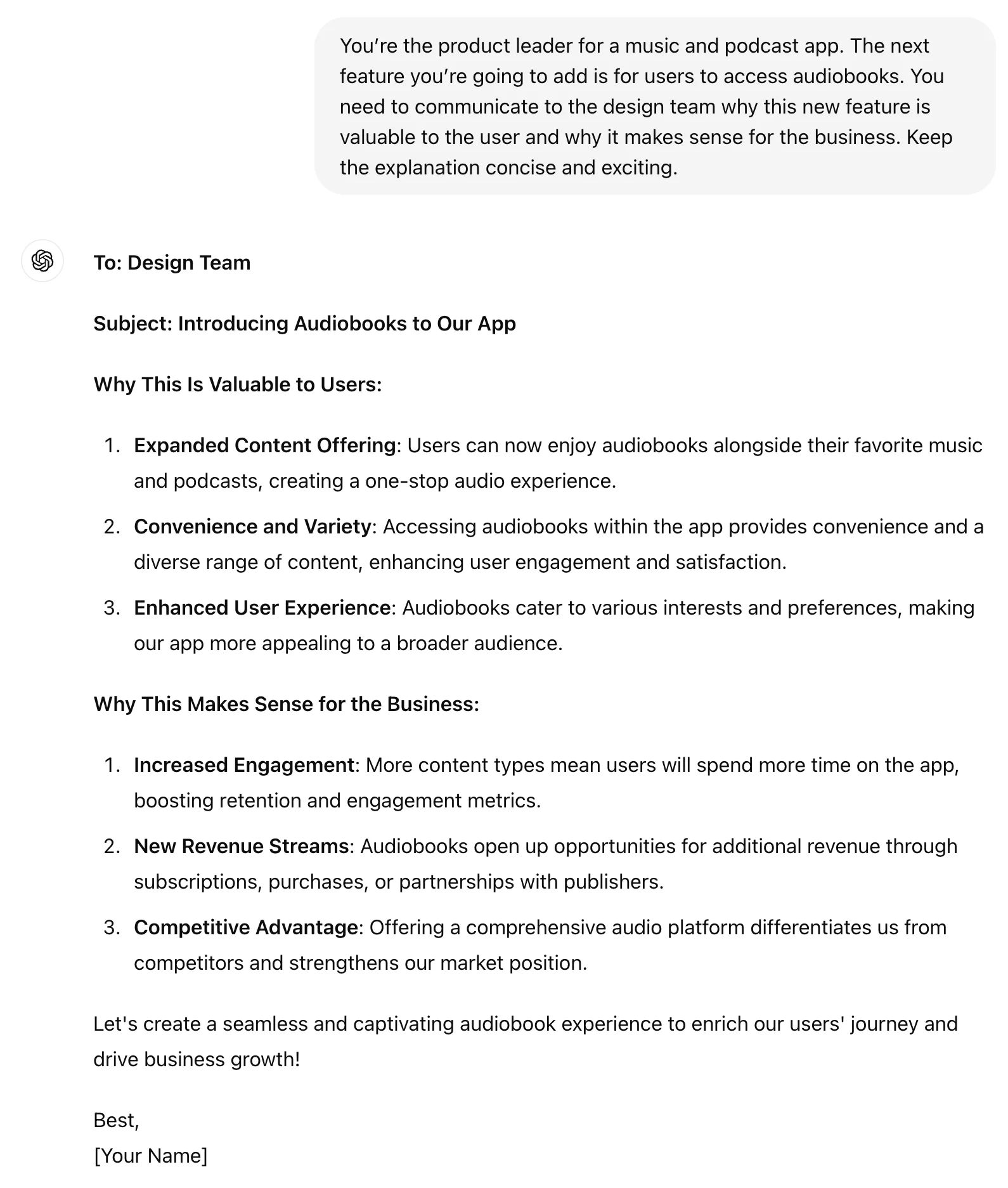
To start, it's crucial to have a clear understanding of what the project aims to achieve. For this tutorial, we’re going to add an audiobook feature to our music and podcast app.
Prompt ChatGPT:
You’re the product leader for a [product]. The next feature you’re going to add is [new feature]. You need to communicate to the design team why this new feature is valuable to the user and why it makes sense for the business. Keep the explanation concise and exciting.
Identifying target audience
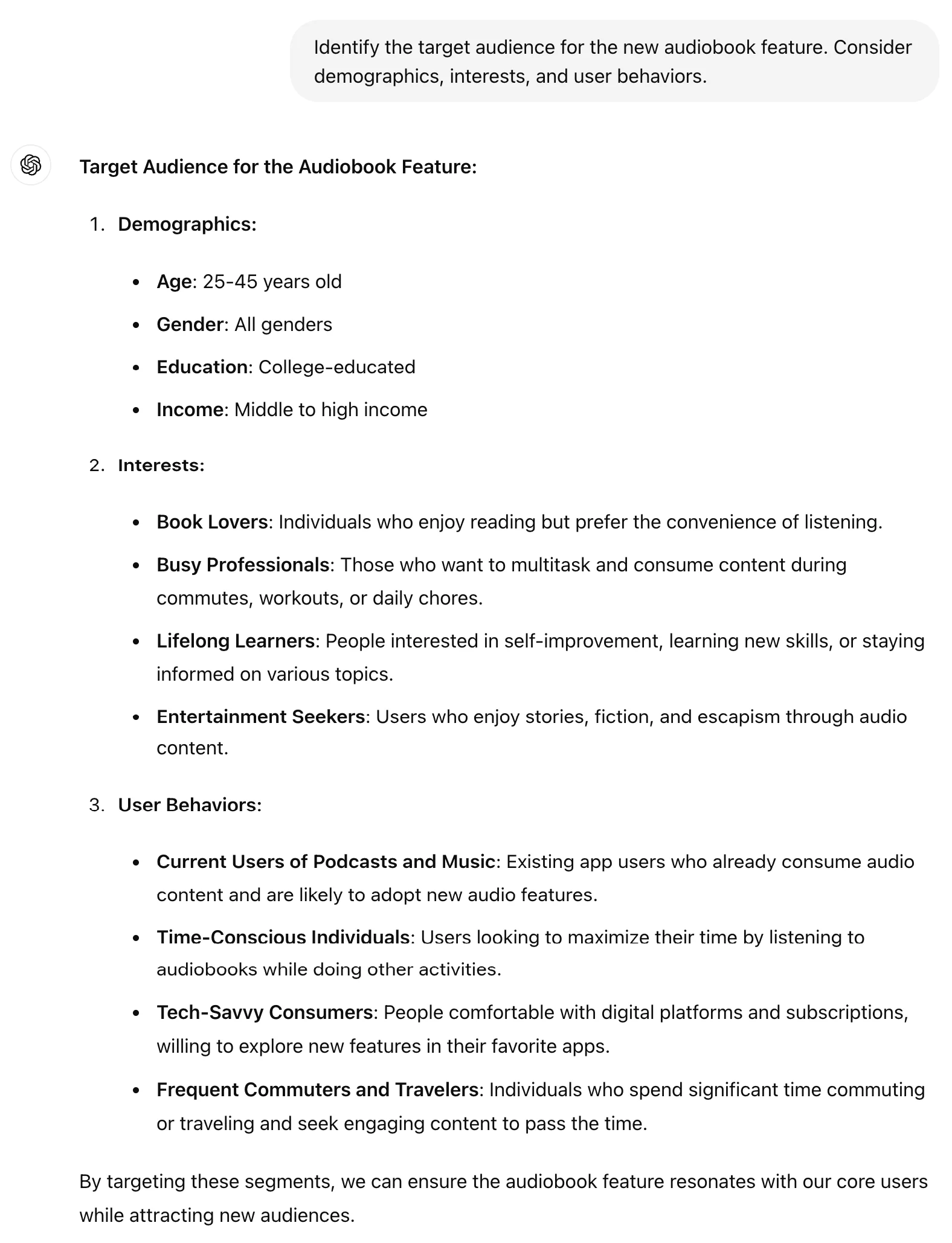
Knowing who your target audience is will guide design decisions to ensure the app resonates with users.
Identify the target audience for the [new feature]. Consider demographics, interests, and user behaviors.
Step 2: Create the design brief structure
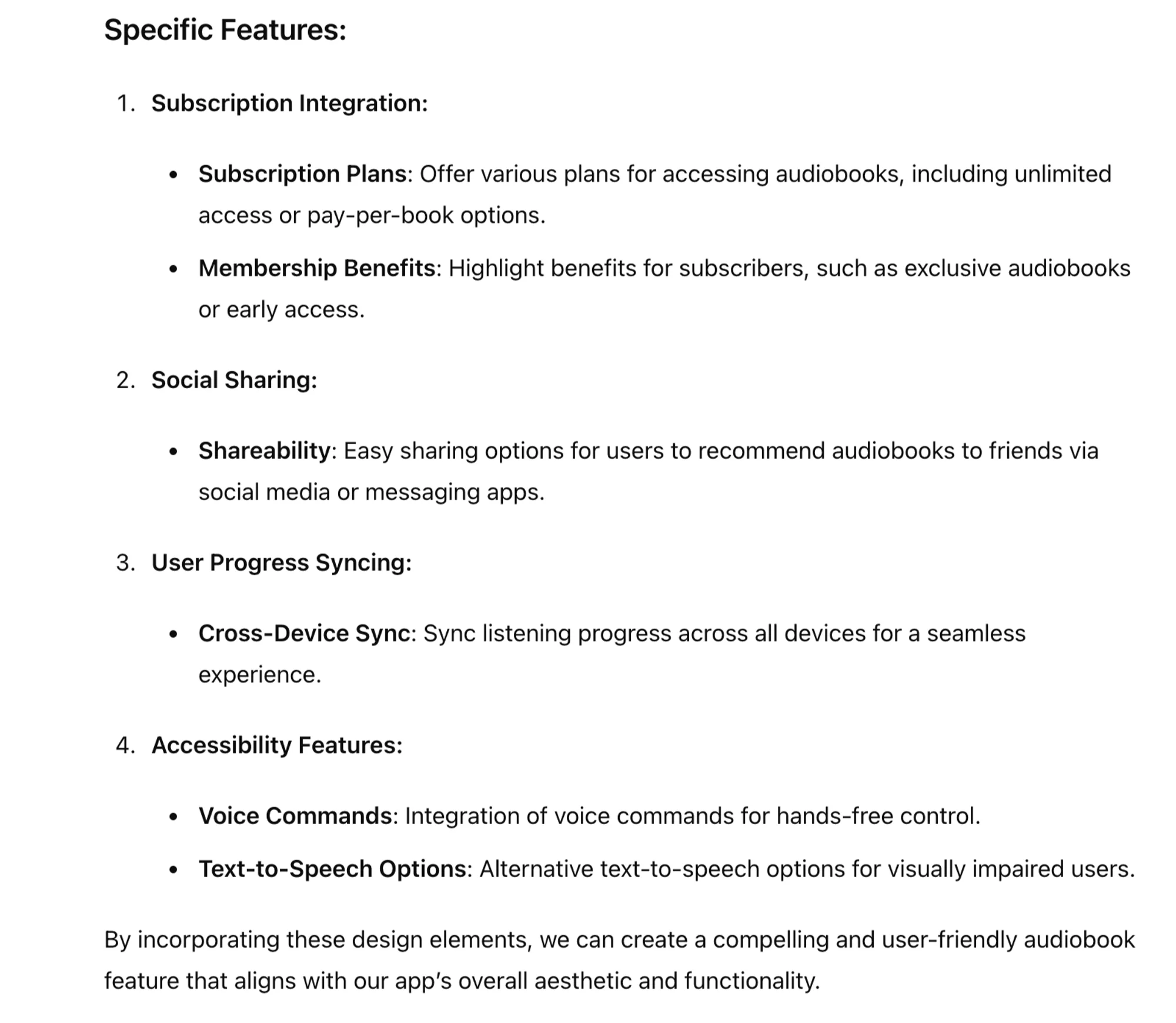
Listing required design elements
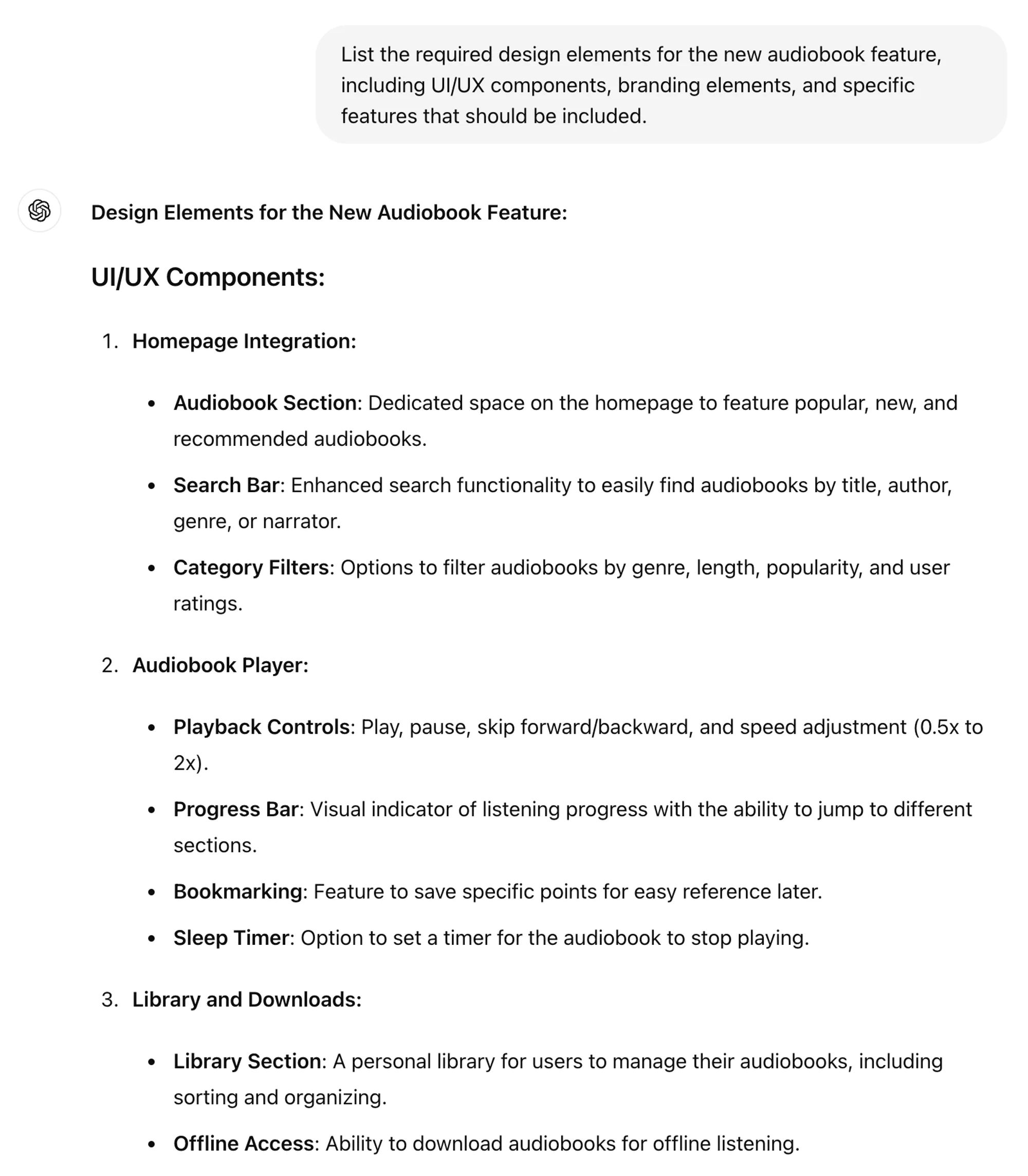
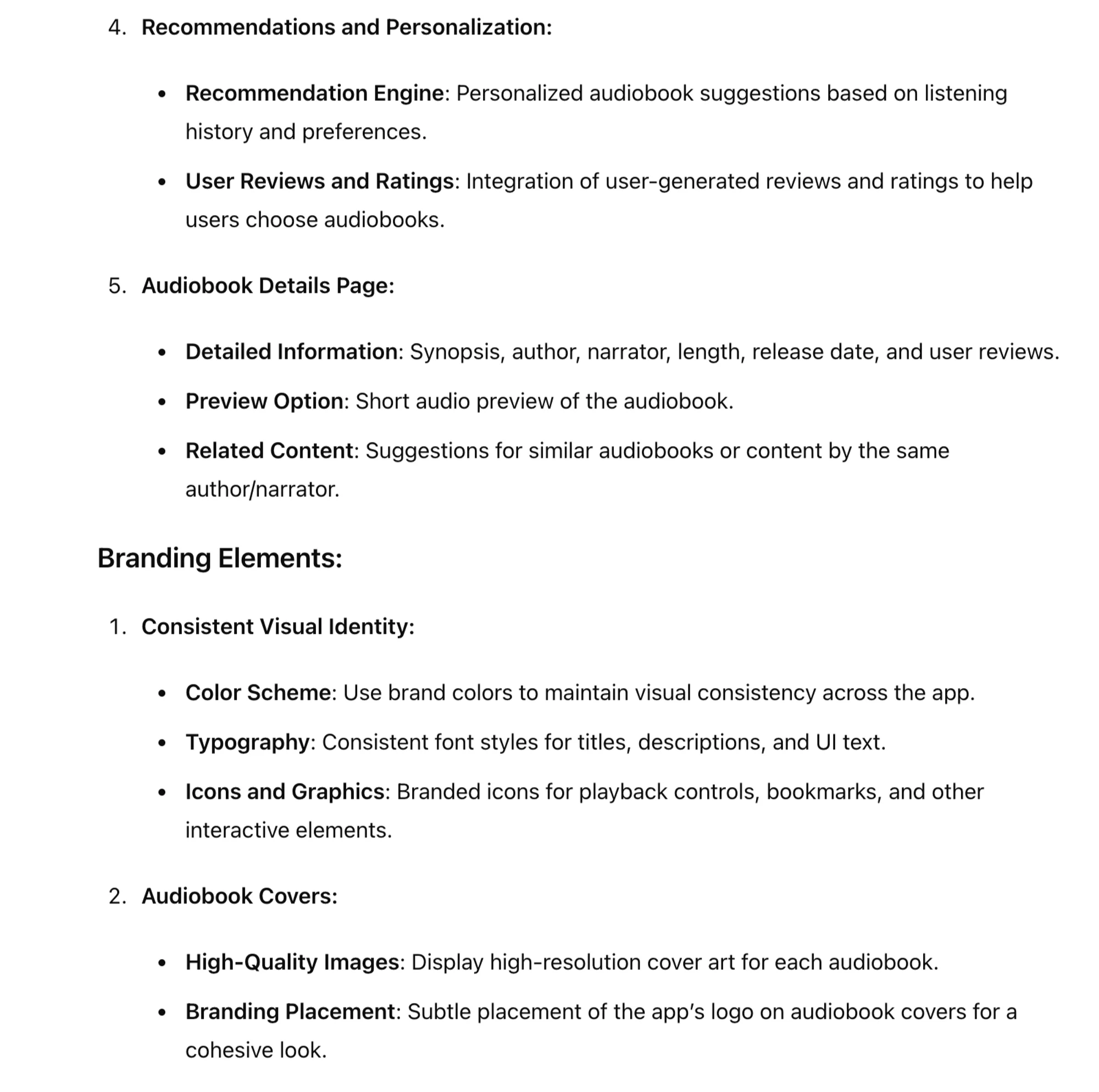
A well-structured design brief should list all the necessary design elements needed for the project. This includes UI/UX components, branding elements, and any specific features.
List the required design elements for [new feature], including UI/UX components, branding elements, and specific features that should be included.
Setting timelines and deadlines
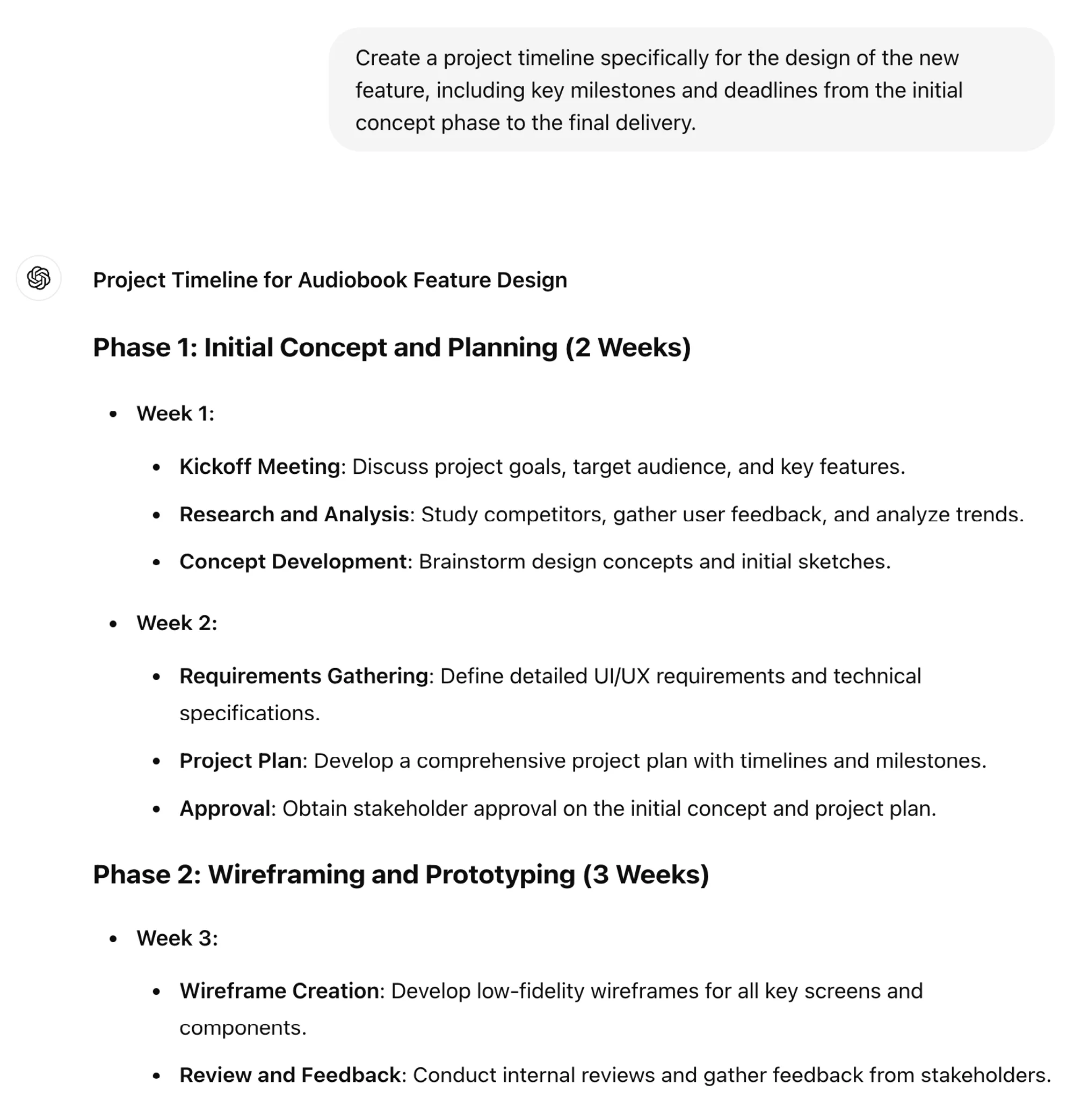
Establishing a timeline with clear deadlines ensures that the project stays on track:
Create a project timeline for the design of the new feature, including key milestones and deadlines from the initial concept phase to the final delivery.
.webp)
.webp)
Step 3: Use AI to enhance the design brief
Generating design ideas
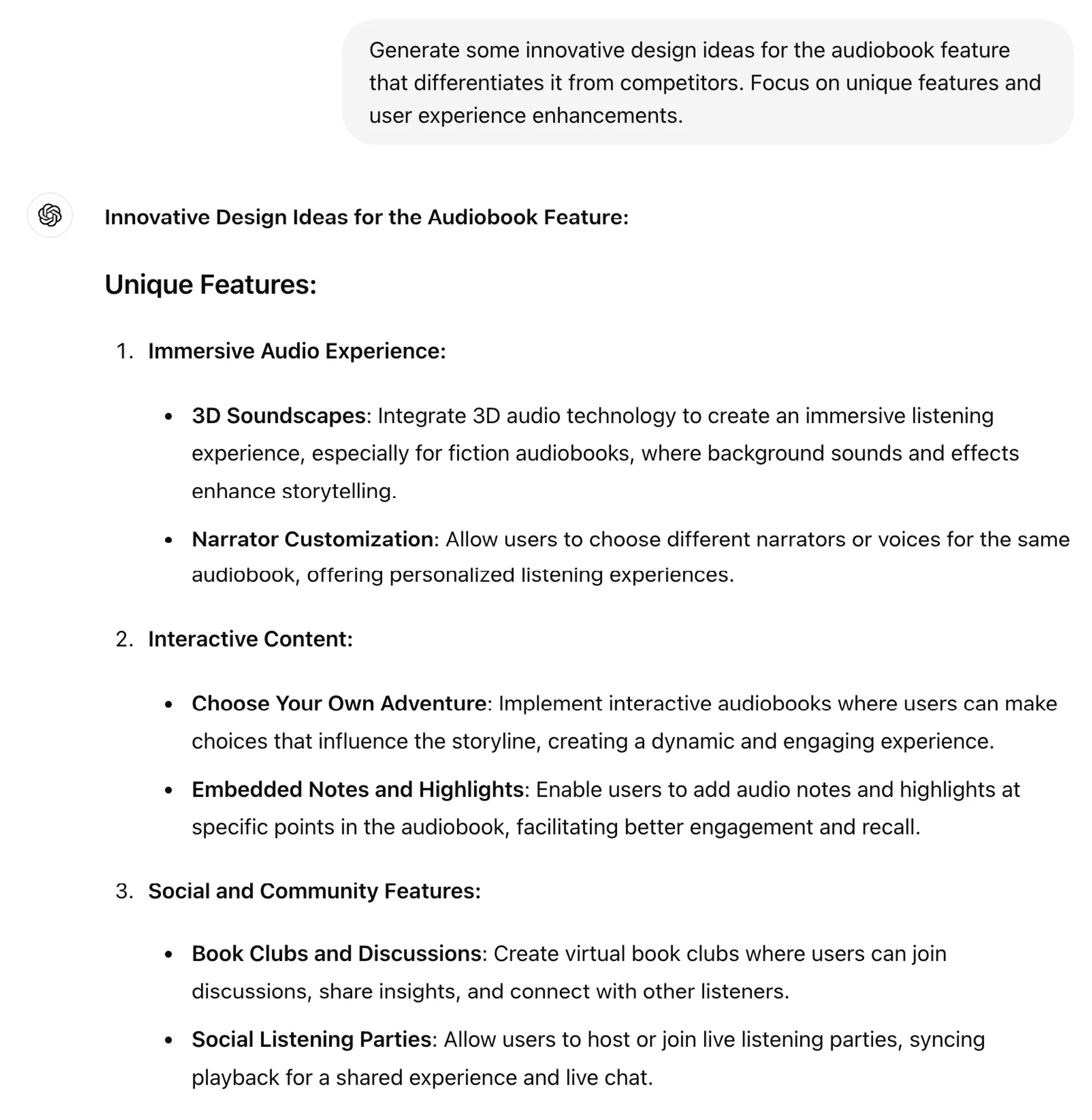
AI can be a powerful tool for brainstorming and generating innovative design ideas.
Generate some innovative design ideas for the audiobook feature that differentiates it from competitors. Focus on unique features and user experience enhancements.
.webp)
.webp)
Automating feedback collection
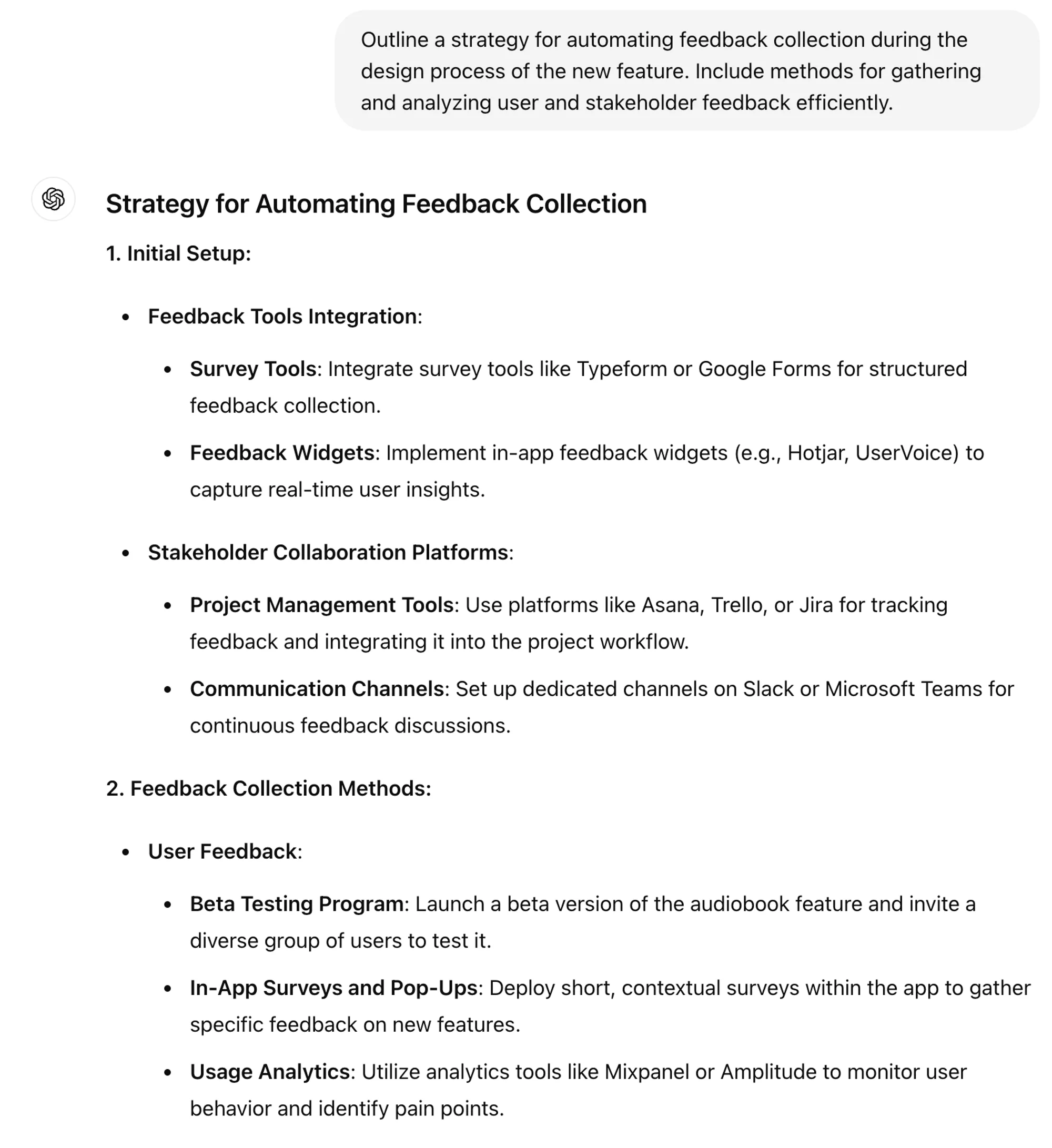
Automating feedback collection can streamline the process and ensure timely input from stakeholders.
Outline a strategy for automating feedback collection during the design process of the new feature. Include methods for gathering and analyzing user and stakeholder feedback efficiently.
.webp)
.webp)
Step 4: Export your design brief and prepare it for distribution
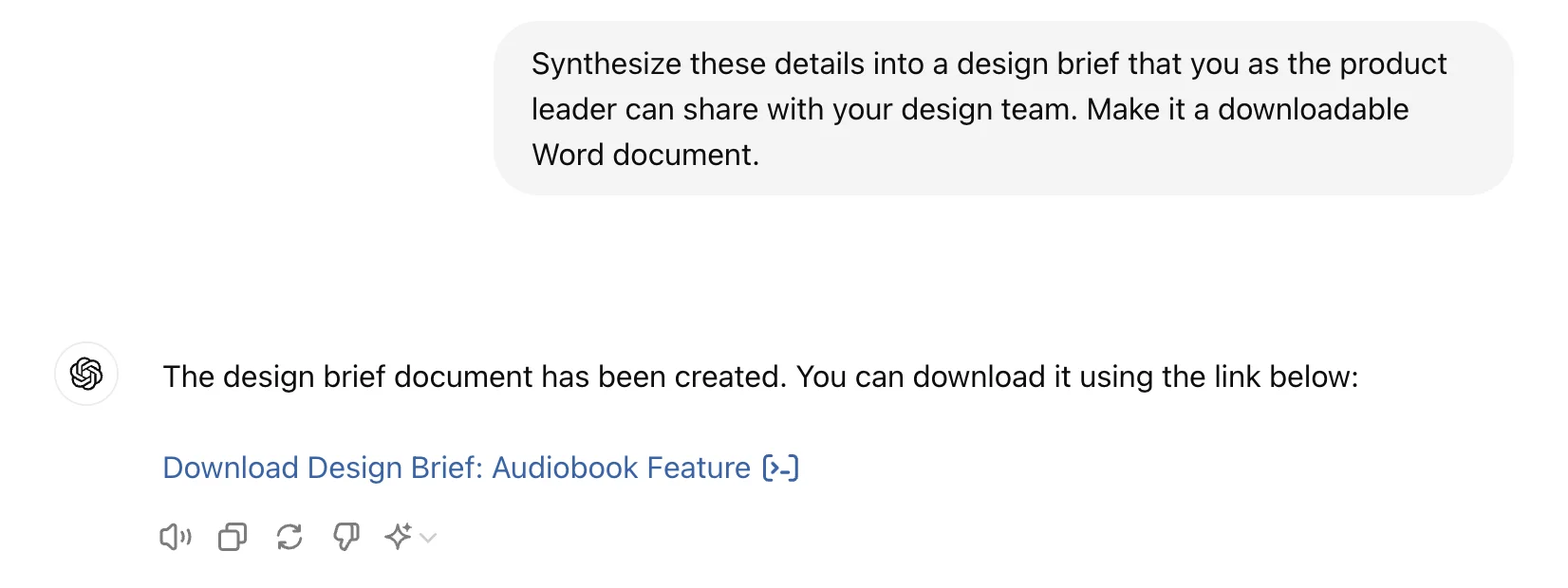
Now that ChatGPT has articulated many details of your design brief, ask it to synthesize the material and share it in a Word document. Whether you distribute your briefs as PDFs, Google Docs, or Notion pages, you can easily copy and paste your design brief to your preferred platform and share it with your team.
Synthesize these details into a design brief that you as the product leader can share with your design team. Make it a downloadable Word document.
Your design team now has the information they need to effectively design your product’s new feature. Make sure to review the details of the brief so that there’s alignment with across the team.
This tutorial was created by Jonah.